
Remote Control for TV
4.60
-

Langue
English
-

OS
Android
-

Developer
TV Cast
-

#Version
1.11
Description de l'Application
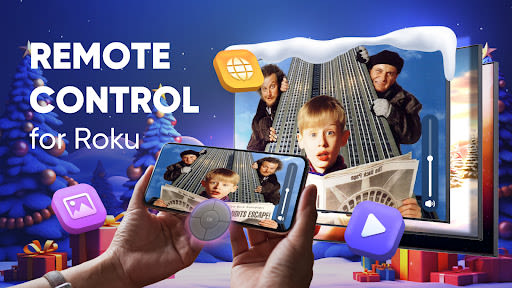
Discover the Ultimate Roku Remote Control App
Welcome to Remote Control, your go-to solution for seamless and enhanced control of your Roku Streaming Stick and TV. Unlock a world of entertainment with our feature-packed app designed to elevate your streaming experience to new heights.
Key Features:
- Automatic Device Detection: Effortlessly locate all your Roku devices on your network.
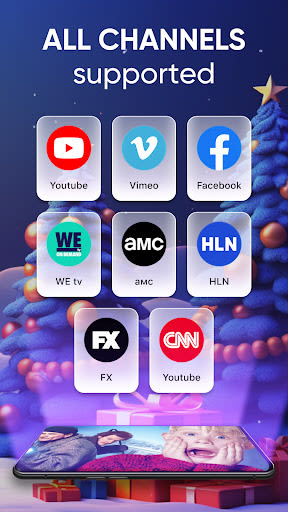
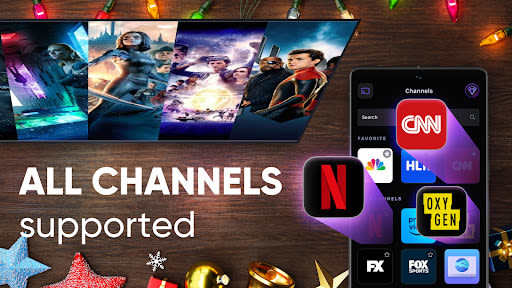
- Channel Launching: Quickly access and launch your favorite channels with ease.
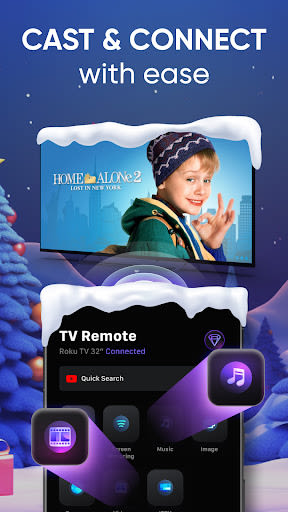
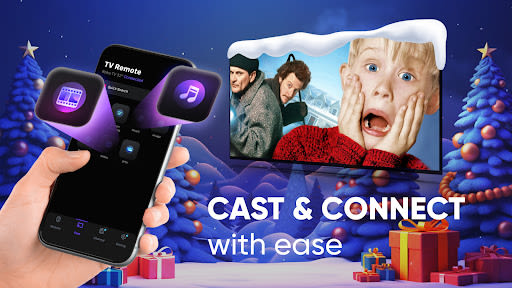
- Media Casting: Cast photos and videos from your Camera Roll, Dropbox, and Google Drive.
- Video Streaming: Seamlessly stream videos to your Roku devices like Streaming Stick, Express, and Premiere.
- Music Casting: Search and cast your beloved music tracks for a personalized entertainment experience.
- Convenient Controls: Enjoy photo slideshow casting and easy media playback controls.
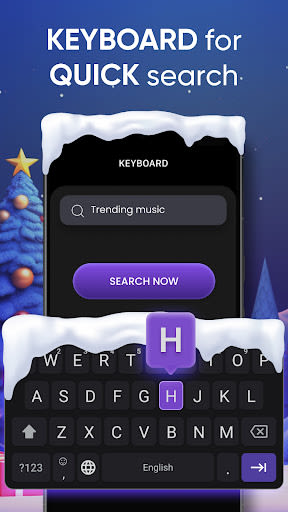
- Text Entry: Use your keyboard for quick text input on channels like Netflix and Hulu.
Benefits:
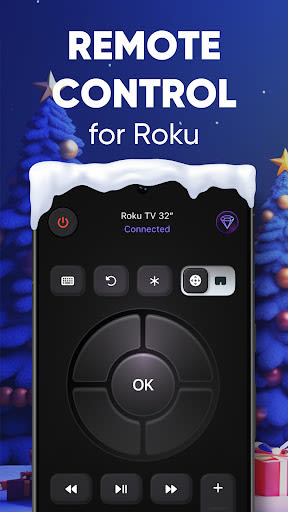
- Enjoy a smart arrow remote control functionality.
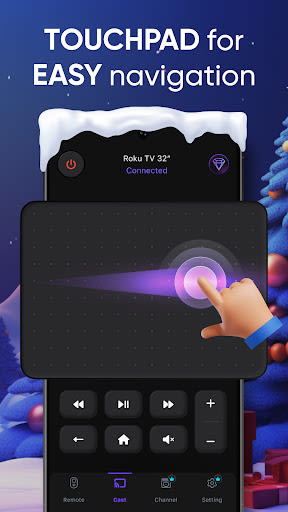
- Utilize a touchpad for intuitive navigation.
- Control playback with play/pause, fast forward, and rewind options.
Why Choose This App:
- Enhance your Roku experience with advanced features.
- Effortlessly set up the app for immediate use.
- Enjoy all these benefits for free!
Setup Guide:
To get started, ensure your phone is connected to the same Wi-Fi network as your Roku TV for seamless operation.
Disclaimer: This app is independent and not affiliated with or endorsed by Roku Inc. It is not an official product of Roku Inc. or its affiliates.
Don't miss out on the ultimate remote control experience for your Roku devices. Download Remote Control now and take charge of your entertainment journey!
Captures d'écran
Vidéos
Similar

Windows 11
Microsoft

Wear Flashlight
CodVerter

Grok
xAI

Cleaner Antivirus VPN Cleaner
Cleaner + Antivirus + VPN company

owoTrack
Finoki

تەختەکلیلی کوردی | Kurdish Keyboard
Goran Gharib

Icon Torch - Flashlight
Aleksandr Balaev

Secure VPN
Dream limited

VPN Proxy Master - Secure VPN
Share File Technologies by 090 Bravo

Give VPN
Speed Group dev

Super Antivirus - Clean Virus
SUPER ANTIVIRUS

Fly Browser-Search & Private
Readerland