
Screen Mirroring - Cast Phone to TV
4.50
-

Langue
English
-

OS
Android
-

Developer
InShot Inc.
-

#Version
1.4.0.1
Description de l'Application
Screen Mirroring - Cast Phone to TV Directory
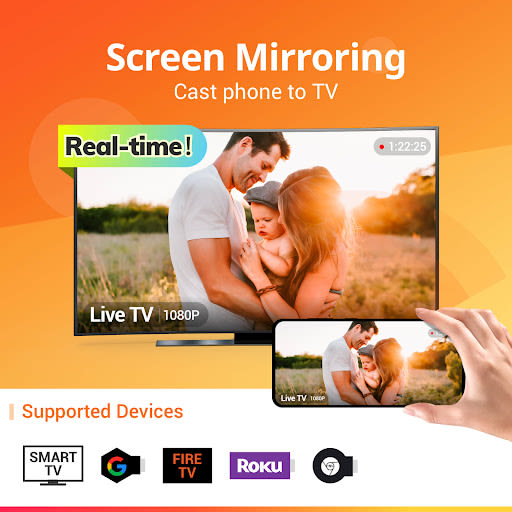
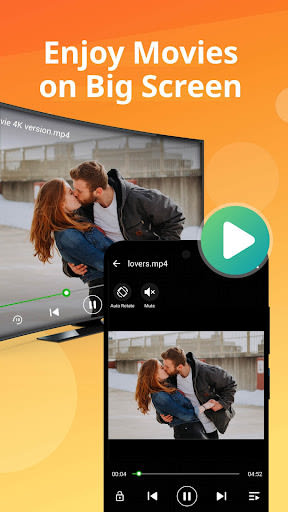
Are you seeking a seamless way to project your phone screen onto a larger TV display? Look no further than Screen Mirroring - Cast Phone to TV, your go-to solution for enjoying your favorite media on the big screen with exceptional quality and real-time performance. Elevate your viewing experience by effortlessly mirroring mobile games, photos, music, videos, and e-books for shared enjoyment with friends and family.
Why Choose This Directory App?
- Effortlessly cast your smartphone screen to your TV with stability and speed.
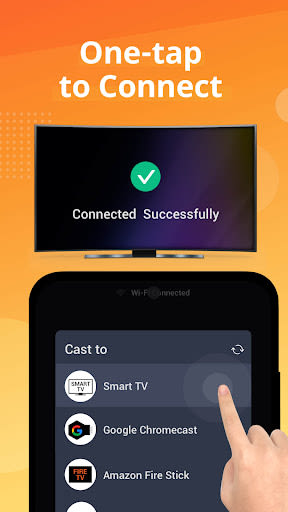
- Enjoy simple, one-click connections for swift screen sharing.
- Explore the versatility of casting mobile games, live videos, and various media files.
- Showcase presentations, travel slideshows, and more with clarity and ease.
- Experience real-time screen sharing with a user-friendly interface.
Key Features of Screen Mirroring App:
- Stable screen mirroring from smartphone to TV.
- Instant connection with a single click.
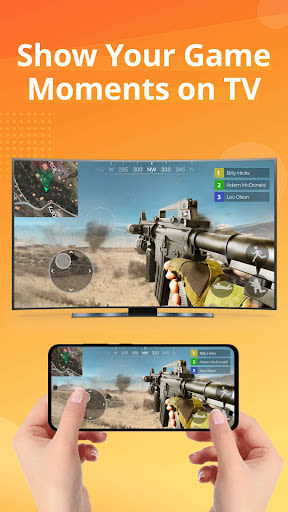
- Stream mobile games seamlessly on a big screen.
- Cast live videos from platforms like Twitch, YouTube, and BIGO LIVE.
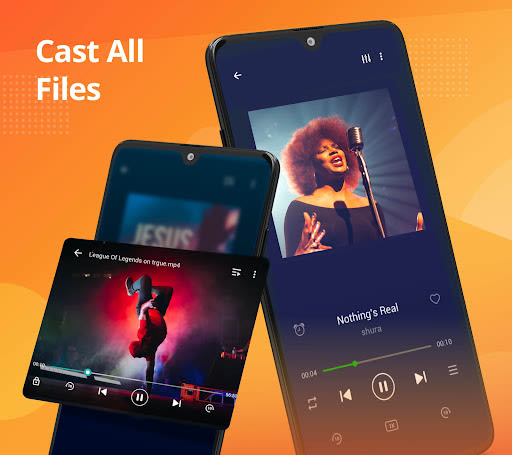
- Support for all media formats, including photos, audios, e-books, and PDFs.
- Ideal for business meetings, family gatherings, and entertainment sessions.
- Clean and intuitive user interface for a smooth experience.
- Real-time screen sharing capabilities.
Benefits of Using Screen Mirroring:
- Enjoy group movie nights on a larger screen with friends and family.
- Share presentations and ideas effortlessly in business settings.
- Say goodbye to squinting at small phone screens and embrace the comfort of TV viewing.
How to Use Screen Mirroring:
- Connect your phone/tablet and smart TV to the same Wi-Fi network.
- Activate "Wireless display" on your phone and "Miracast" on your smart TV.
- Search for and pair the devices for seamless mirroring.
Compatibility and Technical Requirements:
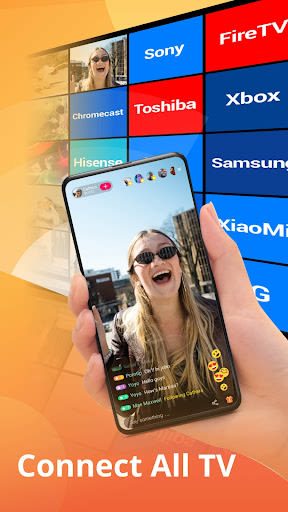
- Supports most smart TVs, LG, Samsung, Sony, TCL, Xiaomi, Hisense, etc.
- Compatible with Google Chromecast, Amazon Fire Stick & Fire TV, Roku Stick & Roku TV, AnyCast, and other DLNA receivers.
- Both your TV and Android device must support wireless display/Miracast functions.
- Ensure that your phone/tablet and smart TV are connected to the same Wi-Fi network.
Get Started with Screen Mirroring Today!
Experience the convenience and immersive viewing possibilities of Screen Mirroring - Cast Phone to TV. Download now and transform your entertainment and presentation experiences. For any feedback or queries, contact us at [email protected].
Transform your viewing experience and share moments with your loved ones effortlessly! 📺
Captures d'écran
Similar

Windows 11
Microsoft

Wear Flashlight
CodVerter

Grok
xAI

Cleaner Antivirus VPN Cleaner
Cleaner + Antivirus + VPN company

owoTrack
Finoki

تەختەکلیلی کوردی | Kurdish Keyboard
Goran Gharib

Icon Torch - Flashlight
Aleksandr Balaev

Secure VPN
Dream limited

VPN Proxy Master - Secure VPN
Share File Technologies by 090 Bravo

Give VPN
Speed Group dev

Super Antivirus - Clean Virus
SUPER ANTIVIRUS

Fly Browser-Search & Private
Readerland