
Screen Mirroring TV & Miracast
4.60
-

Langue
English
-

OS
Android
-

Developer
TV Cast
-

#Version
2.0.3
Description de l'Application
Discover Screen Mirroring TV & Miracast
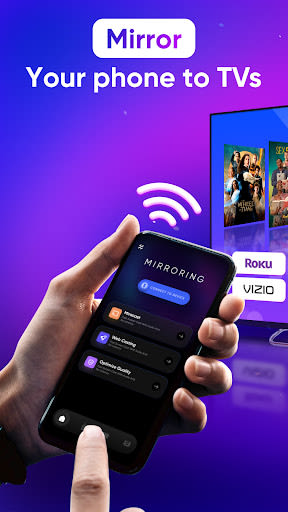
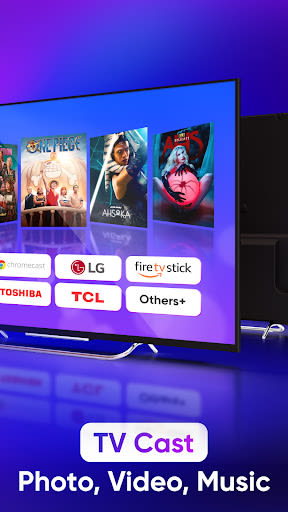
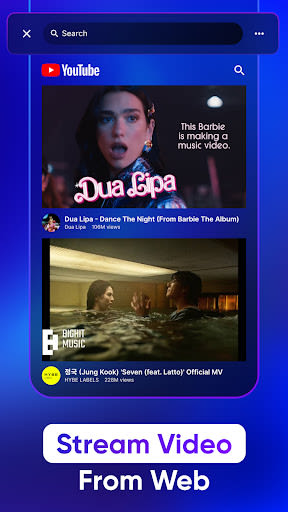
Welcome to Screen Mirroring TV & Miracast, your go-to app for seamless screen mirroring and smart TV control. Whether you own a Samsung TV, LG TV, Roku TV, Firestick TV, Chromecast, or other smart TV brands, our app empowers you to effortlessly stream media from the web or your device to the big screen in seconds!
Key Features
- Connect and screen share with Roku TV in just two quick steps.
- Real-time screen mirroring to Chromecast TV with top-notch video quality.
- Convenient control over volume, playback, and more without delays.
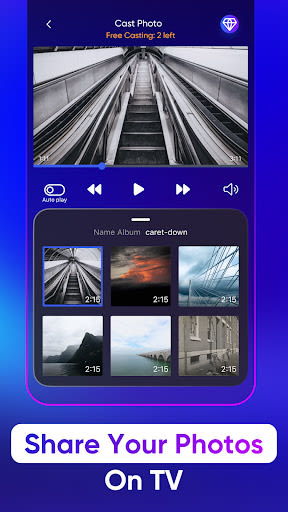
- Cast photos and videos to Samsung TV for a cinematic experience.
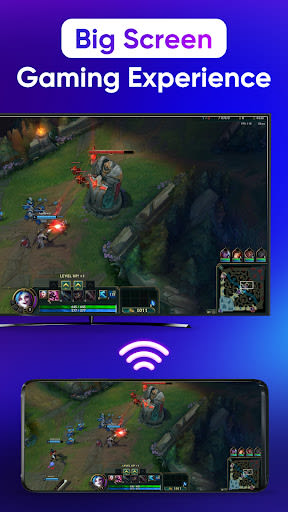
- Enjoy music, games, and access YouTube on your LG smart TV.
- Utilize remote control functionalities for smart TVs.
- Easily mirror images, videos, and audio to your TV.
Benefits
- High-quality screen sharing without delays.
- Simple setup with no additional hardware required.
- Compatibility with a wide range of smart TV brands.
- Stream media effortlessly from your phone to the big screen.
Why Choose This App
- Instant streaming to your favorite smart TVs.
- User-friendly interface for quick and hassle-free mirroring.
- Enjoy a seamless viewing experience with zero delays.
Usage
- Ensure both your phone and TV are connected to the same Wi-Fi network for proper casting.
- Enable Miracast on your TV and Wireless Display.
- Select your device and start mirroring images, videos, and audio seamlessly.
Compatibility
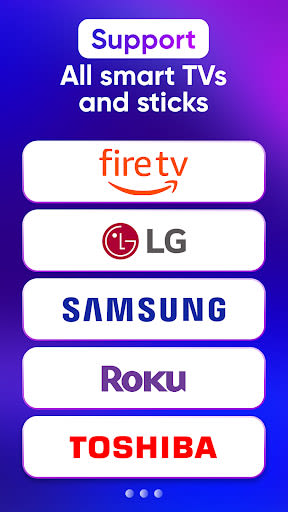
- Chromecast
- Roku, Roku Stick, Roku TVs
- Most smart TVs: Hisense, Samsung, LG, Sony, Panasonic, TLC, Toshiba, etc.
- Xbox, FireTV, Fire Stick
- Other DLNA receivers
How to Get Started
- Connect your Android device and Roku TV to the same Wi-Fi network.
- Open the app and link it to your Roku TV.
- Tap on Screen Mirror and follow the on-screen instructions.
- To stop mirroring, simply click the top red bar on your phone.
Disclaimer: This app is independent and not affiliated with Roku, TCL, Samsung, LG, Vizio, or any other trademarked brands mentioned.
Experience seamless screen mirroring and smart TV control like never before. Download Screen Mirroring TV & Miracast now!
Captures d'écran
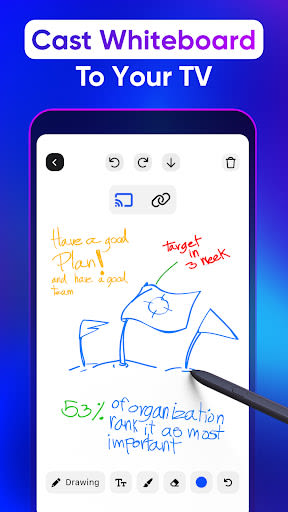
Vidéos
Similar

Windows 11
Microsoft

Wear Flashlight
CodVerter

Grok
xAI

Cleaner Antivirus VPN Cleaner
Cleaner + Antivirus + VPN company

owoTrack
Finoki

تەختەکلیلی کوردی | Kurdish Keyboard
Goran Gharib

Icon Torch - Flashlight
Aleksandr Balaev

Secure VPN
Dream limited

VPN Proxy Master - Secure VPN
Share File Technologies by 090 Bravo

Give VPN
Speed Group dev

Super Antivirus - Clean Virus
SUPER ANTIVIRUS

Fly Browser-Search & Private
Readerland