

TV Cast for Chromecast
2.80
-

שפה
English
-

OS
Android
-

Developer
TV Cast
-

#גרסה
1.16
תיאור אפליקציה
Discover TV Cast: Stream and Cast with Ease
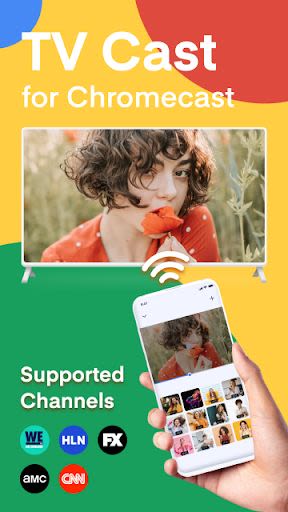
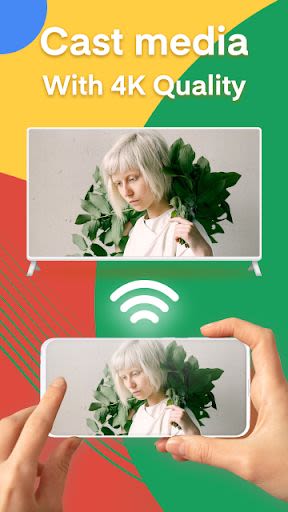
Are you looking for a seamless way to stream and cast content to your Nest devices or TV? Look no further than TV Cast for Chromecast with screen mirroring! Elevate your TV experience by effortlessly casting photos, videos, music, and web content directly from your phone to your TV or smart view, all in stunning HD and 4k quality.
Key Features:
- Stream & Cast in HD and 4k quality to Chromecast
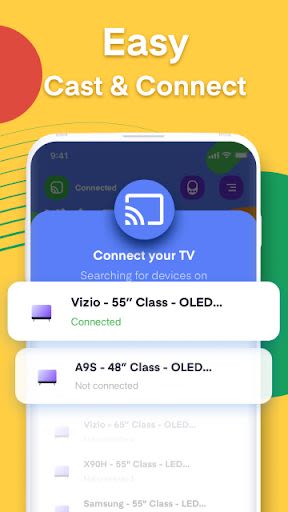
- Easy miracast connection to Chromecast for media control
- Full playback controls and queue management
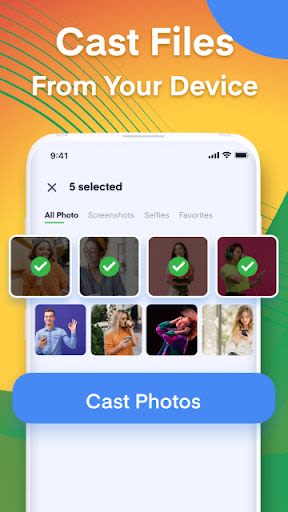
- Cast media from Camera Roll to Chromecast or Nest devices
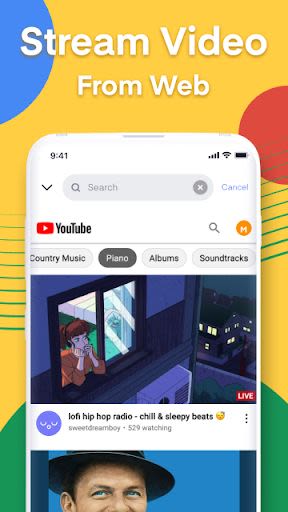
- Web video streaming capability
How TV Cast Works:
To get started, simply ensure your Android device and Chromecast are connected to the same network. It's that easy!
Setting Up Your Chromecast:
Follow the step-by-step instructions in the Google Home app to set up your Chromecast quickly and easily: chromecast.com/setup
Compatibility:
- TV Cast works exclusively with Chromecast by Google and devices with Google Cast or Chromecast built-in, such as Google Home.
- Please note that DRM-protected videos from platforms like Amazon Prime, Netflix, Hulu, and more are not supported by the app.
- The app focuses on streaming video content from websites, not the entire website itself.
- Occasionally, playing the video on your Android device first may be required before streaming via the app.
Disclaimer: TV Cast is an independent app and not affiliated with Google or any other brands mentioned.
Enhance your TV viewing experience and make the most out of your Nest devices with TV Cast. Stream, cast, and enjoy your favorite content on the big screen effortlessly. Try it out today!
Download TV Cast now and transform your viewing experience!
צילומי מסך
סרטונים
Similar

Windows 11
Microsoft

Wear Flashlight
CodVerter

Grok
xAI

Cleaner Antivirus VPN Cleaner
Cleaner + Antivirus + VPN company

owoTrack
Finoki

تەختەکلیلی کوردی | Kurdish Keyboard
Goran Gharib

Icon Torch - Flashlight
Aleksandr Balaev

Secure VPN
Dream limited

VPN Proxy Master - Secure VPN
Share File Technologies by 090 Bravo

Give VPN
Speed Group dev

Super Antivirus - Clean Virus
SUPER ANTIVIRUS

Fly Browser-Search & Private
Readerland