

Background Remover Pro : Background Eraser changer
4.20
-

שפה
English
-

OS
Android
-

Developer
Appwallet Technologies
-

#גרסה
1.31
תיאור אפליקציה
Background Remover Pro: Edit Photos Effortlessly
Introduction
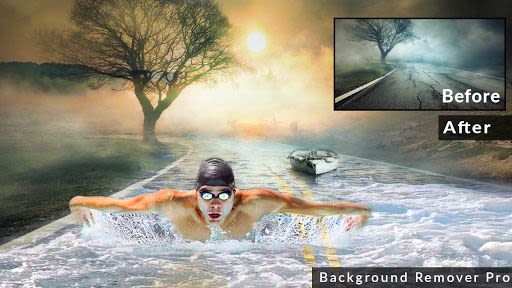
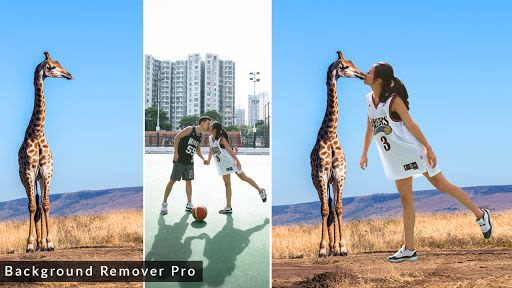
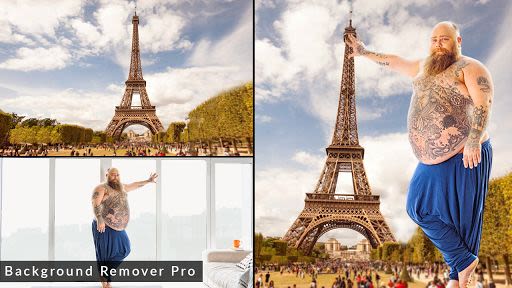
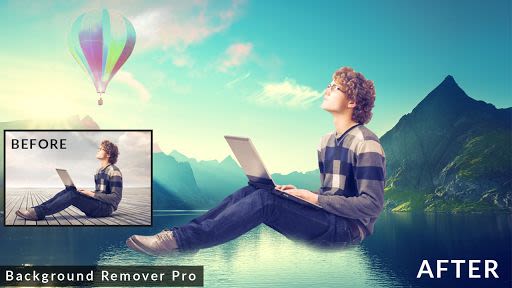
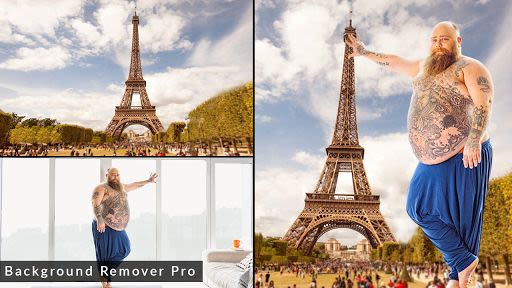
Are you looking to effortlessly remove backgrounds from your photos and replace them with stunning natural scenes, flowers, or animals? With Background Remover Pro, you can transform your images in seconds, thanks to its user-friendly interface and a plethora of editing options.
Key Features:
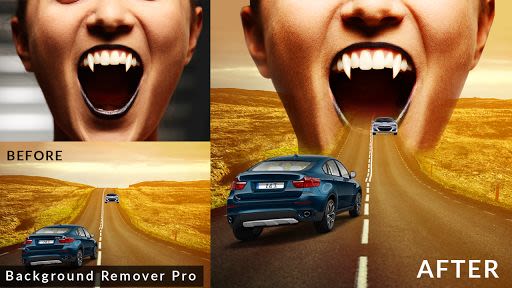
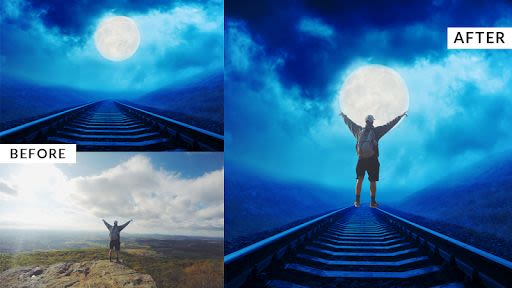
- Background Removal: Easily erase backgrounds with tools like eraser, auto eraser, and brush adjustment.
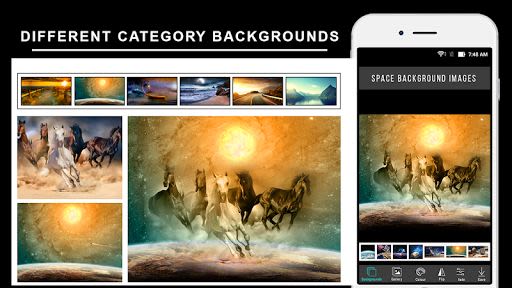
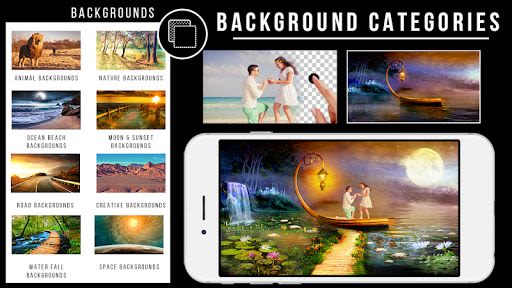
- Background Categories: Choose from various categories like animals, flowers, sunsets, and more, or download images from the internet.
- Crop Tool: Supports hand crop and rectangle crop for precise editing.
- Auto Eraser: Quickly remove backgrounds with a simple touch using the auto eraser feature.
- Manual Eraser: Fine-tune your edits by manually erasing parts of the image.
- Image Editor: Add backgrounds from a selection of photos, gallery images, or unique color options.
- Save and Share: Save your edited photos and share them on social networks like Facebook, WhatsApp, and Instagram.
Benefits:
- Create captivating images with animals and nature backgrounds.
- Enhance photos with beach, road, or template backgrounds.
- Easily refine and edit images to perfection.
Why Choose Background Remover Pro:
- Unmatched collection of background options.
- Intuitive tools for seamless editing.
- Effortlessly save and share your edited photos.
How to Use:
- Click on the start button.
- Select a photo from your gallery or camera.
- Crop the image and save it.
- Use the hands-free crop tool to cut and paste the image onto a new background.
- Adjust rotation, opacity, fade, and flip options.
- Add different background images or color backgrounds.
- Save the edited photo and set it as your wallpaper.
- Share your creations on social media platforms.
Compatibility:
- Compatible with iOS and Android devices.
Download Background Remover Pro today and revolutionize your photo editing experience. For feedback and suggestions, contact us at [email protected].
צילומי מסך







Similar

Becoco: Selfie Camera & Editor
changpeng

Time Warp Scan - Face Scanner
Voice Text
Time Warp Scan: Face Scanner
9appstech

PhotoFix: Enhance Photo Editor
vyro.ai

Time Warp Scan - Face Scan
Photo Collage & Grid - Foto Grid

Cartoon Face: AI Photo Editor
Photo Editor Perfect Corp.

Happy New Year Photo Frame2023
Appwallet Technologies

Photo frame, Photo collage
lsla smart tool

Fantasy - AI Art Generator
NFT Art Marker Studio

Cartoon Yourself, Toon Face
TikiP Studio

Foto Grid: Photo Collage &Grid
HARDSTONE PTE. LTD

Beauty Camera X - Selfie Camera, Photo Editor
Beauty Apps Studio