

Click Assistant - Auto Clicker : Gesture Recorder
4.60
-

שפה
English
-

OS
Android
-

Developer
Y.C. Studio
-

#גרסה
1.12.18
תיאור אפליקציה
Welcome to Auto Clicker App: Your Ultimate Productivity Companion
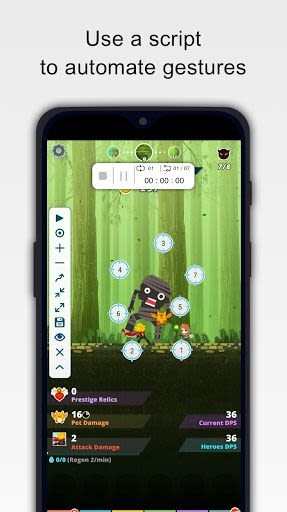
Are you tired of repetitive tasks taking up your valuable time? Look no further than our Auto Clicker app, designed to streamline your workflow with clicks, curve swipes, and pinch gestures. This innovative tool empowers you to automate mundane tasks, freeing you up to focus on more important things!
Key Features:
- Easy to Use: Effortlessly navigate the app's intuitive interface.
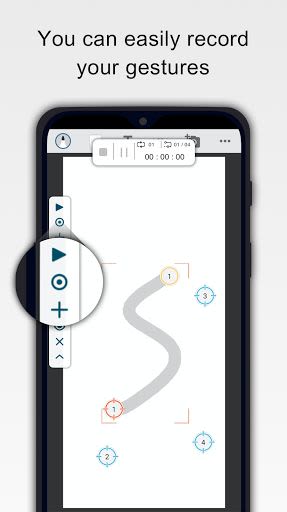
- Recording Gestures: Record your unique gestures with ease.
- Flexible Control: Pause, stop, or resume scripts at your convenience.
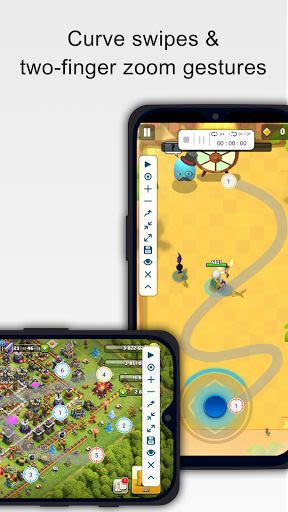
- Innovative Gestures: Enjoy curve swipes and two-finger zoom gestures.
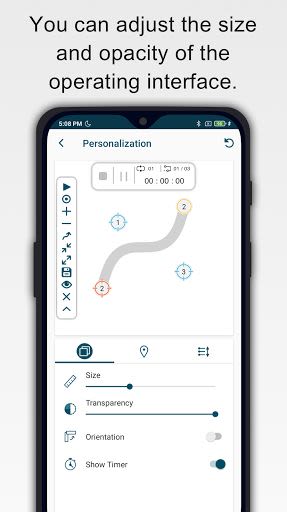
- Personalization: Customize the interface's size and opacity to suit your preferences.
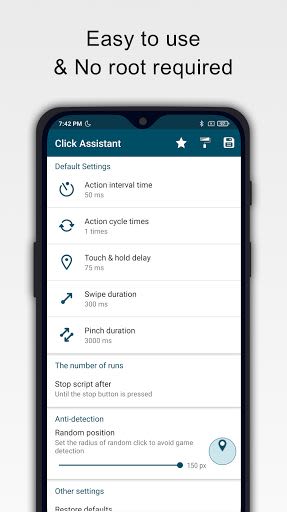
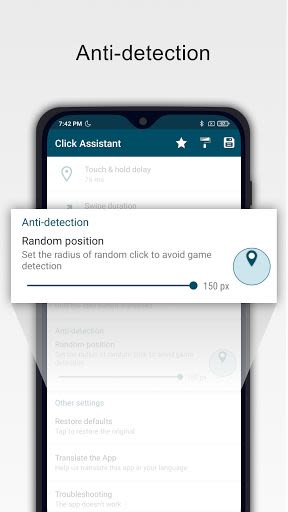
- Advanced Settings: Set click parameters like delay, touch duration, and repetitions.
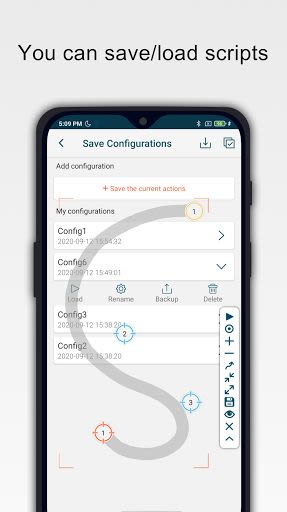
- Script Management: Save and load scripts for future use.
- Countdown Timer: Stay organized with the built-in timer feature.
Benefits:
- Save Time: Automate repetitive tasks efficiently.
- Increased Productivity: Focus on important tasks while the app handles the rest.
- User-Friendly: Intuitive design for seamless operation.
- Personalization: Tailor settings to your specific needs.
Why Choose This App:
- No Root Required: Enjoy hassle-free installation.
- Compatibility: Supports Android 7.0 and above.
- User Guide: Access a comprehensive user guide for easy navigation.
- Quick Macro Functionality: Boost your productivity instantly.
System Requirements:
- Android: 7.0 or above
Don't let manual tasks slow you down! Download the Auto Clicker app today and reclaim your time. Start optimizing your workflow and boosting your productivity right away!
For a detailed guide, watch our User Guide Video.
צילומי מסך
Similar

Windows 11
Microsoft

Wear Flashlight
CodVerter

Grok
xAI

Cleaner Antivirus VPN Cleaner
Cleaner + Antivirus + VPN company

owoTrack
Finoki

تەختەکلیلی کوردی | Kurdish Keyboard
Goran Gharib

Icon Torch - Flashlight
Aleksandr Balaev

Secure VPN
Dream limited

VPN Proxy Master - Secure VPN
Share File Technologies by 090 Bravo

Give VPN
Speed Group dev

Super Antivirus - Clean Virus
SUPER ANTIVIRUS

Fly Browser-Search & Private
Readerland