
QR Scanner - Barcode Scanner, QR Code Reader
4.60
-

שפה
English
-

OS
Android
-

Developer
TrustedApp
-

#גרסה
2.5.5
תיאור אפליקציה
QR Code: Scan QR Code, QR Code Generator Directory
Welcome to the QR Code directory app, your one-stop solution for all things QR codes and barcodes. Whether you need to scan, generate, or customize QR codes, this app has got you covered with its exceptional features and user-friendly interface.
Key Features
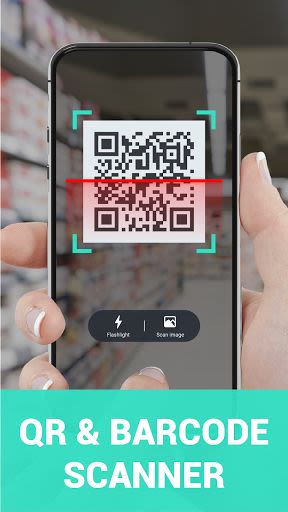
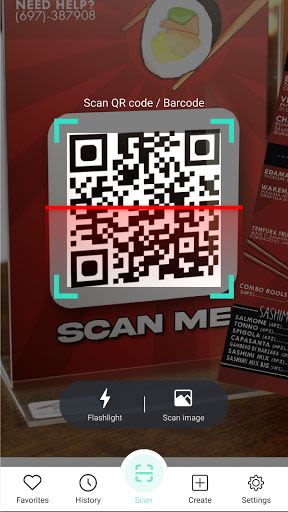
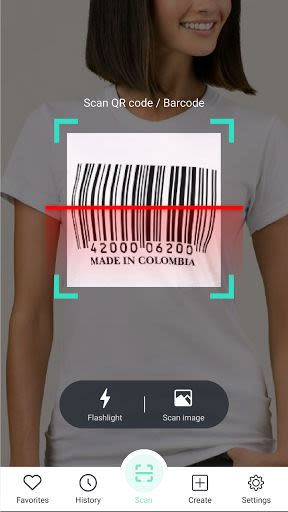
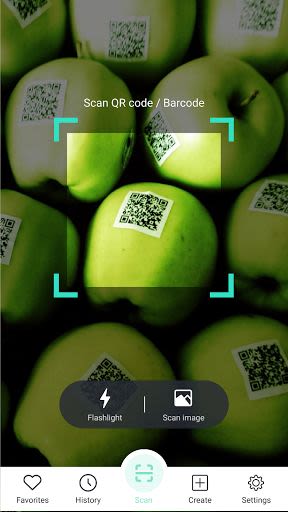
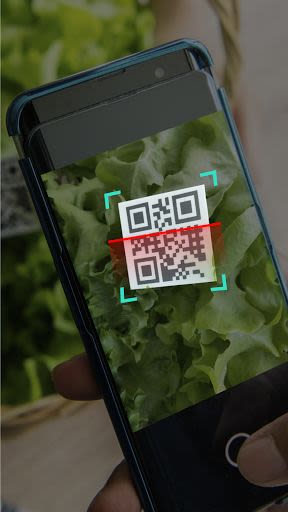
- Efficient Scanning: Scan and read common QR codes and barcodes swiftly with a seamless user experience.
- Secure Scanning: Avoid malicious links with a secure preview feature that ensures safe content viewing.
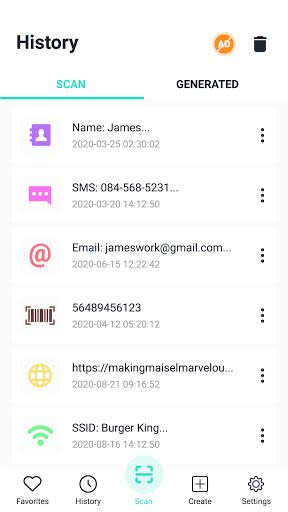
- History Tracking: Keep track of all your scans conveniently using the QR Scan history tool.
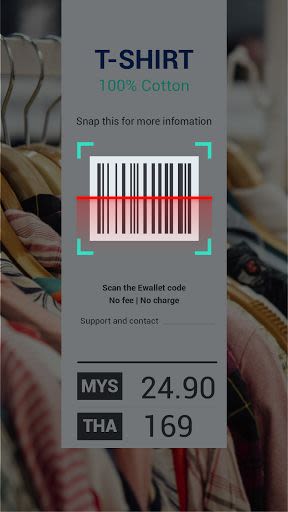
- Versatile Content Support: Scan various content types like text, contact info, URLs, emails, and more effortlessly.
- Customizable Generation: Create personalized QR codes with options to add logos, colors, and call-to-action frames.
- Unique QR Codes: Generate QR codes for text, contacts, URLs, emails, and more with ease.
- Free and Wi-Fi Free: Enjoy scanning and generating QR codes without any cost or need for Wi-Fi.
- User-Friendly Design: Smart UI/UX design for easy navigation and usage.
Benefits
- Easily scan and generate QR codes in one app.
- Customize QR codes to showcase personal or brand information attractively.
- Save and share QR codes effortlessly.
- Enhance visibility and brand recognition through unique QR code designs.
Why Choose This App
- All-in-one solution for QR code scanning and generation.
- Highly customizable QR code generator for tailored codes.
- Simple three-step process to create and download QR codes.
- Continuous app improvements based on user feedback.
Technical Information
- Compatibility: Android devices.
- No Wi-Fi needed.
- Flashlight feature for dark environments.
How to Create a Free QR Code
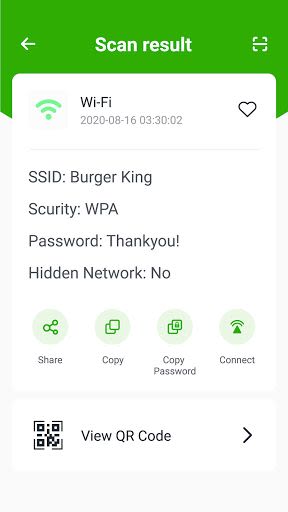
- Select Type: Choose from URL, vCard, Plain Text, Email, SMS, Twitter & WiFi.
- Fill Details: Enter necessary information and click "Generate."
- Customize: Opt for color and frame options to enhance scan appeal.
We are dedicated to enhancing your QR code experience. Share your feedback with us at [email protected] to help us improve. Download now and have a delightful day! ❤️
צילומי מסך
Similar

Windows 11
Microsoft

Wear Flashlight
CodVerter

Grok
xAI

Cleaner Antivirus VPN Cleaner
Cleaner + Antivirus + VPN company

owoTrack
Finoki

تەختەکلیلی کوردی | Kurdish Keyboard
Goran Gharib

Icon Torch - Flashlight
Aleksandr Balaev

Secure VPN
Dream limited

VPN Proxy Master - Secure VPN
Share File Technologies by 090 Bravo

Give VPN
Speed Group dev

Super Antivirus - Clean Virus
SUPER ANTIVIRUS

Fly Browser-Search & Private
Readerland