
Lock screen(live wallpaper)
4.10
-

Lingua
English
-

OS
Android
-

Developer
App Free Studio
-

#Versione
8.38
Descrizione dell'app
Lock Screen Directory: Discover Unique Live Wallpaper Themes for Android
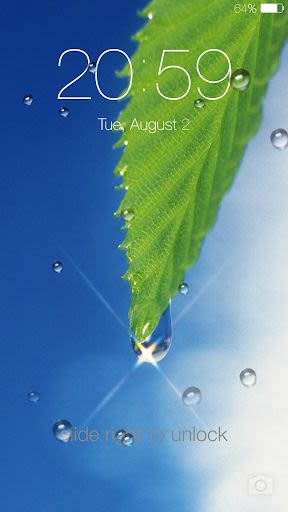
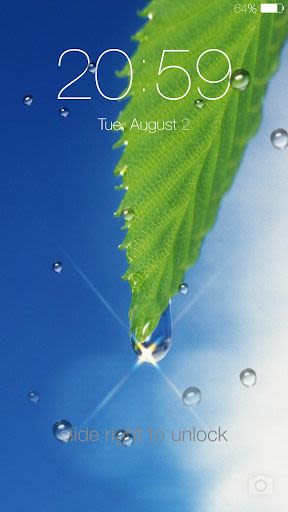
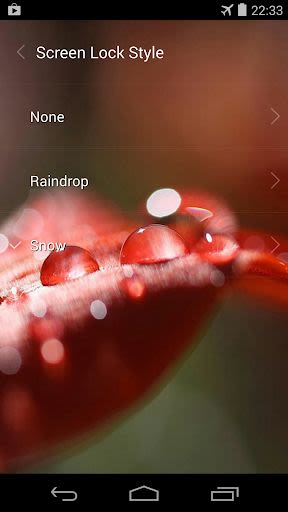
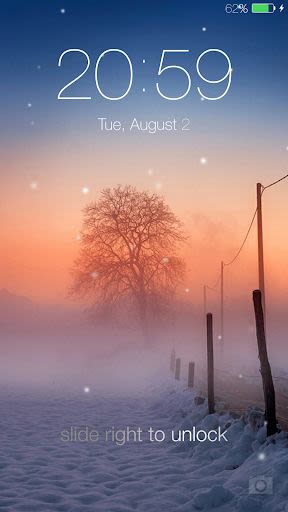
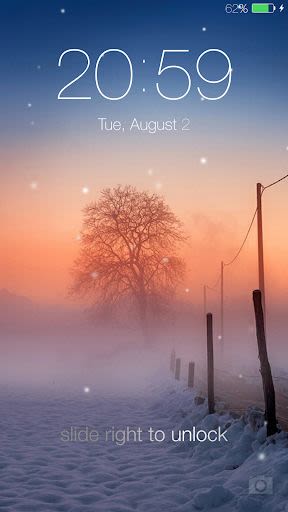
Welcome to the Lock Screen Directory, a curated collection of stunning live wallpaper themes for Android devices. Elevate your device's lock screen experience with our innovative 'Screen Lock Style' feature, allowing you to choose from three captivating themes: Galaxy raindrop, Snow, and Galaxy star live wallpapers.
Key Features:
- Simulate mesmerizing galaxy raindrop falling animation, snowing effects, and twinkling stars in the sky.
- Customize unlock sound settings with a selection of ten pleasant ringtones.
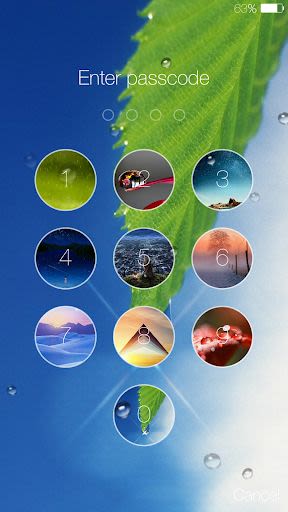
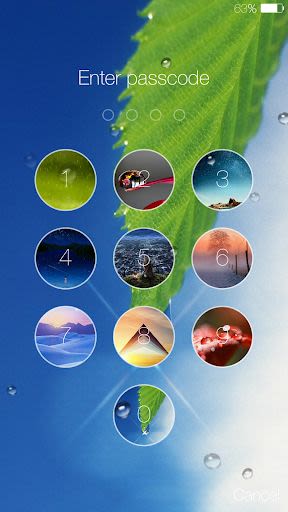
- Set pin password via keypad lock screen for enhanced security.
- Personalize unlock text, device name, and operator name.
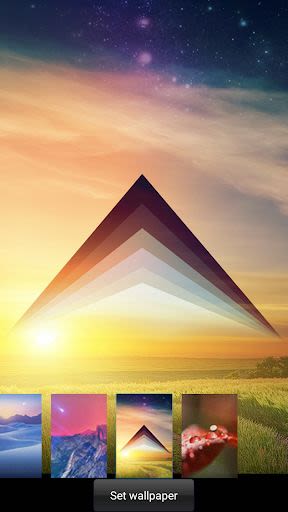
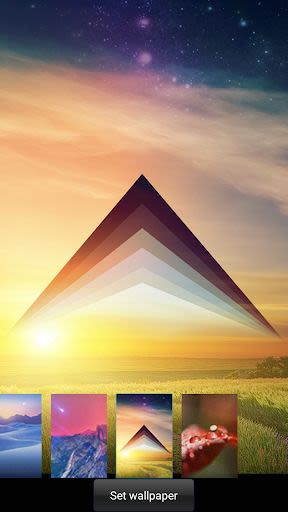
- Customize wallpaper to suit your style.
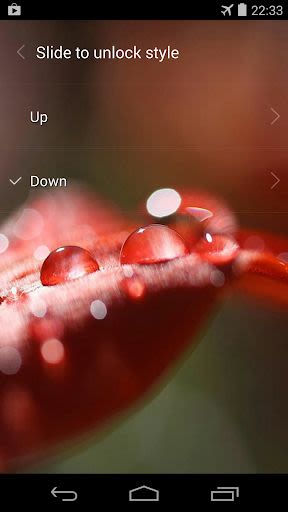
- Slide to unlock options include 'slide up,' 'slide down,' 'slide left,' and 'slide right.'
- Display notifications like unread messages, mail, missed calls, and more on the lock screen.
- Add widgets to the lock screen (e.g., music widget).
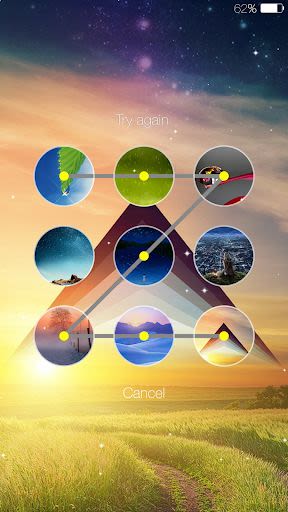
- Pattern lock feature for added security.
- Change clock/date text color, size, and fonts.
- Swipe to remove notifications.
- Choose from various themes for setting backgrounds.
- Blur wallpaper with unread notifications.
- Implement random keypad or password for enhanced phone security.
- Unlock animations for added flair.
- Music control support.
Benefits:
- Enhance your device's aesthetic appeal with dynamic live wallpapers.
- Personalize your lock screen for a unique touch.
- Strengthen security with customizable lock options.
- Stay informed with on-screen notifications.
- Enjoy a seamless user experience with intuitive settings.
How to Use:
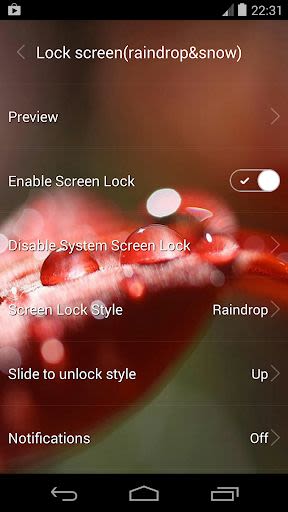
- Open the app's settings to activate the Lock Screen.
- Preview changes by selecting the 'preview' option.
- Switch live wallpaper themes through the 'Screen Lock Style' menu.
- Customize unlock methods by choosing 'Slide to unlock style' options.
FAQ:
-
How to uninstall?
Navigate to Settings > Security > Device administrators, deactivate the app, then uninstall. -
Encountering double lock screen?
Disable the system screen lock or set it to none. -
Talkback interruptions during notifications?
Turn off 'Talkback' in System settings. -
Lock screen not working intermittently?
Enable 'Advanced Settings' to prevent system memory issues. -
Apps not displaying notifications on lock screen?
Adjust settings in the 'Notification center' for desired app notifications. -
Want to disable live wallpaper theme?
Select 'None' under 'Screen Lock Style' options.
Compatibility:
Tested on devices like Samsung Galaxy S3/S4, Nexus 5/7, HTC One, and Sony Xperia Z. Contact us for support inquiries.
Upgrade your lock screen experience with the Lock Screen Directory. Download now and unlock a world of personalized themes and enhanced security features!
Note: This 'Lock Screen(live wallpaper)' app is compatible with Android devices. Ensure your device meets the specified requirements for optimal performance.
Screenshot
Similar

Windows 11
Microsoft

Wear Flashlight
CodVerter

Grok
xAI

Cleaner Antivirus VPN Cleaner
Cleaner + Antivirus + VPN company

owoTrack
Finoki

تەختەکلیلی کوردی | Kurdish Keyboard
Goran Gharib

Icon Torch - Flashlight
Aleksandr Balaev

Secure VPN
Dream limited

VPN Proxy Master - Secure VPN
Share File Technologies by 090 Bravo

Give VPN
Speed Group dev

Super Antivirus - Clean Virus
SUPER ANTIVIRUS

Fly Browser-Search & Private
Readerland