

Clap To Find My Phone
3.40
-

Lingua
English
-

Developer
JVSTUDIOS
-

#Versione
1.58
Descrizione dell'app
Find My Phone Directory
In a world where smartphones are essential to our daily lives, losing one can lead to chaos and stress. Fear not! Introducing the Find My Phone Directory app, your ultimate solution for tracking and finding your misplaced or stolen device with ease.
Why Choose Find My Phone Directory?
- Peace of Mind: Rest assured knowing you can easily locate your missing phone.
- Unique Features: Enjoy smart functionalities that make phone retrieval a breeze.
- Quick Setup: Simply download the app and activate the service on your Android device.
Key Features:
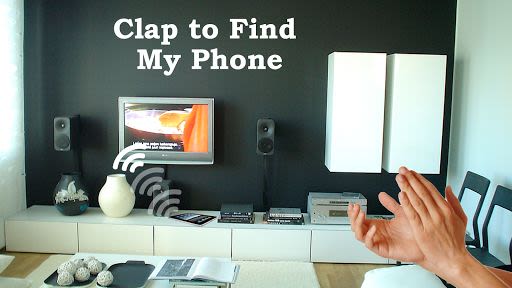
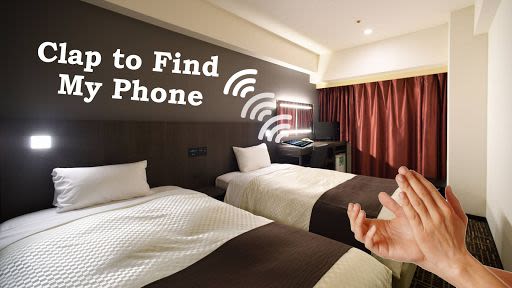
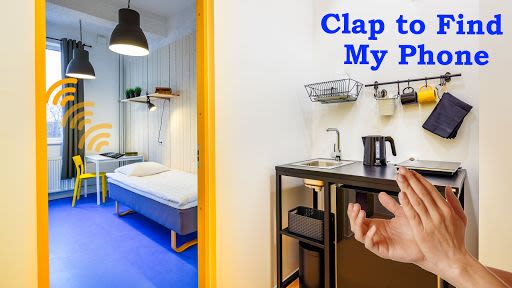
- Clap Detection: Trigger an alarm by clapping, making phone tracking effortless.
- Customizable Settings: Adjust sound frequency to suit different environments.
- User-Friendly Interface: Easy-to-follow instructions for seamless operation.
Benefits:
- Efficient Tracking: Locate your phone quickly with just a few claps.
- Family and Friend Connectivity: Stay connected with loved ones without disruptions.
- Peace of Mind: Eliminate the stress of losing your device in any situation.
How to Use Find My Phone Directory:
- Launch the app and click on "Find My Phone."
- Enable the service by toggling it on.
- Clap three times with a 2-second interval.
- The phone will sound an alarm after the third clap.
- Repeat the clapping sequence until you find your phone.
- Adjust sound frequency in settings for optimal detection.
- Disable the service by turning it off when not needed.
Thank you for choosing Find My Phone Directory to safeguard your device! Please note that this app contains ads to support ongoing maintenance and development efforts.
Download now and never worry about losing your phone again!
Screenshot



Video
Similar

Windows 11
Microsoft

Wear Flashlight
CodVerter

Grok
xAI

Cleaner Antivirus VPN Cleaner
Cleaner + Antivirus + VPN company

owoTrack
Finoki

تەختەکلیلی کوردی | Kurdish Keyboard
Goran Gharib

Icon Torch - Flashlight
Aleksandr Balaev

Secure VPN
Dream limited

VPN Proxy Master - Secure VPN
Share File Technologies by 090 Bravo

Give VPN
Speed Group dev

Super Antivirus - Clean Virus
SUPER ANTIVIRUS

Fly Browser-Search & Private
Readerland