

Tv Cast App, Screen Mirroring
4.40
-

Lingua
English
-

OS
Android
-

Developer
Vidow™
-

#Versione
1.1.3
Descrizione dell'app
Discover and Stream Content Seamlessly with Cast TV - Screen Mirroring
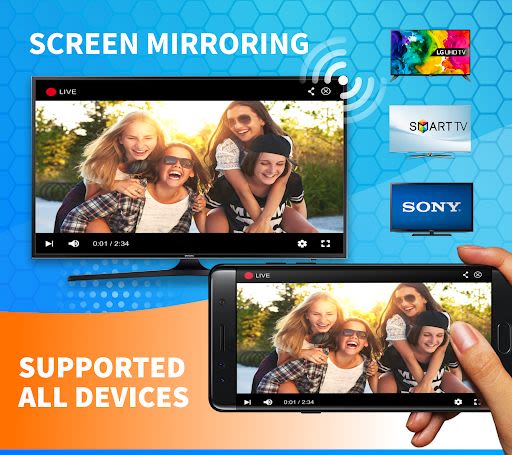
Are you looking for a comprehensive solution to cast videos, photos, games, presentations, and more on your smart TV? Look no further than Cast TV - Screen Mirroring, the ultimate screen mirroring app that offers a myriad of features to enhance your viewing experience.
Key Features:
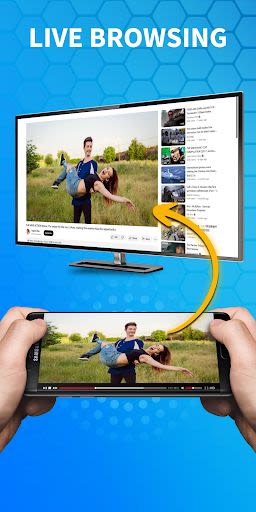
- Web Video Cast: Enjoy real-time chromecast streaming for a seamless viewing experience.
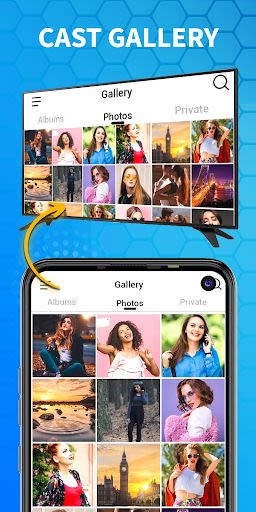
- Phone Screen Mirroring: Mirror your phone screen for music, photos, and slideshow casting on your smart TV.
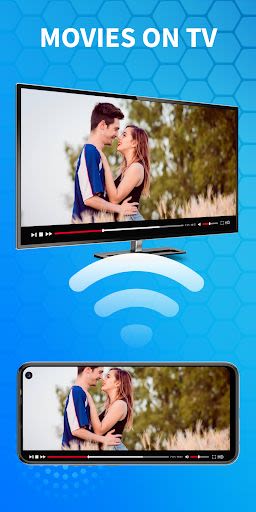
- Best Experience: Cast movies, photos, and videos with unparalleled quality and clarity.
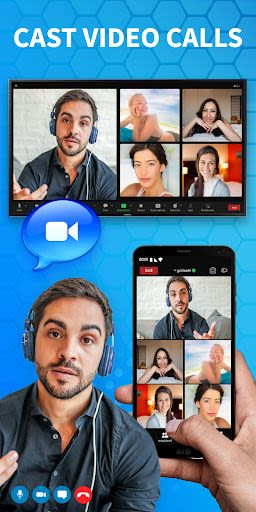
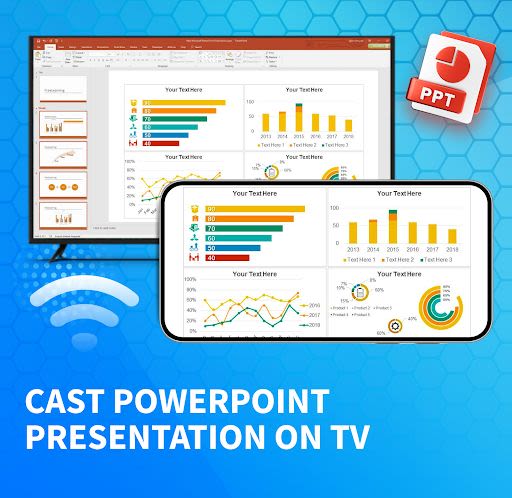
- Versatile Screen Mirroring: Ideal for presentations, video calls, conferences, audio streaming, and more.
- Multi-Device Support: Connect seamlessly across multiple devices for added convenience.
- User-Friendly Interface: Simple and fast TV screen mirroring for effortless use.
- Enhanced Entertainment: Immerse yourself in mobile games and apps on a larger screen.
- Web Video Caster Receiver: Easily stream content from your browser to Chromecast TV.
- Camera Streaming: Share your phone camera feed on TV through screen casting.
Benefits:
- Cast a wide range of content, including movies, music, games, and more.
- Effortlessly connect your phone to your smart TV for instant streaming.
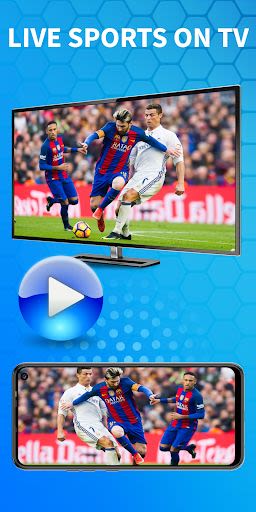
- Enjoy live streaming of your favorite websites, movies, news, sports, and TV shows.
- Mirror your phone screen to access games, videos, photos, and apps with ease.
- Experience simple and efficient screen mirroring for all your viewing needs.
Why Choose This App:
- Seamless connectivity with popular smart TV brands like Chromecast, Samsung, Roku, Fire TV, Xbox, and LG TV.
- Stream a variety of content, from local videos to live streams and IPTV channels.
- Enjoy the convenience of casting directly from your web browser to Chromecast, YouTube, and Google Photos.
- Experience high-speed, real-time audio and screen mirroring for an immersive viewing experience.
How to Use:
- Ensure your smart TV and phone are connected to the same Wi-Fi network.
- Enable Miracast and wireless display on your TV for seamless streaming.
- Pair your smart TV for music casting and connect your phone to enjoy live streaming.
Supported Devices:
- Chromecast
- Amazon Fire TV
- Fire TV Stick
- Vbox
- IPTV
- Roku
- DLNA receivers
- Samsung, LG TV Netcast and WebOS, Sony, and more.
For a seamless and engaging casting experience, download Cast TV - Screen Mirroring today. Share your feedback with us at [email protected]. If you love our app, don't forget to rate us 5 stars!
Screenshot
Similar

Work from Home
Online Jobs & Startups

Acres: Land Data & Parcel Maps
Acres.co

Secure Gateway
ALSCO

ALSCO!
ALSCO

Hirect: Chat Based Job Search
Download now

PACK EXPO/Healthcare Packaging EXPO 2018
Map Your Show

Heritage Parts
Heritage Parts

Stripe Dashboard
Stripe, Inc.

TruckSmarter Load Board & Fuel
TruckSmarter

DScanner - Camera Scanner
CamSoft Information

JOB TODAY: Hire in 24 Hours
JOB TODAY S.A.

Blinq - Digital Business Cards
Blinq Technologies