

TeamViewer Remote Control
4.70
-

Lingua
English
-

OS
Android
-

Developer
TeamViewer
-

#Versione
15.29.97
Descrizione dell'app
Welcome to TeamViewer – Your Ultimate Remote Control Solution
Are you looking for seamless remote access to devices from anywhere? Look no further than TeamViewer – the go-to app for controlling computers, smartphones, and tablets remotely. With over 1 billion global users, TeamViewer offers a secure, fast, and intuitive solution for all your remote access needs.
Use Cases:
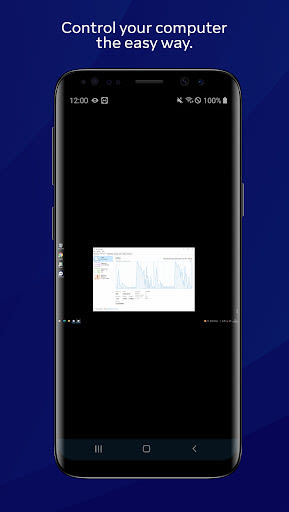
- Control computers (Windows, Mac OS, Linux) as if you were physically present
- Provide instant support or manage unattended computers, such as servers
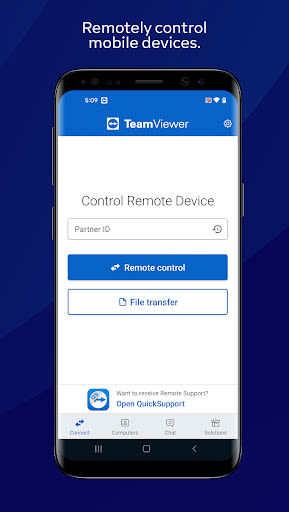
- Remote control of mobile devices (Android, Windows 10 Mobile)
Key Features:
- Screen sharing and complete remote control
- Intuitive touch and control gestures
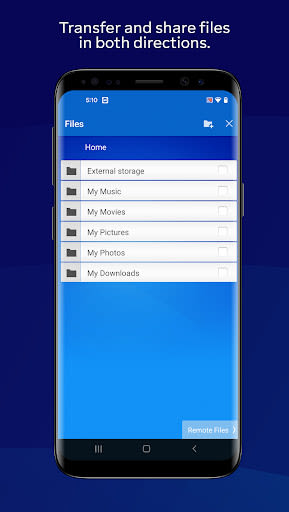
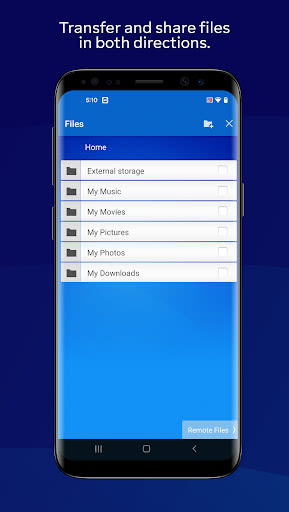
- Bi-directional file transfer
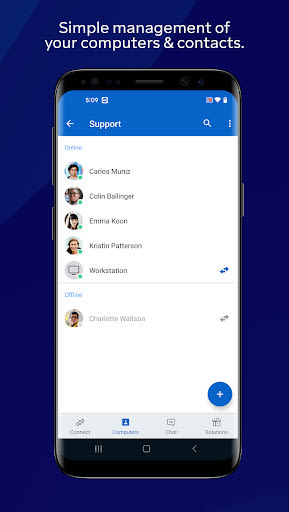
- Computers & Contacts management
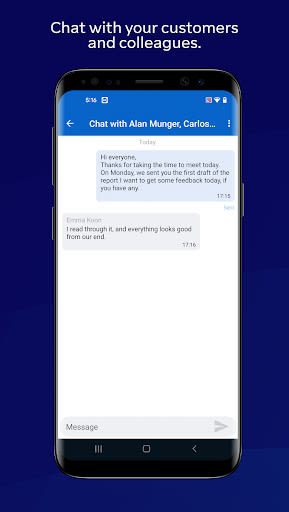
- Real-time chat
- Sound and HD video transmission
- Advanced security features: 256 Bit AES Session Encoding, 2048 Bit RSA Key Exchange, and more
Benefits of TeamViewer:
- Securely access and control devices on-the-go
- Effortlessly transfer files between devices
- Real-time communication with sound and HD video
- Manage devices with ease and convenience
Why Choose TeamViewer:
- Trusted by over 1 billion users worldwide
- Unmatched security standards for peace of mind
- Seamless remote access across various platforms
Quick Guide:
- Install TeamViewer app
- Download TeamViewer QuickSupport on the device you wish to connect to
- Enter the QuickSupport app's ID in the designated field and establish a connection
Experience the power of remote control with TeamViewer – download now and take control of your devices with ease!
Compatibility: iOS, Android | Technical Requirements: Varies by platform
Screenshot
Video
Similar

All Document Reader 2023
FunGear inc

QR Code Scanner for Android: QR Reader, QR Creator
Taymay - Simple & Effective.

ChatAI: AI Chatbot App
iKame Applications - Begamob Apps

App Lock - Applock Fingerprint
Trusted Tools

All Document Reader - One Read
Simple Design Ltd.

QR Scanner - Barcode Scanner
Leap Fitness Group

PDF Reader - PDF Viewer 2022
Simple Design Ltd.

FlyLadyPlus
FlyLadyPlus

BlackNote Notepad Notes
Notas Notepad

Free QR Code Reader & Barcode Scanner - QR Scanner
JonDev. Mobile

PDF Scanner APP - Scan to PDF
Simple Design Ltd.

Image to PDF Converter - JPG to PDF, PDF Maker
Simple Design Ltd.