
Cast Phone to TV, Chromecast
4.30
-

Lingua
English
-

OS
Android
-

Developer
Generation z apps
-

#Versione
1.1.4
Descrizione dell'app
Discover the Ultimate Screen Mirroring Solution with Miracast for TV App
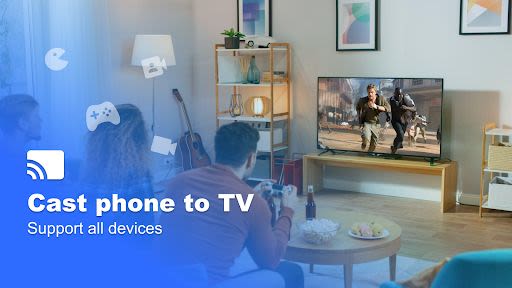
In a world where entertainment and productivity go hand in hand, Miracast for TV stands out as your go-to app for seamless screen mirroring. Whether you want to stream videos, showcase presentations, play games, or relive cherished memories, this app has got you covered.
Key Features:
- Effortless Screen Mirroring: Cast your phone or tablet screen to any device with WiFi connectivity or remotely via the internet.
- Versatile Compatibility: Enjoy mirroring on various devices including Firestick, Chromecast, Roku stick, Anycast, and more.
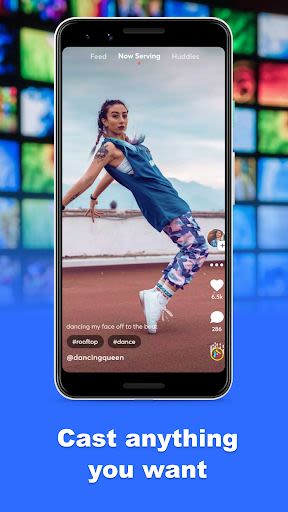
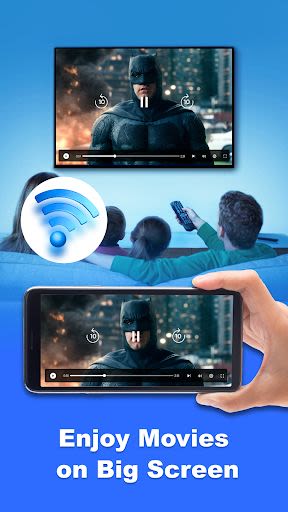
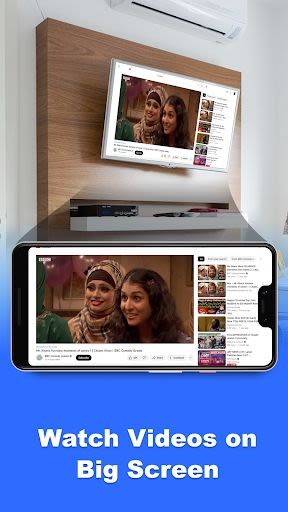
- Live Streaming Capabilities: Experience faster screen casting, cast games, videos, movies, and even live videos on your TV screen.
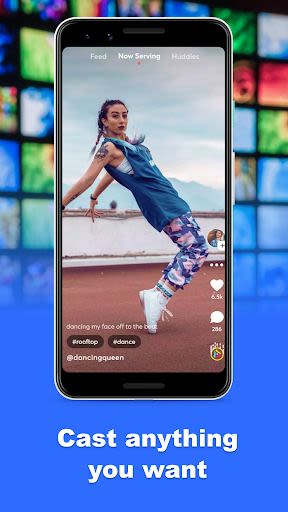
- Multi-Media Support: Cast a wide range of media such as videos, photos, e-books, audios, and documents effortlessly.
- Smart TV Compatibility: Seamlessly connect with popular smart TV brands like Samsung, LG, Panasonic, Hisense, Philips, and more.
Benefits:
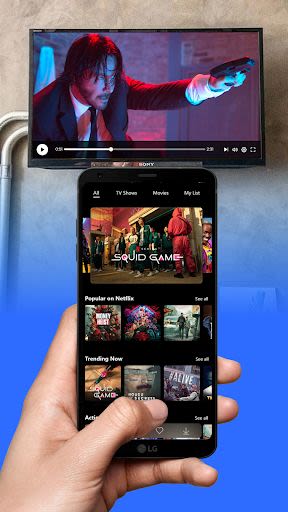
- Enjoy a perfect casting experience while watching movies, listening to music, or playing games.
- Share special moments with family and friends through photos and videos on the big screen.
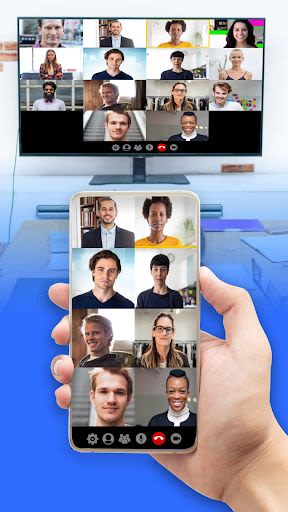
- Boost productivity by using the app for meetings, presentations, and real-time demonstrations.
- Stream your favorite content without limitations and with zero delays in HD quality.
Why Choose This App:
- User-Friendly Interface: Easy-to-use features make screen mirroring a breeze for all users.
- Seamless Connectivity: Connect your smart TV and web browser device to the same WiFi for smooth operation.
- High-Quality Streaming: Enjoy your favorite movies, videos, and apps on a larger screen without compromising quality.
- Real-Time Sharing: Share your screen with friends and family, even in remote locations, for enhanced collaboration.
Compatibility:
- Compatible with a wide range of devices including smart TVs, wireless adapters, DLNA receivers, laptops, and gaming consoles.
- Supports popular browsers like Safari, Chrome, Firefox, Opera, and Edge for an optimized viewing experience.
Technical Information:
- Ensure that your smart TV app and web browser device are connected to the same WiFi network.
- Avoid using VPNs, proxies, VLANS, and subnets for smooth streaming.
- Follow simple steps to stream your phone screen to your TV effortlessly.
How to Get Started:
- Make sure your smart TV supports wireless display.
- Connect your TV to the same WiFi network as your phone.
- Scan your devices and select the required device for pairing.
Enhance your entertainment and productivity experience by downloading Cast Phone to TV, Chromecast today. For any feedback or queries, reach out to us at [email protected]. Let's redefine the way you mirror your screen!
Screenshot
Similar

Work from Home
Online Jobs & Startups

Acres: Land Data & Parcel Maps
Acres.co

Secure Gateway
ALSCO

ALSCO!
ALSCO

Hirect: Chat Based Job Search
Download now

PACK EXPO/Healthcare Packaging EXPO 2018
Map Your Show

Heritage Parts
Heritage Parts

Stripe Dashboard
Stripe, Inc.

TruckSmarter Load Board & Fuel
TruckSmarter

DScanner - Camera Scanner
CamSoft Information

JOB TODAY: Hire in 24 Hours
JOB TODAY S.A.

Blinq - Digital Business Cards
Blinq Technologies