
PDF Converter - Image to PDF, JPG to PDF Editor
4.60
-

Lingua
English
-

OS
Android
-

Developer
Simple Tool Apps
-

#Versione
4.1
Descrizione dell'app
PDF Converter: Image to PDF Converter
Welcome to the ultimate PDF converter app that simplifies your document management tasks. Convert images to PDF effortlessly with our user-friendly and free PDF editor. Whether you need to export, read, share, compress, or secure PDF documents, our app has got you covered. Say goodbye to storage constraints and hello to seamless document handling – try it now!
Why Choose This App
- Easily convert images to PDF and vice versa
- Edit PDF files with professional features
- Secure your documents with password protection
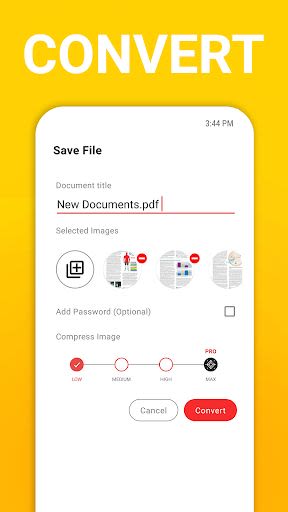
- Compress PDF files for efficient storage management
- Extract images from PDF documents
- Enhance document organization and management
Key Features
-
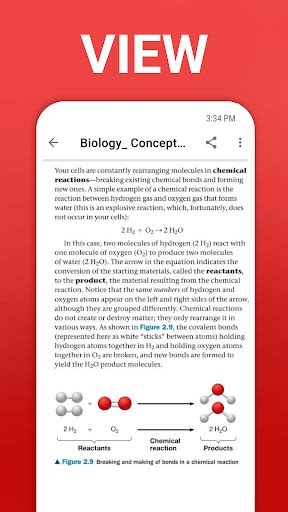
Read and View PDFs
- Battery-saving dark mode
- Direct printing capability
- Offline book reading with Book Reader
- Choose from various reading modes for a personalized experience
-
Edit PDF Files Like A Pro
- Invert PDF colors
- Simple and efficient editing tools
- Rearrange file pages effortlessly
- Add or remove passwords with ease
- Compress PDF files to optimize storage space
-
Other Characteristics
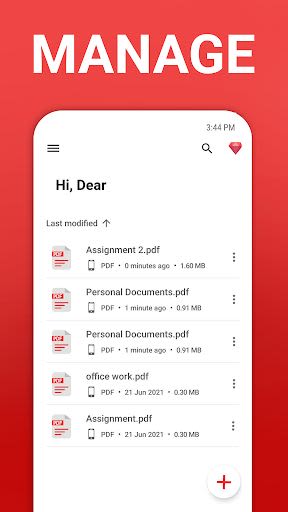
- Seamless PDF file management
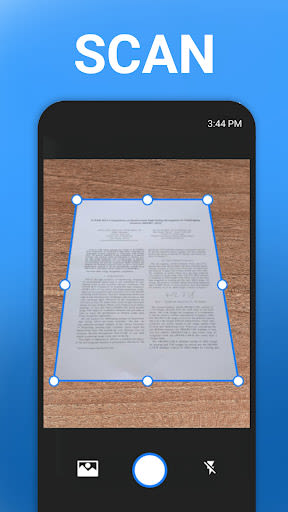
- Scan and print documents directly
- Smooth and intuitive user interface
- Support for offline PDF editing
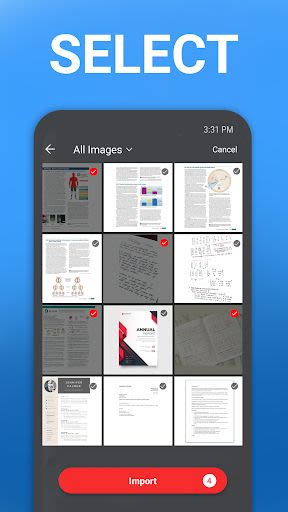
- Batch conversion of images to PDF
- Zoom and scroll through PDF pages conveniently
Benefits
- Ideal for students, professionals, and everyday users
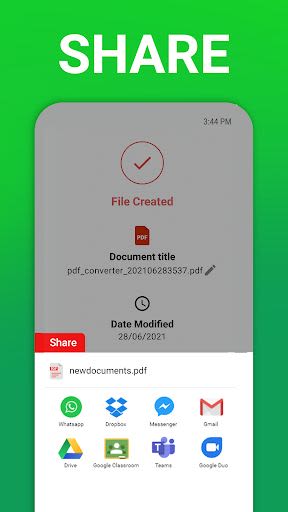
- Share PDF files across multiple platforms
- Enhance document security with password protection
- Boost productivity with efficient document handling
- Simplify online classes and paper management
- Compact PDF files for easy sharing and storage
Technical Information
- Compatibility: iOS and Android devices
- Size: Varies with device
- Requires: Android 5.0 and up, iOS 11.0 or later
Premium Features
Unlock advanced PDF tools with our premium subscriptions:
- Change document colors with Invert PDF feature
- Edit images directly within PDF documents
- Secure PDFs with password encryption
- Merge files into a single PDF for streamlined management
- Reduce PDF file sizes for enhanced portability
Experience the power of PDF Converter - Image to PDF, JPG to PDF creator, and Document Editor app. Empower your document workflows, from viewing to sharing, printing, and converting. Elevate your document management game with our free PDF converter app. Download now and revolutionize your document handling experience!
Screenshot
Similar

All Document Reader 2023
FunGear inc

QR Code Scanner for Android: QR Reader, QR Creator
Taymay - Simple & Effective.

ChatAI: AI Chatbot App
iKame Applications - Begamob Apps

App Lock - Applock Fingerprint
Trusted Tools

All Document Reader - One Read
Simple Design Ltd.

QR Scanner - Barcode Scanner
Leap Fitness Group

PDF Reader - PDF Viewer 2022
Simple Design Ltd.

FlyLadyPlus
FlyLadyPlus

BlackNote Notepad Notes
Notas Notepad

Free QR Code Reader & Barcode Scanner - QR Scanner
JonDev. Mobile

PDF Scanner APP - Scan to PDF
Simple Design Ltd.

Image to PDF Converter - JPG to PDF, PDF Maker
Simple Design Ltd.