

Easy Uninstaller App Uninstall
4.40
-

Lingua
English
-

OS
Android
-

Developer
INFOLIFE LLC
-

#Versione
3.3.6.161
Descrizione dell'app
Easy Uninstaller: Your Ultimate Android App Removal Companion
Are you looking for a simple yet efficient way to declutter your Android device? Meet Easy Uninstaller, the go-to tool for swiftly removing unwanted apps with just a few taps. Say goodbye to app clutter, optimize your storage space, and enjoy a smoother Android experience.
Key Features
- App removal with ease
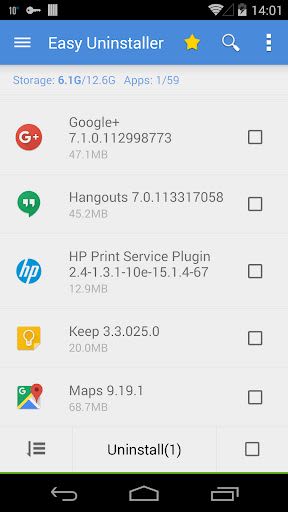
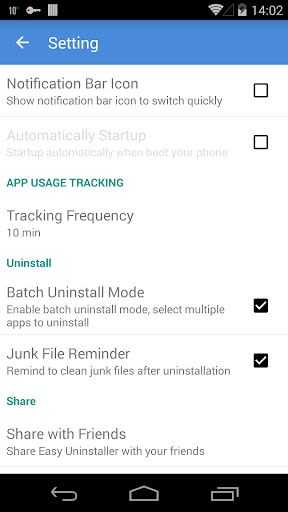
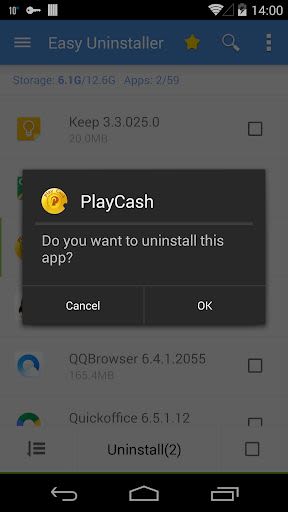
- Batch uninstallation for convenience
- AntiVirus - Virus Scan feature powered by Trustlook
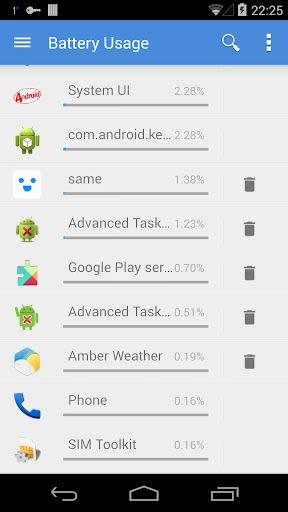
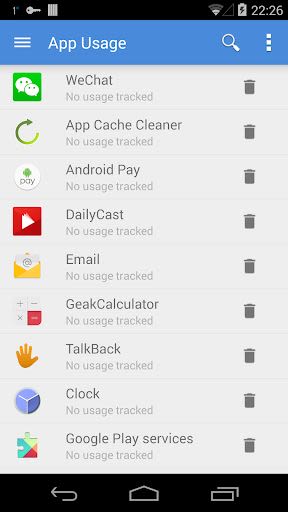
- Battery and app usage tracking
- Fast uninstallation with a single click
- Comprehensive list of all installed apps
- Detailed app information display
- Convenient app search functionality
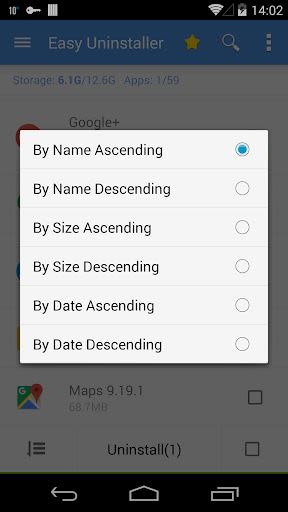
- Various sorting options for organization
- App sharing capabilities
- Direct app launch and Google Market search
- Support for Android 1.6-4.x
- App2SD support for enhanced storage management
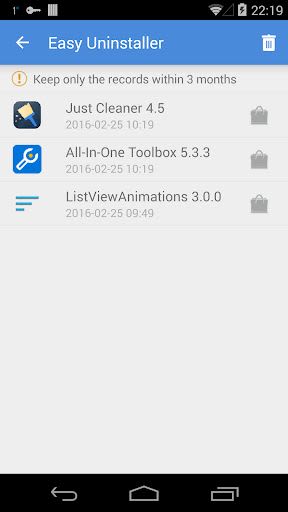
- Uninstall History (Recycle Bin)
- Uninstall Reminder for efficiency
Benefits
- Easily uninstall multiple apps at once
- Effortlessly search, sort, and manage your apps
- Free up valuable storage space for optimal device performance
- Stay organized with detailed app information
- Enjoy a clutter-free app experience on your Android device
Why Choose Easy Uninstaller
With its user-friendly interface and robust feature set, Easy Uninstaller simplifies the app removal process on Android phones. Quickly select and uninstall multiple apps, search for specific apps, and access detailed app information with ease. Plus, the app's support for various Android versions and App2SD functionality ensures compatibility and efficiency.
Description
Easy Uninstaller is your trusted companion for app management on Android devices. Easily select and uninstall multiple apps, search for specific apps, and utilize various sorting options for streamlined organization. View detailed app information, share apps, and even search for apps in the Google Market effortlessly. Please note that pre-loaded or pre-installed apps cannot be uninstalled due to system limitations.
FAQ
-
How do I uninstall an Android app?
- Simply check the apps you want to uninstall and tap the uninstall button.
-
Why can't pre-loaded apps be listed?
- Pre-loaded apps are system-locked; root access is required for their uninstallation.
-
Why are some apps missing from the list?
- Try refreshing the app list by clicking "Menu"->"Refresh" to clear the cache.
-
How can I disable the app?
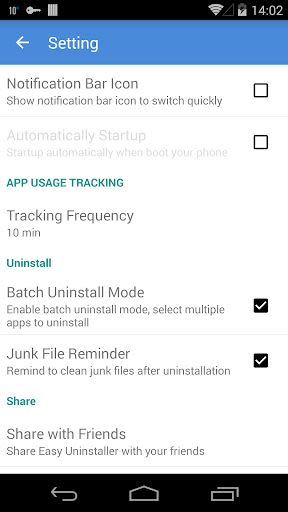
- To hide the notification bar icon, go to "Menu"->"Settings" and uncheck the "Notification Bar Icon" option.
Experience the convenience of efficient app management with Easy Uninstaller. Simplify your Android experience today!
Get Easy Uninstaller now and optimize your Android device effortlessly!
Screenshot
Similar

All Document Reader 2023
FunGear inc

QR Code Scanner for Android: QR Reader, QR Creator
Taymay - Simple & Effective.

ChatAI: AI Chatbot App
iKame Applications - Begamob Apps

App Lock - Applock Fingerprint
Trusted Tools

All Document Reader - One Read
Simple Design Ltd.

QR Scanner - Barcode Scanner
Leap Fitness Group

PDF Reader - PDF Viewer 2022
Simple Design Ltd.

FlyLadyPlus
FlyLadyPlus

BlackNote Notepad Notes
Notas Notepad

Free QR Code Reader & Barcode Scanner - QR Scanner
JonDev. Mobile

PDF Scanner APP - Scan to PDF
Simple Design Ltd.

Image to PDF Converter - JPG to PDF, PDF Maker
Simple Design Ltd.