

FamilyKeeper Parental Control
4.10
-

Taal
English
-

OS
Android
-

Developer
ReasonLabs
-

#Versie
FK-10.0.59
App-beschrijving
FamilyKeeper: Your Ultimate Parental Control Solution
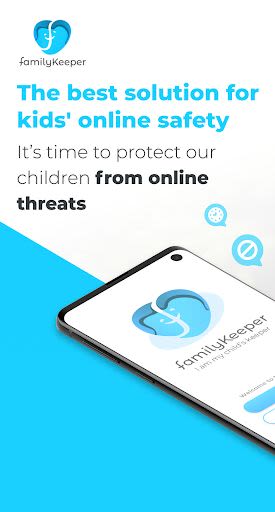
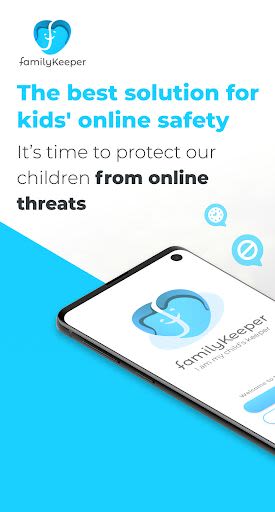
In today's digital age, ensuring your child's online safety is paramount. FamilyKeeper is your comprehensive parental control app, designed to empower parents with the tools they need to safeguard their kids in the digital realm.
Key Features of FamilyKeeper:
-
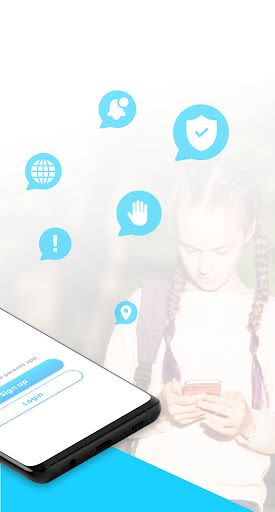
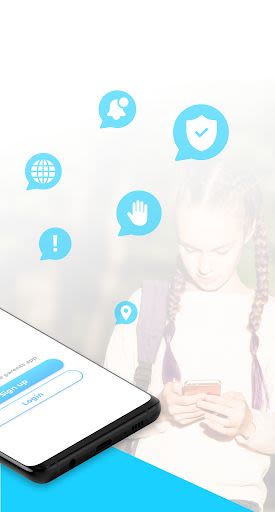
Parental Control for Security
- Grant parents access to their child’s device
- Customize online content access for your child
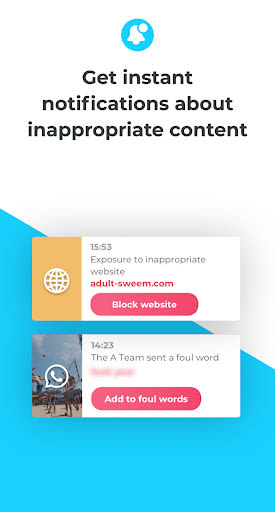
- Filter inappropriate apps, sites, and browser usage
- Block harmful sites and malicious content
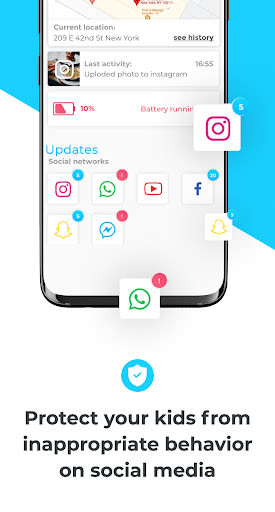
- Monitor photos and saved images on your child’s phone
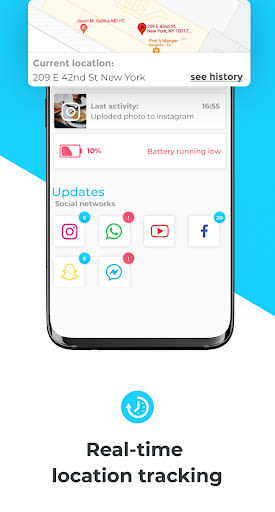
- Receive low battery notifications for your child’s device
-
Cyberbullying Prevention
- Utilizes AI to detect concerning behavioral patterns
- Identifies incendiary keywords across social media
- Detects suspicious or dangerous images
-
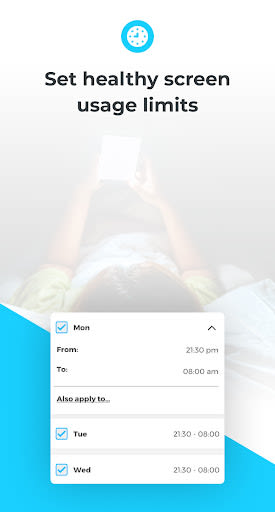
Screen Time Schedule
- Combat screen addiction by setting limits
- Track screen time history
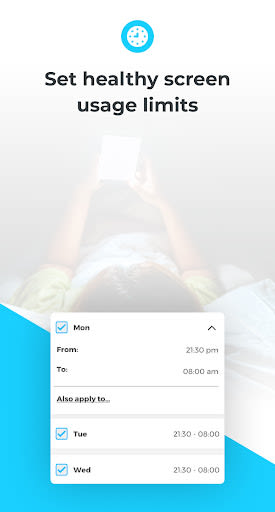
- Schedule specific device usage times for your child
-
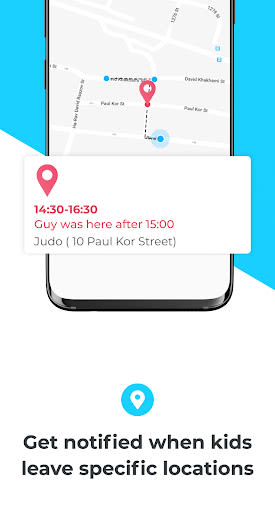
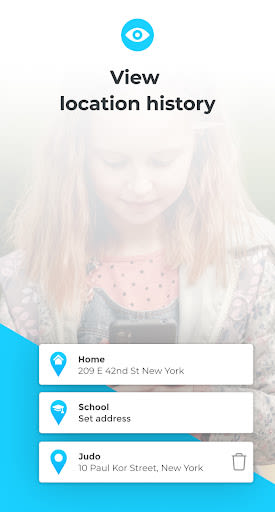
GPS Alerts
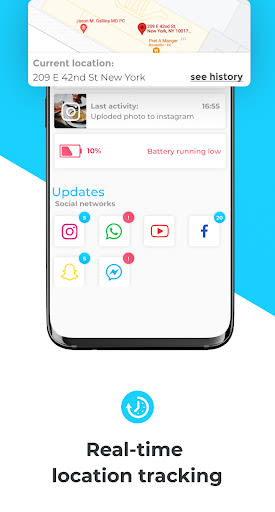
- Track your child's location in real-time
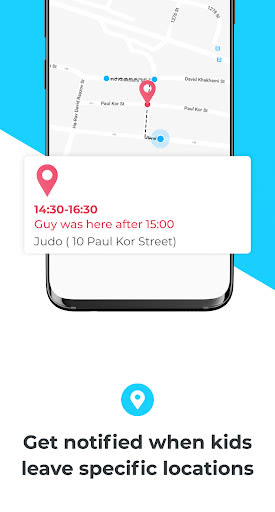
- Receive alerts when your child enters or exits designated areas
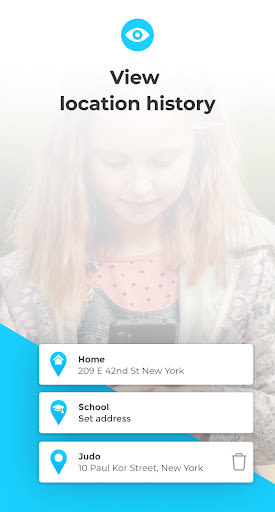
- View location history
-
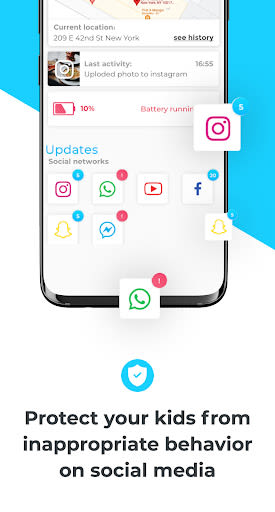
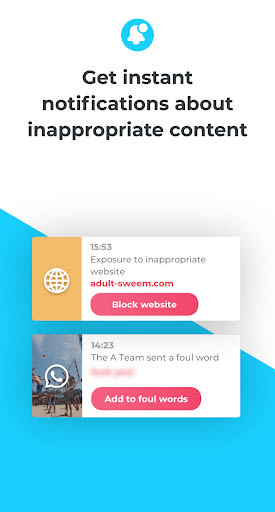
Real-Time Alerts for Age-Inappropriate Activities
- Monitors various social media platforms
- Protects against online predators
- Notifies you of any suspicious contact attempts
Why Choose FamilyKeeper?
Parenting can be overwhelming, especially in the digital age. FamilyKeeper offers peace of mind by enabling you to monitor your child's online activities, social interactions, and communications with immediate alerts should any red flags arise. Our primary focus is safeguarding children from cyberbullying and online threats, allowing you to protect them while they explore the digital world.
How to Install FamilyKeeper:
➡️ Download and register the FamilyKeeper app on your device
➡️ Download and register the FamilyKeeper app on your child’s device
➡️ Easily pair the Parent & Child apps using a unique pin code
With these simple steps, you can start monitoring your child's online behavior effectively.
Additional Information about FamilyKeeper:
- Cutting-Edge AI Technology: Tailored for time-strapped parents
- Compatibility: Android operating system
- Parent-Child Connection: Facilitated through comprehensive data analysis
- Multilingual Support: Available in Chinese, English, Hebrew, Kazakh, Latvian, Russian, and Spanish
- Free Trial: Experience FamilyKeeper with a 7-day trial period
😊 For assistance with installation or any queries, visit www.familykeeper.co or contact [email protected].
Empower yourself as a parent and protect your child's digital well-being with FamilyKeeper!
Schermafbeeldingen
Video's
Similar

Bedtime Stories for your Kids
Simka

Parents
All About Parenting

Sleepy Baby - White Noise
Fabrikod

Sleep Nanny: Baby Monitor Pro
Smart Sensor Lab

Easy Baby Photo Editor
dotori304

SPORT iD the Player Safety app
SPORT iD

Baby Shopping Checklist (Upgraded!)
BeantownLoner

Christian Hypnobirthing
Christian Hypnobirthing Ltd

theAsianparent: Track Pregnancy & Count Baby Kicks
theAsianparent - largest pregnancy & parenting app

Nara Baby Tracker
Nara Organics

Solid Starts: Introducing Real Food to Babies
Solid Starts

Ovulation Calendar & Fertility
Arbor Ltd