

Watch Face App MR TIME
4.20
-

Taal
English
-

OS
Android
-

Developer
MR TIME
-

#Versie
8.2.2
App-beschrijving
Discover MR TIME - Your Ultimate Watch Face Customization App
Introduction:
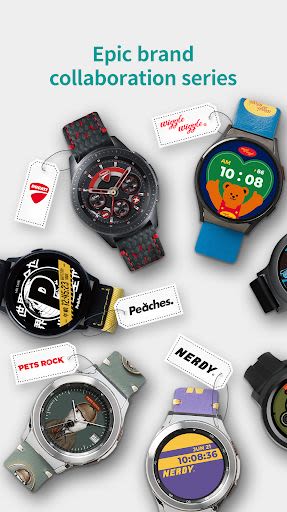
Elevate your Wear OS by Google smartwatch experience with MR TIME! Personalize your device with a vast collection of watch faces crafted by global designers. With MR TIME, you can design your own unique watch faces effortlessly and enjoy exclusive collaborations with renowned brands like DUCATI and Acme de la Vie.
Key Features:
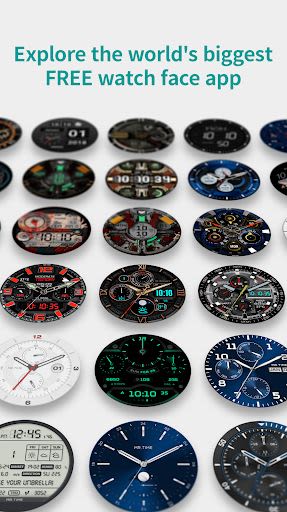
- Abundant Watch Faces: Access over 1 million watch faces for endless customization options.
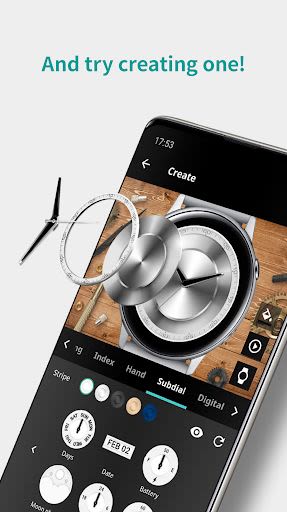
- Easy Customization: Design your own watch faces using free templates and personalize them with photos and various elements.
- Premium VIP Plan: Unlock a world of exclusive features with the MR TIME VIP Plan, offering access to 400+ premium designs and weekly VIP-only watch faces.
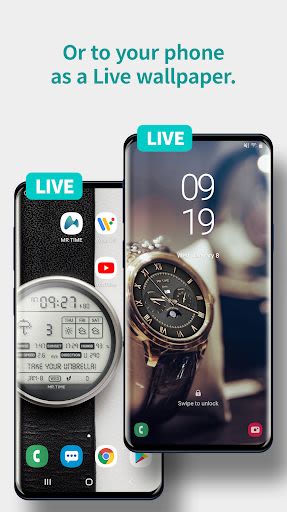
- Live Wallpaper for Smartphones: Experience sophisticated real-time watch faces on your lock and home screens.
Benefits:
- Freshen up your watch daily with new and exciting watch faces.
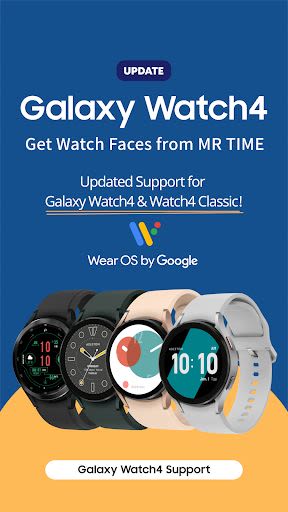
- Sync seamlessly with Wear OS by Google, Samsung Galaxy Watch 4, and other compatible devices.
- Enjoy an ad-free app experience and unlimited access to premium designs with the VIP Plan.
- Stay informed with real-time weather and health updates on your watch faces.
Why Choose MR TIME:
- Unleash your creativity with easy-to-use customization tools.
- Access exclusive collaborations with top brands for a unique style statement.
- Enjoy a 7-day free trial of the VIP Plan to explore premium features.
Compatibility:
- Supported Devices: Wear OS by Google, Samsung Galaxy Watch 4, Samsung Galaxy Watch 4 Classic, and many more.
- Not Supported: Huawei OS, Xiaomi OS, Garmin, FitBit.
Installation Guide:
- Install the MR TIME Watch App from:
- Google Play Store for Wear OS by Google and Samsung Galaxy Watch 4/4 Classic.
- Galaxy Store for TIZEN OS (Samsung Galaxy Watch 3 and older).
- Set MR TIME as your watch face on your device.
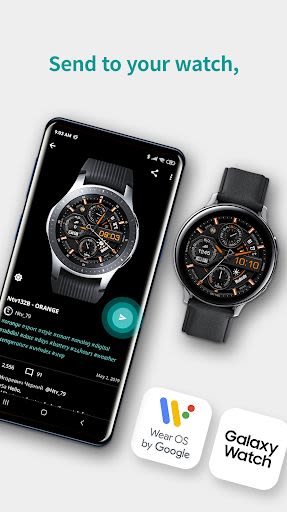
- Configure settings in the MR TIME mobile app to connect and personalize your watch.
Compatibility Note:
- MR TIME Android app must sync with MR TIME Android/Tizen watch app for full functionality.
- Refer to specific instructions for iPhone, Apple Watch, and Android device compatibility.
Access Permission Request:
- Location: To provide accurate weather information.
- Storage: For sharing watch faces and managing files.
- Camera: To scan QR codes.
Customize your wearable tech like never before with MR TIME. Elevate your smartwatch experience today!
Schermafbeeldingen
Video's
Similar

Analog Classic Watch Messa 100
Messa Watch

Color Phone - Nice Call Screen
Govo Tech by Volio

Arabic Wallpapers
Mahmoud Zadah

Concentric - Pixel Watch Face
WatchFace-Designs

Clean Digital
JH Watchfaces

Yoshion - Pic Collage Maker
Joseph Jenny

Minimal Basic 2 English
OQ Watchfaces

Beautiful wallpapers
Applications from a duck

Wear OS Watch Neon Shatte
GeorgKing

RE 03 - Digital Watch Face
RECREATIVE ® Watch Faces

Anime World Wallpapers
N.E.O.N STUDIO

Launcher iOS 16
LuuTinh