
Brother iPrint&Scan
3.60
-

Taal
English
-

OS
Android
-

Developer
Brother Industries, Ltd.
-

#Versie
6.7.3
App-beschrijving
Discover the Brother iPrint&Scan App
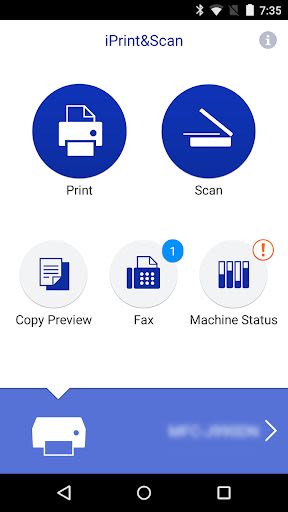
Brother iPrint&Scan is your go-to free app for seamless printing and scanning on your Android device. Easily connect to your Brother printer or all-in-one using your local wireless network. With added advanced functionalities like editing, faxing, and machine status tracking, this app brings convenience to your fingertips.
Key Features
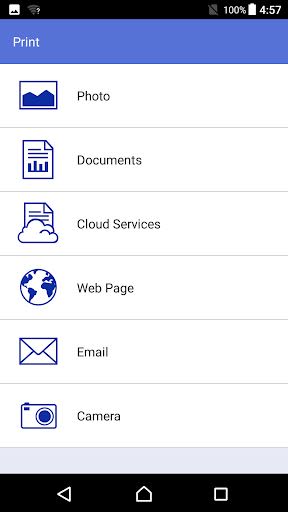
- Easy-to-navigate menu.
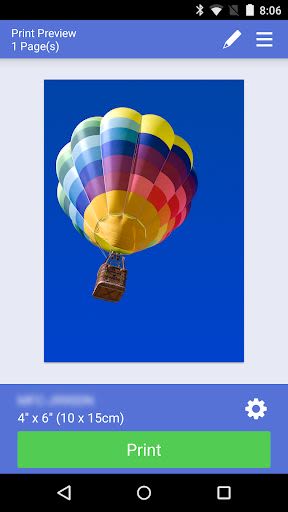
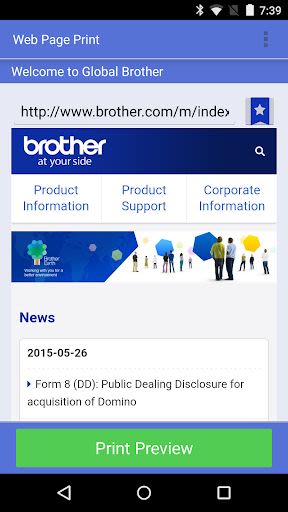
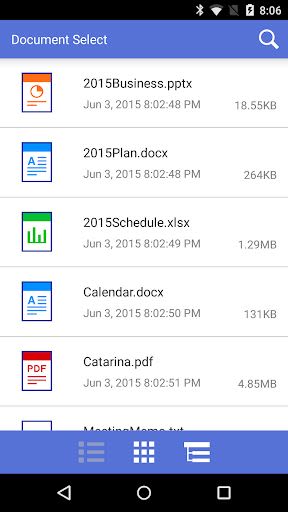
- Simple steps to print photos, web pages, Gmail emails, and various document formats.
- Direct printing from cloud services like Dropbox, OneDrive, and Evernote.
- Scan directly to your Android device.
- Save scanned images as PDF or JPEG and email them.
- Automatic detection of supported devices on your wireless network.
- NFC support for easy printing and scanning with compatible devices.
- No need for a computer or driver.
Advanced Functions (New Models Only)
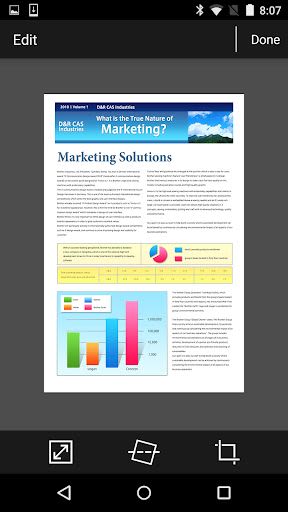
- Edit images with tools like scale, straighten, and crop.
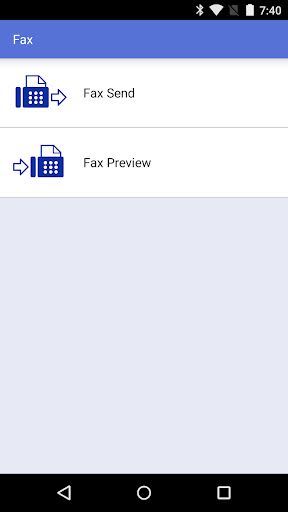
- Fax directly from your mobile device (contacts list access required).
- View received faxes on your mobile device.
- Preview and edit images before copying to prevent errors.
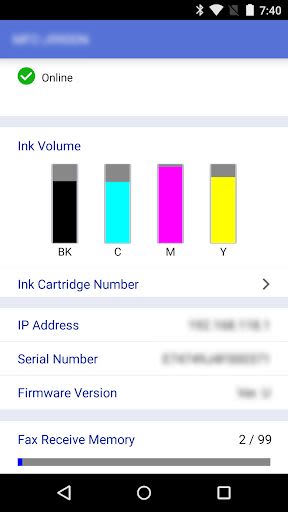
- Check machine status, ink/toner volume, and error messages on your mobile device.
Compatible Print Settings
- Paper Size: Various options from 4" x 6" to A3 Ledger.
- Media Type: Glossy Paper and Plain Paper.
- Copies: Up to 100 copies.
Compatible Scan Settings
- Document Size: A4, Letter, Photo sizes, Card, Legal, A3, Ledger.
- Scan Type: Color, Fast Color, Black & White.
Ensure your mobile device and machine support NFC for optimal performance. Visit the Brother support website for a list of compatible devices.
Note: Evernote is a trademark of Evernote Corporation. Microsoft, Excel, and PowerPoint are trademarks of Microsoft Corporation.
For a detailed list of supported models and to explore more functions, visit the official Brother website. Experience the convenience of mobile printing and scanning with Brother iPrint&Scan today!
Please direct all feedback to [email protected].
Schermafbeeldingen
Similar

Windows 11
Microsoft

Wear Flashlight
CodVerter

Grok
xAI

Cleaner Antivirus VPN Cleaner
Cleaner + Antivirus + VPN company

owoTrack
Finoki

تەختەکلیلی کوردی | Kurdish Keyboard
Goran Gharib

Icon Torch - Flashlight
Aleksandr Balaev

Secure VPN
Dream limited

VPN Proxy Master - Secure VPN
Share File Technologies by 090 Bravo

Give VPN
Speed Group dev

Super Antivirus - Clean Virus
SUPER ANTIVIRUS

Fly Browser-Search & Private
Readerland