
Maps, GPS, Navigation & Driving Route Directions
4.40
-

Taal
English
-

Developer
Photography Photo Editor Apps
-

#Versie
3.5
App-beschrijving
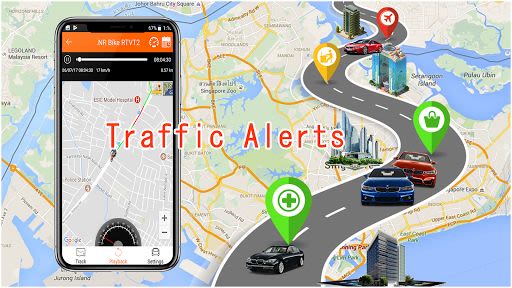
Discover Your Best Routes with Maps, GPS, Navigation & Street View
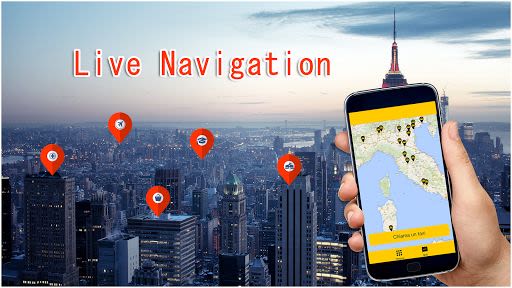
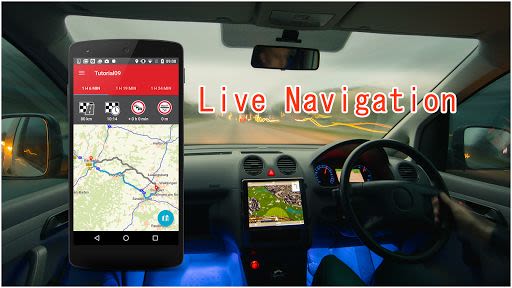
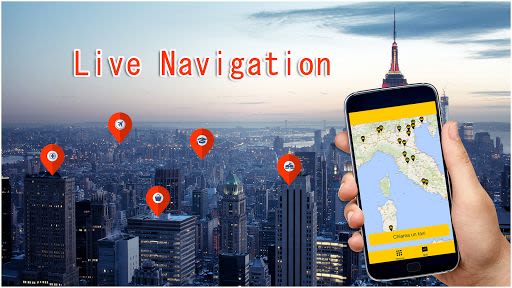
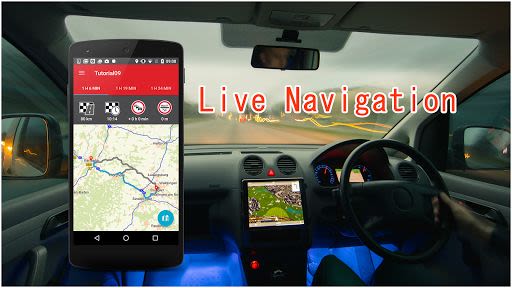
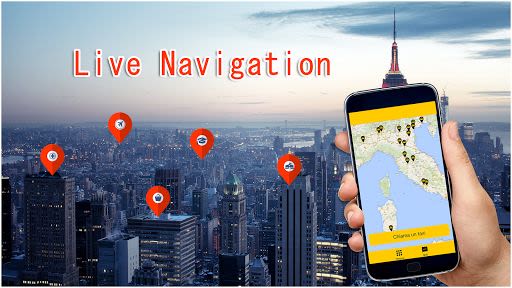
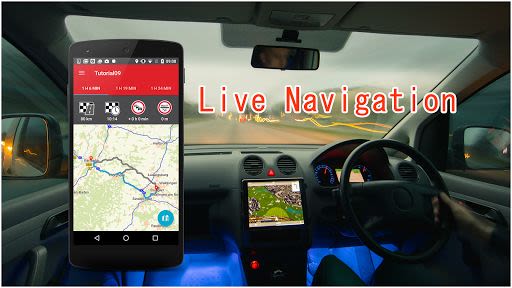
Welcome to Maps, GPS, Navigation & Driving Route Directions, Street View – your ultimate companion for finding the most efficient and traffic-free routes to your destination. With just a few taps on the map, this app will provide you with accurate driving directions, GPS guidance, and real-time traffic updates. Let's explore the key features and benefits of this innovative app:
Key Features:
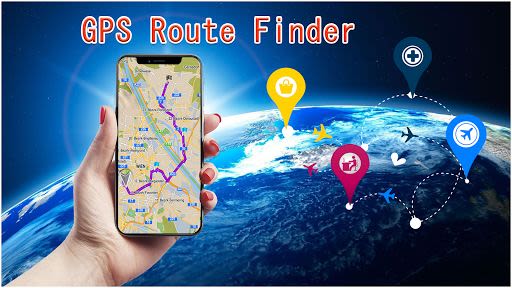
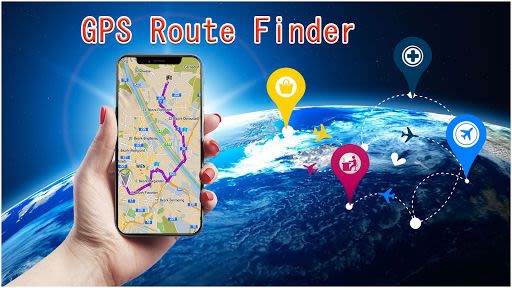
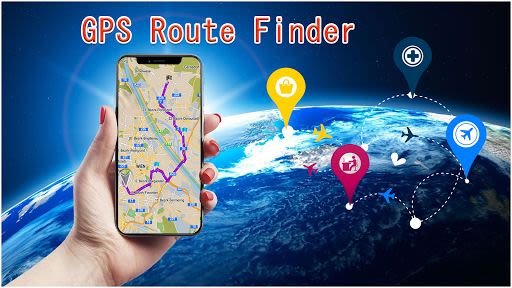
- Perfect Route Finder: Calculate the shortest path to your destination.
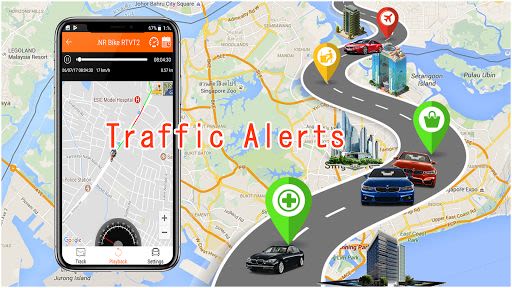
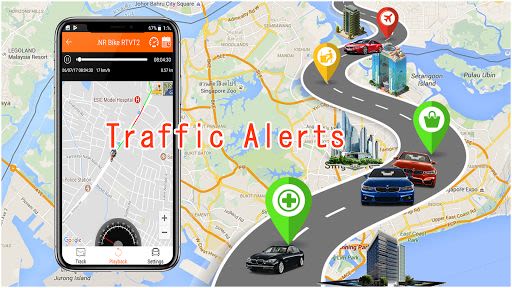
- Accurate Traffic Finder: Stay informed about live area traffic conditions.
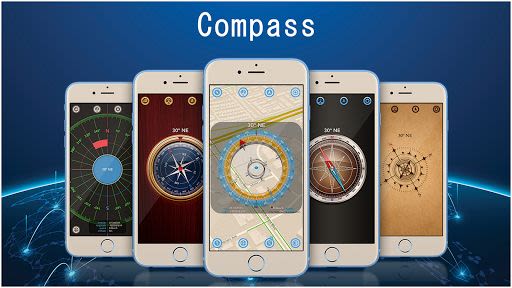
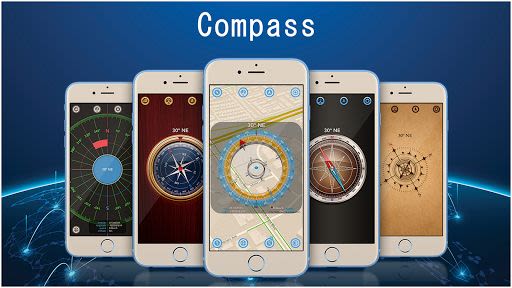
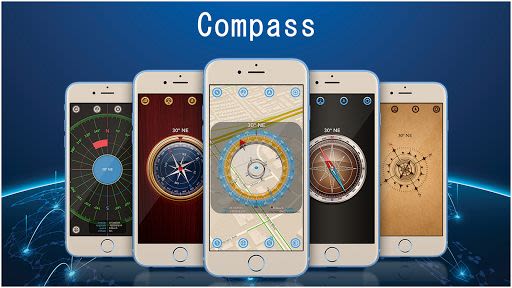
- Proper Compass: Navigate with precision using the digital compass.
- Street View: Explore detailed street views of any location.
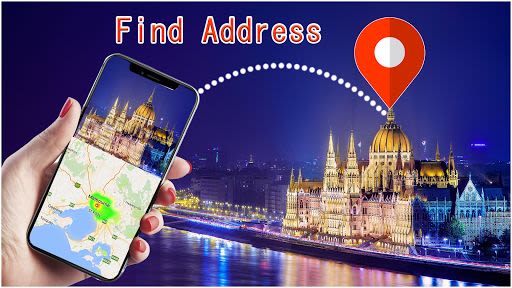
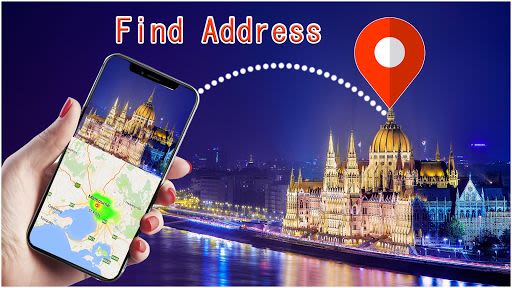
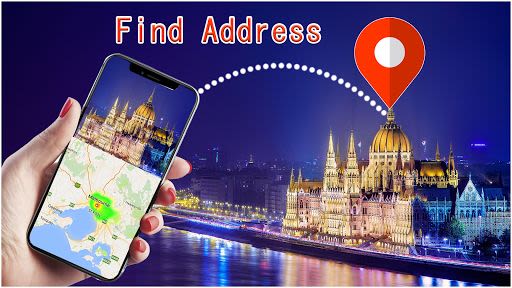
- Address Finder: Easily search for specific addresses.
- Satellite Mode: View maps in satellite imagery.
- Good User Interface: Enjoy a user-friendly and intuitive design.
- Fast Accessing: Quickly access all features for seamless navigation.
- Great Look and Feel: Experience a visually appealing app interface.
Benefits:
- Calculate driving directions effortlessly.
- Stay updated on live area traffic for smoother journeys.
- Track your location history for convenient reference.
- Access different map views tailored to your needs.
- Ensure data privacy with our commitment to user information security.
Why Choose This App:
- No data storage without user consent.
- Dynamic maps for varied user preferences.
- Easy-to-use interface for hassle-free navigation.
- Detailed street views for enhanced exploration.
How to Use:
- Download and install the app from the Google Play store.
- Allow GPS and Navigation permissions.
- Access the device's location.
- Accept terms and conditions to begin using the app.
Usage Guide:
- Use Route Finder to calculate distances and find the shortest path.
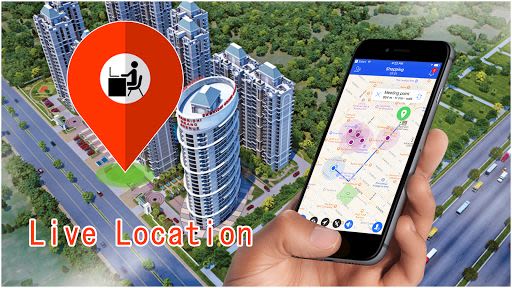
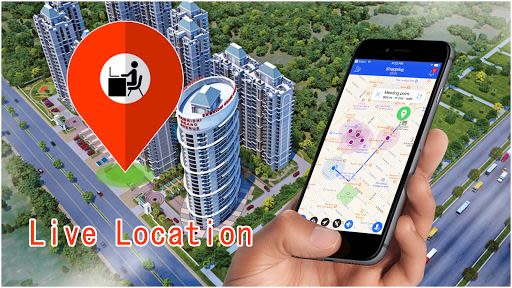
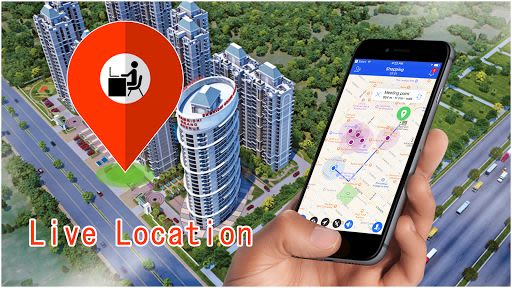
- Explore Location History to revisit previous destinations.
- Find specific addresses with the Address Finder feature.
- Enjoy Street View to visualize locations in detail.
- Access your current location with My Location feature.
- Customize settings and manage history intervals.
Compatibility:
- Available for Android devices.
Enhance your navigation experience with Maps, GPS, Navigation & Driving Route Directions, Street View. Download now and streamline your travel with ease!
Schermafbeeldingen
Similar

Offline Maps, GPS, Speedometer
Appcentric Team

Phone Locator - Phone Tracker
UNSoft Global
GPS navigation, maps & route
Cyrax Global Apps
GPS Voice Navigation: Live Map
Droid-

King Compass 2019 (no ads)
Clark Wain

Organic Maps: Hike Bike Drive
Organic Maps

Mapy.cz: maps & navigation
Seznam.cz, a.s.
Speedometer: GPS Speedometer
Simple Design Ltd.

Fake GPS Location Change Spoof
iCareLife - GPS Phone Number Locator - TikDownload

The Parking Spot
TPS Parking Management LLC

Argo - Boating Navigation
Argo Navigation, LLC

MKB Brandstof
MKB Ondernemers