

Microsoft Lens - PDF Scanner
4.80
-

Taal
English
-

OS
Android
-

Developer
Microsoft Corporation
-

#Versie
16.0.15028.20180
App-beschrijving
Microsoft Lens: Your Ultimate Document Scanner and Organizer
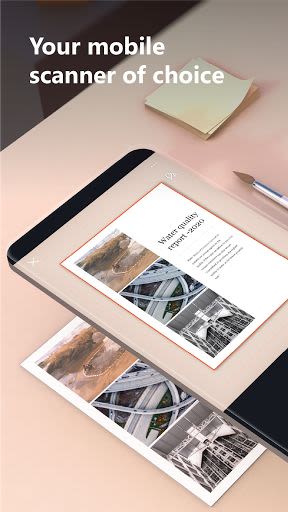
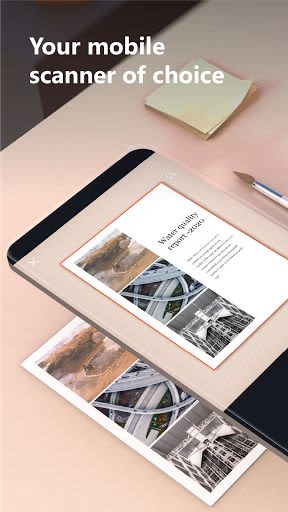
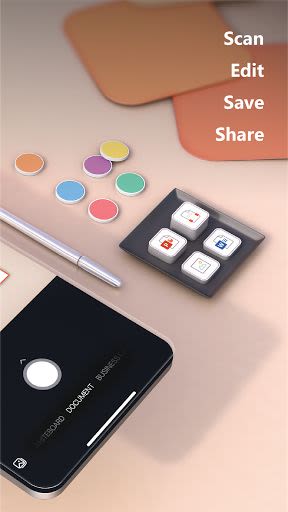
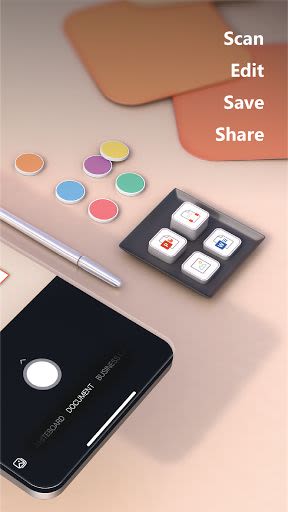
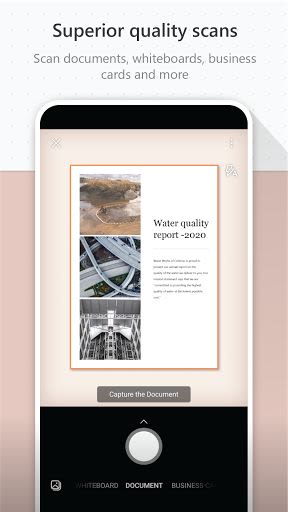
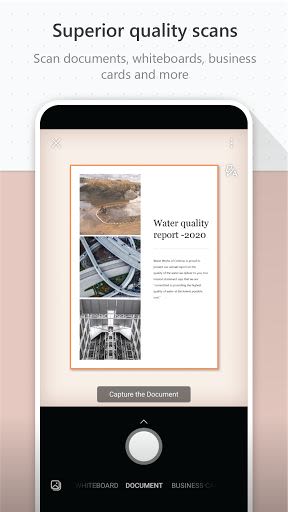
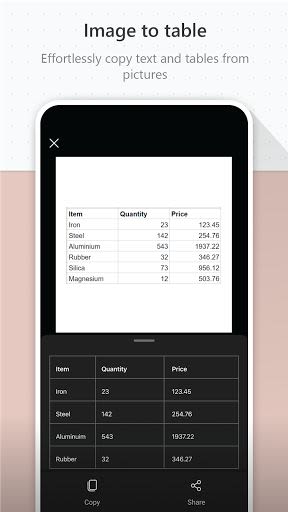
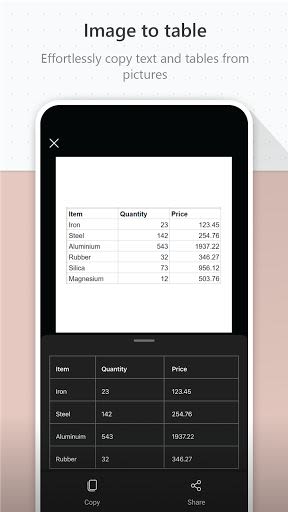
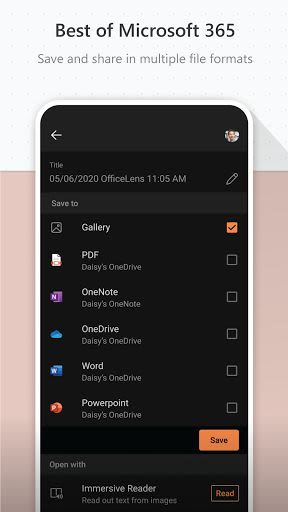
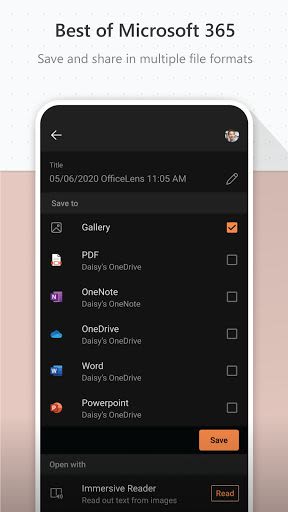
Welcome to Microsoft Lens, your go-to app for effortlessly capturing, enhancing, and organizing images of whiteboards, documents, and more. Formerly known as Microsoft Office Lens, this powerful tool transforms your snapshots into readable and editable files with just a few taps. Whether you're at work or school, Microsoft Lens streamlines your productivity by converting images into PDFs, Word documents, PowerPoint presentations, and Excel files.
Key Features:
- Versatile Conversion: Convert images into PDF, Word, PowerPoint, or Excel files.
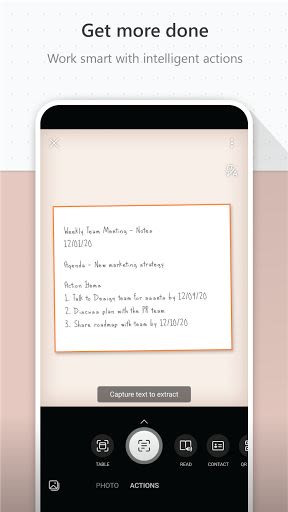
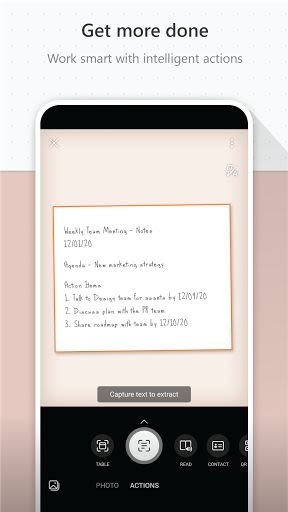
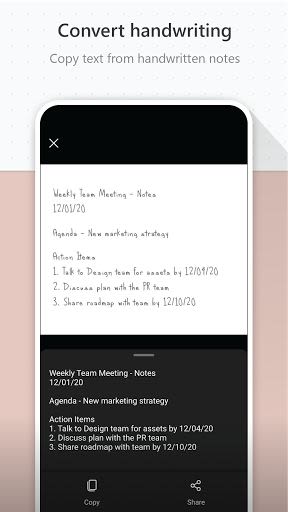
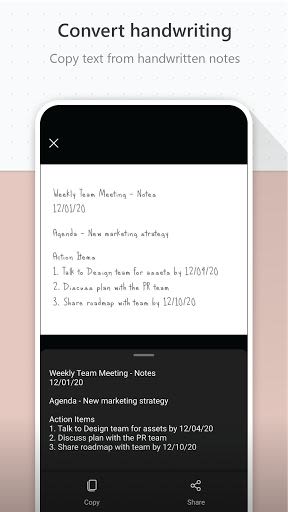
- Digitize Text: Easily digitize printed or handwritten text for editing and sharing.
- Seamless Integration: Save files to OneNote, OneDrive, or your local device.
- Enhanced Productivity: Capture notes, receipts, and documents with ease.
- Organizational Tools: Keep track of action items, meeting notes, and business contacts effortlessly.
Benefits:
- Work Efficiency: Scan and upload all your work-related materials for easy access.
- Education Support: Digitize classroom handouts, handwritten notes, and whiteboard content.
- Offline Access: Reference whiteboard or blackboard content even without an internet connection.
- Organization: Seamlessly integrate with OneNote to keep your notes and research organized.
Why Choose Microsoft Lens:
- User-Friendly: Intuitive interface for quick and efficient document scanning.
- Multi-Purpose: Ideal for both work-related tasks and educational purposes.
- Sync Across Devices: Access your scanned documents from anywhere, anytime.
Compatibility:
- Platform: Available for iOS and Android devices.
- Technical Requirements: Requires a device camera for scanning functionality.
By installing Microsoft Lens, you gain a versatile tool that enhances your productivity and organization. From scanning meeting notes to digitizing classroom materials, this app simplifies your document management tasks. Discover a more efficient way to work and learn with Microsoft Lens!
Install now and experience the convenience firsthand.
By using this app, you agree to the following terms and conditions: Terms and Conditions.
Schermafbeeldingen
Similar

All Document Reader 2023
FunGear inc

QR Code Scanner for Android: QR Reader, QR Creator
Taymay - Simple & Effective.

ChatAI: AI Chatbot App
iKame Applications - Begamob Apps

App Lock - Applock Fingerprint
Trusted Tools

All Document Reader - One Read
Simple Design Ltd.

QR Scanner - Barcode Scanner
Leap Fitness Group

PDF Reader - PDF Viewer 2022
Simple Design Ltd.

FlyLadyPlus
FlyLadyPlus

BlackNote Notepad Notes
Notas Notepad

Free QR Code Reader & Barcode Scanner - QR Scanner
JonDev. Mobile

PDF Scanner APP - Scan to PDF
Simple Design Ltd.

Image to PDF Converter - JPG to PDF, PDF Maker
Simple Design Ltd.