
Microsoft OneNote: Save Ideas and Organize Notes
4.70
-

Taal
English
-

OS
Android
-

Developer
Microsoft Corporation
-

#Versie
16.0.14931.20304
App-beschrijving
Simplify Your Life with Microsoft OneNote - Your Ultimate Digital Notepad
Organize your thoughts, discoveries, and ideas effortlessly with Microsoft OneNote, the versatile digital notepad that syncs seamlessly across all your devices. Whether planning a special event, capturing moments of inspiration, or managing important tasks, OneNote is your go-to app for staying productive and creative on the go.
Key Features
-
Capture Content with Ease
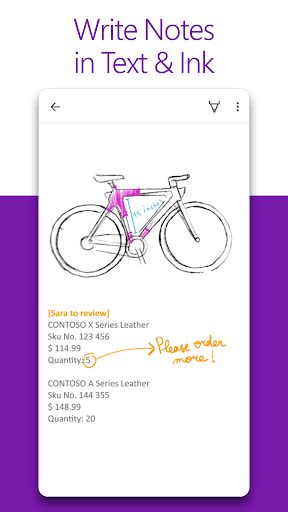
- Write notes, draw, and clip web content directly into your notebook.
- Utilize OneNote's flexible canvas to arrange content intuitively.
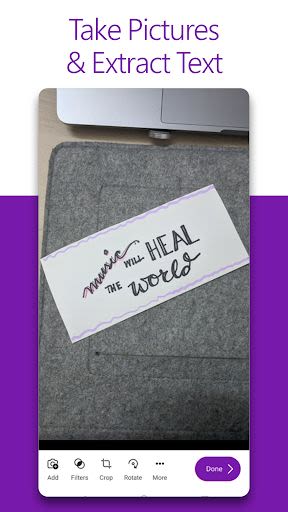
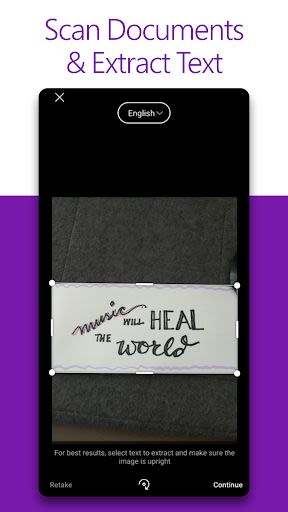
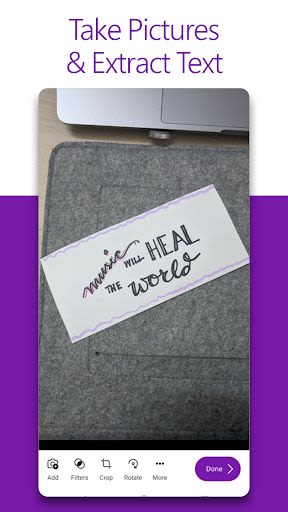
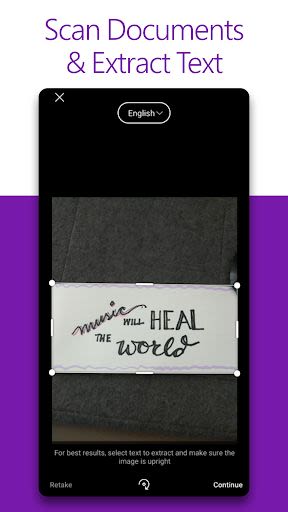
- Scan documents and business cards directly into your notes.
- Enhance your notes with images and pictures.
-
Boost Productivity
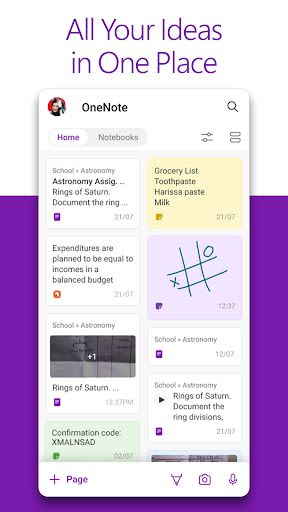
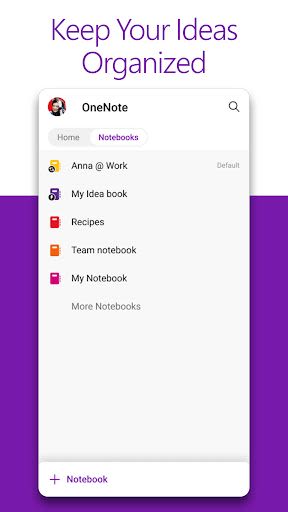
- Organize notes into sections and pages for easy navigation.
- Create to-do lists, mark important items, and add custom labels for efficient task management.
- Use OneNote as a digital binder for school, work, or personal projects.
-
Save Ideas Instantly
- Sync notes across devices for access anytime, anywhere.
- Collaborate in real-time with multiple users on shared content.
- Utilize the notepad badge for quick note-taking on the fly.
- Sticky notes feature for rapid memos.
-
Collaborate and Share Effortlessly
- Take meeting notes, brainstorm ideas, and organize resources seamlessly.
- Stay in sync with real-time collaboration features.
- Search notes quickly with a powerful search function.
-
Seamless Integration with Microsoft Office
- Works seamlessly with other Office apps like Excel and Word for enhanced productivity.
Benefits
- Stay organized and focused on your tasks with seamless syncing.
- Boost creativity and productivity with a versatile digital notebook.
- Collaborate efficiently with real-time sharing and editing capabilities.
Why Choose This App
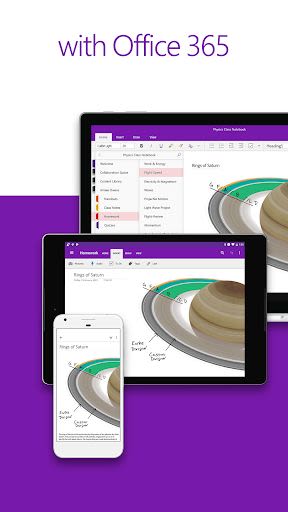
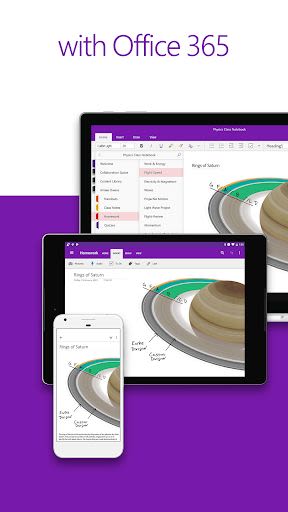
- Access your notes across all your favorite devices.
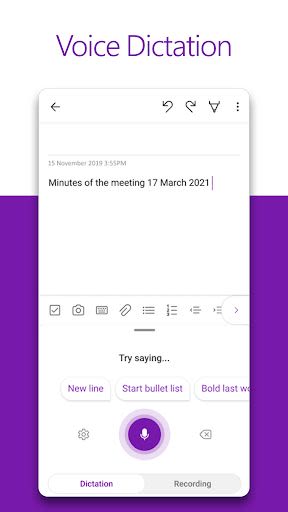
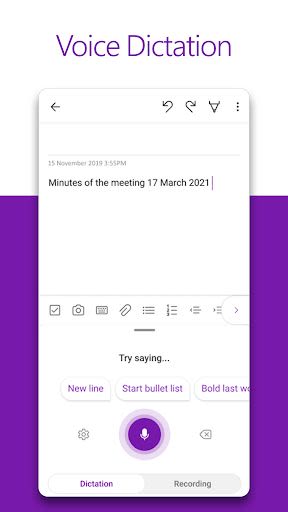
- Effortlessly blend text, voice, ink, and web clippings in your notes.
- Seamlessly integrate with other Microsoft Office apps for a cohesive workflow.
Compatibility and Requirements
- Compatibility: Available on Android OS 5.0 and later.
- Account: Requires a free Microsoft account for full functionality.
- Compatibility: Syncs with existing notebooks from Microsoft OneNote 2010 onwards.
- Storage: Sync notes to OneDrive for Business with your Office 365 or SharePoint account.
Get organized, stay productive, and unleash your creativity with Microsoft OneNote. Download now and simplify your life!
For frequently asked questions about OneNote for Android, visit here.
This app is either provided by Microsoft or a third-party, subject to respective privacy statements and terms. Data may be processed in the United States or other countries.
For Microsoft’s End User License Agreement (EULA) and privacy statement, visit here.
Schermafbeeldingen
Similar

All Document Reader 2023
FunGear inc

QR Code Scanner for Android: QR Reader, QR Creator
Taymay - Simple & Effective.

ChatAI: AI Chatbot App
iKame Applications - Begamob Apps

App Lock - Applock Fingerprint
Trusted Tools

All Document Reader - One Read
Simple Design Ltd.

QR Scanner - Barcode Scanner
Leap Fitness Group

PDF Reader - PDF Viewer 2022
Simple Design Ltd.

FlyLadyPlus
FlyLadyPlus

BlackNote Notepad Notes
Notas Notepad

Free QR Code Reader & Barcode Scanner - QR Scanner
JonDev. Mobile

PDF Scanner APP - Scan to PDF
Simple Design Ltd.

Image to PDF Converter - JPG to PDF, PDF Maker
Simple Design Ltd.