

Qustodio Parental Control & Screen Time App
4.20
-

Taal
English
-

OS
Android
-

Developer
Qustodio LLC
-

#Versie
182.7.1
App-beschrijving
Qustodio Parental Control & Screen Time App
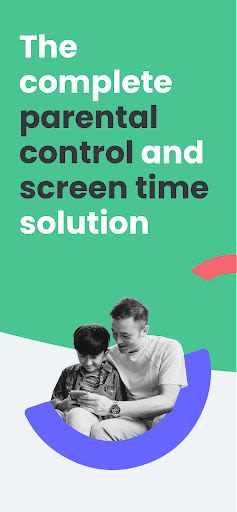
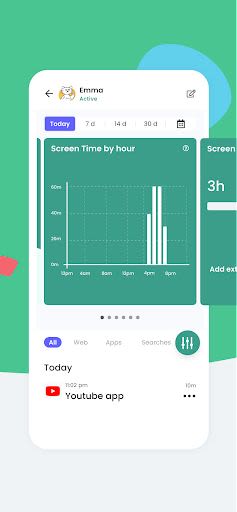
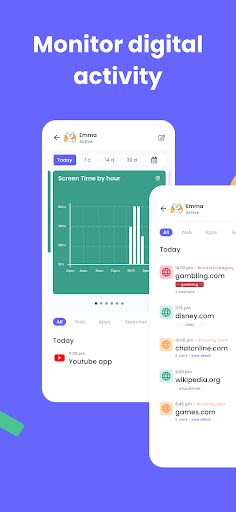
Discover the power of the Qustodio Parental Control & Screen Time App, an award-winning solution that simplifies parenting by offering comprehensive tools to manage your child's digital activities effectively. From setting daily screen time limits to monitoring apps like Facebook and YouTube, this app is your partner in ensuring a safe and balanced digital experience for your family.
Key Features
-
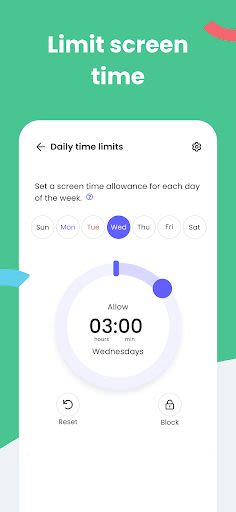
Screen Time Control:
- Automatically blocks devices after set time limits.
-
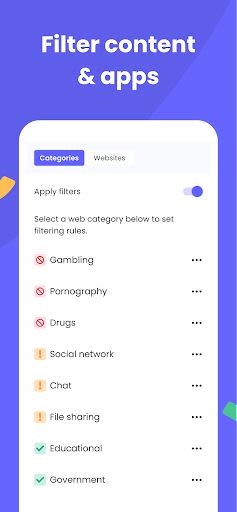
Block Monitoring & Parental Filter:
- Tracks and controls internet access, including adult content filtering.
-
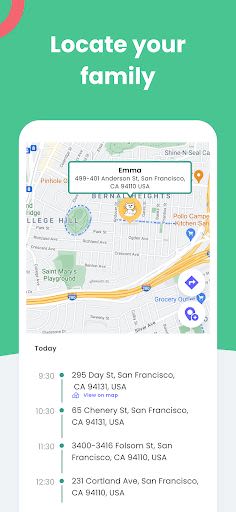
Family Locator & GPS Family Tracker:
- Tracks your child's phone and provides GPS location updates.
Benefits
- Manage daily screen time across mobile, tablet, and desktop devices.
- Compatible with Android, iOS, and other major operating systems.
- Enhanced security with website blocking, safe search, and app control.
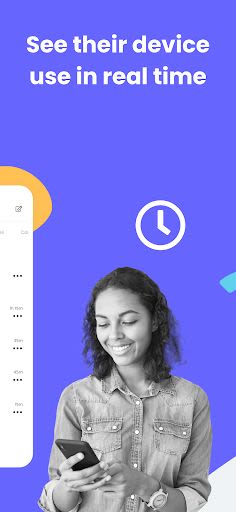
- Advanced reporting and alerts for better monitoring.
- Exclusive features in the Premium version, including YouTube monitoring and app blocking.
- Priority support and access to new features for Premium users.
Why Choose This App
- Seamless setup process for effortless monitoring.
- Family Locator feature for added peace of mind.
- Multi-platform support for versatile device monitoring.
Start by downloading the Qustodio Parental Control App on your device and the Kids App Qustodio on your child's devices. Take advantage of the free version for one supervised device or upgrade to the Premium version for more comprehensive features.
Technical Information
- Compatibility: Android, iOS, Windows, Mac, Kindle
- Languages: English, Spanish, French, Italian, Portuguese, German, Japanese, Chinese
For detailed support and FAQs, visit Qustodio Help Center or contact [email protected].
Notes:
- Device Administrator Permission: Prevents unauthorized uninstallation.
- Accessibility Services: Enhances user experience for better control over screen time and content monitoring.
- Troubleshooting: Disable battery-saving mode on Huawei devices for optimal performance.
Take charge of your child's digital well-being with Qustodio – the ultimate parental control solution!
Schermafbeeldingen
Similar

Bedtime Stories for your Kids
Simka

Parents
All About Parenting

Sleepy Baby - White Noise
Fabrikod

Sleep Nanny: Baby Monitor Pro
Smart Sensor Lab

Easy Baby Photo Editor
dotori304

SPORT iD the Player Safety app
SPORT iD

Baby Shopping Checklist (Upgraded!)
BeantownLoner

Christian Hypnobirthing
Christian Hypnobirthing Ltd

theAsianparent: Track Pregnancy & Count Baby Kicks
theAsianparent - largest pregnancy & parenting app

Nara Baby Tracker
Nara Organics

Solid Starts: Introducing Real Food to Babies
Solid Starts

Ovulation Calendar & Fertility
Arbor Ltd