
TOP GUN - hybrid watch face
4.20
-

Taal
English
-

OS
Android
-

Developer
VYRON watch faces
-

#Versie
1.1.2
App-beschrijving
Discover Stunning Watch Faces for Wear OS!
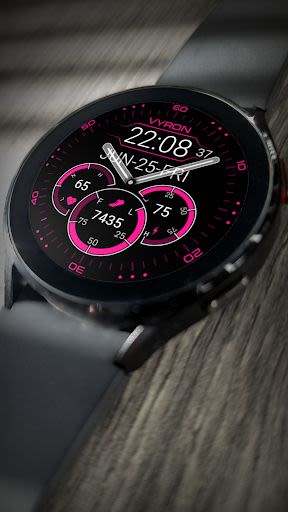
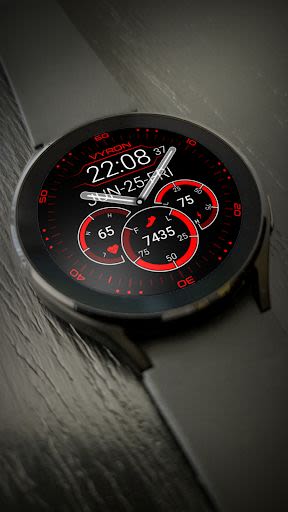
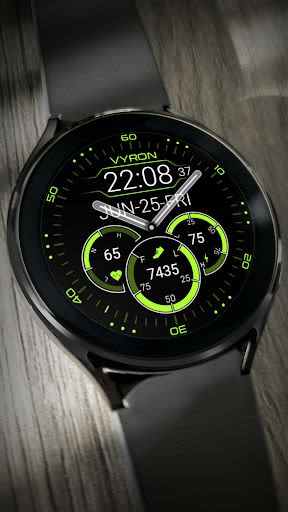
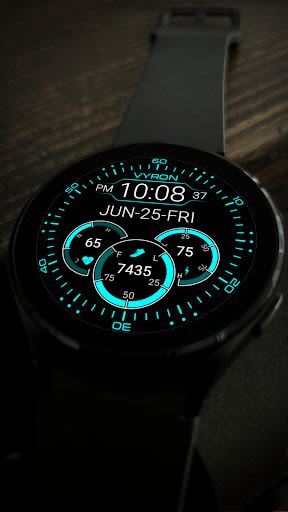
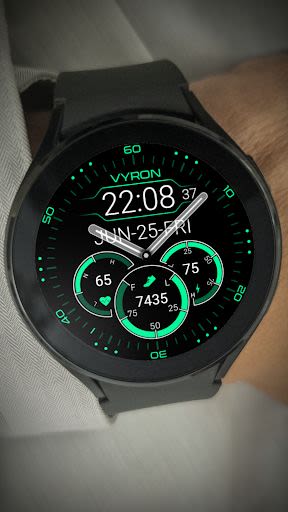
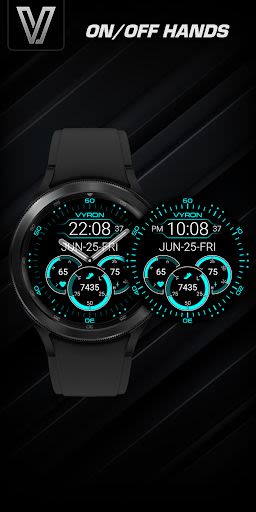
Looking for a classic multicolor hybrid watch face for your Wear OS device? Look no further! Explore a collection of beautifully designed watch faces that combine style and functionality seamlessly.
Key Features:
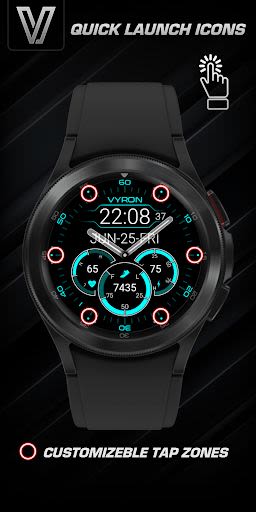
- Customizable Tap Zones: Enjoy quick access to your favorite applications with 6 customizable tap zones.
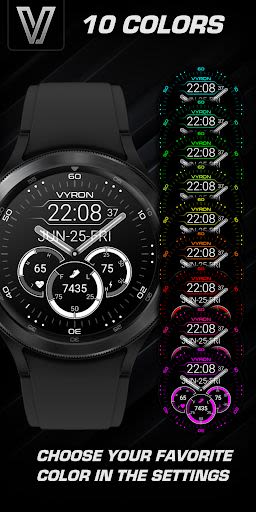
- Vibrant Color Options: Choose from a selection of 10 vibrant colors to personalize your watch face.
Installation Instructions:
- Ensure your watch is connected to your smartphone.
- Allow a few minutes for the watch face to sync in the background.
- Check the installed watch faces via the Wearable app on your smartphone.
- If the watch face is not installed, try installing it from a web browser on your smartphone or PC.
Important Note:
- Any installation issues are not developer-dependent. The Play Store is managed independently. Thank you for your understanding.
Indicators Displayed:
- Date
- Battery Level
- Heart Rate
- Steps
To customize settings and select an active mode color or Always-On Display (AOD) color, press and hold, then choose "settings."
Stay updated on promotions and new releases:
- Follow us on Facebook
- Join our Facebook group
- Connect with us on Telegram
For any assistance, feel free to reach out to us at [email protected].
Don't miss out on exclusive offers and updates - subscribe now!
By following these steps, you can create a more engaging and informative app description that highlights the key features and benefits of the directory listing website effectively.
Schermafbeeldingen
Video's
Similar

Analog Classic Watch Messa 100
Messa Watch

Color Phone - Nice Call Screen
Govo Tech by Volio

Arabic Wallpapers
Mahmoud Zadah

Concentric - Pixel Watch Face
WatchFace-Designs

Clean Digital
JH Watchfaces

Yoshion - Pic Collage Maker
Joseph Jenny

Minimal Basic 2 English
OQ Watchfaces

Beautiful wallpapers
Applications from a duck

Wear OS Watch Neon Shatte
GeorgKing

RE 03 - Digital Watch Face
RECREATIVE ® Watch Faces

Anime World Wallpapers
N.E.O.N STUDIO

Launcher iOS 16
LuuTinh