

FRep - Finger Replayer
3.40
-

Taal
English
-

OS
Android
-

Developer
strAI
-

#Versie
5.3i
App-beschrijving
FindRep Directory Listing App
Welcome to FindRep, your ultimate Finger Record/Replay App! Simplify your routine operations by recording them once and replaying them with a single trigger. Create your personalized automatic operation button effortlessly with FindRep.
Key Features:
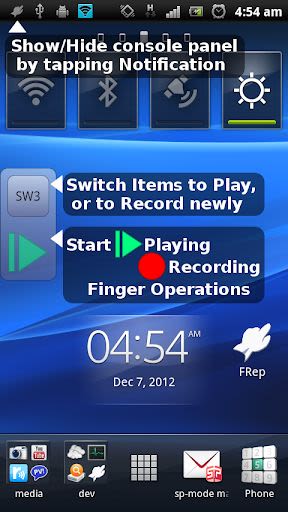
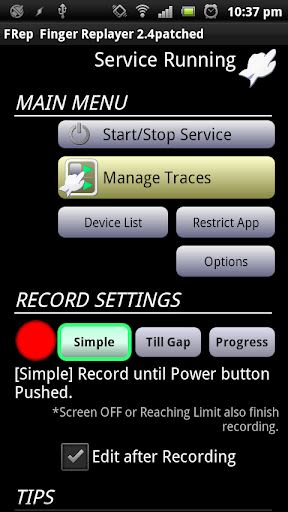
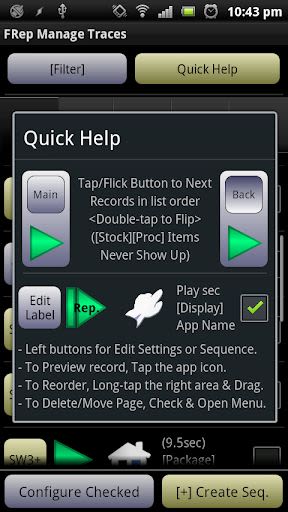
- Record and Replay/Repeat/Edit touchscreen and keystroke operations
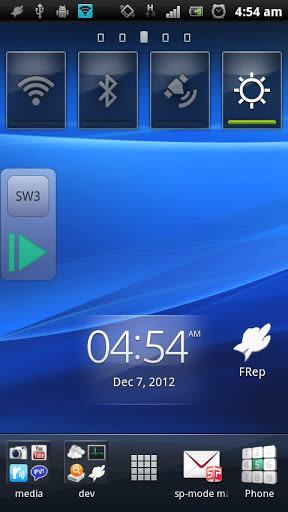
- Easy record/play on the current app with the floating console button
- Unlock key for unlimited records and Tasker/Locale plugin functionality
Benefits:
- Streamline analog operations for automatic processes or gestures
- Create continuous key pushes for seamless browsing
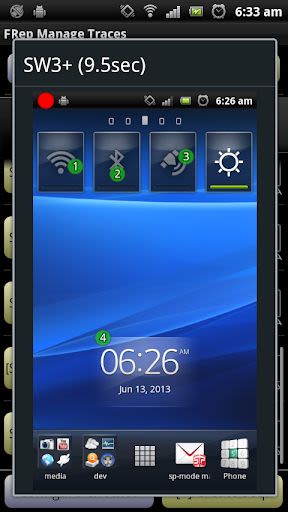
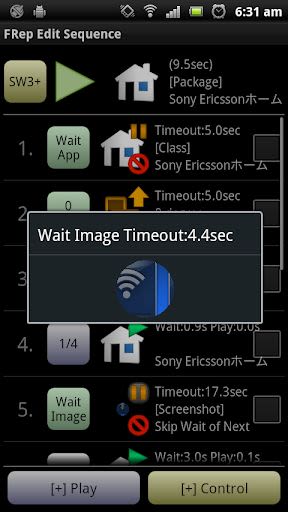
- Preload delayed actions to account for processing delays
- Enhance precision and avoid errors with finger operations
- Seamlessly integrate with automation apps through FindRep replay shortcuts and Tasker plugins
- Showcase your app on real devices effectively
Why Choose FindRep:
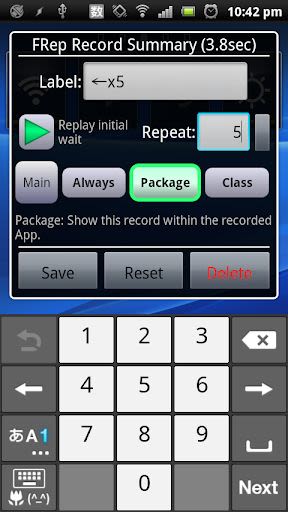
- Efficiently manage and edit recorded sequences
- Customize console settings for a personalized experience
- Ensure secure recording without personal data capture
- Receive responsive English support for any queries or requests
Compatibility:
- Available on Android devices (ROOT access optional)
Technical Requirements:
- Initial setup required via USB connection to Win/Mac/Linux/Android
Setup Instructions:
- If your Android is ROOTED, you can skip the setup process
- For initial setup or after Android reboot, use the setup tool at FRep Setup Tool
Usage Example:
- Record touch operations for various automation needs
- Play recorded sequences with customizable repeat options
- Restrict operations to prevent interference from other apps
- Easily interrupt and customize virtual keyboard settings
Customization Options:
- Notification type/icon customization
- Adjust console size and transparency
- Fine-tune drag/flick sensitivity
- Manage default settings for a tailored experience
Notice & Tips:
- Accessibility Service used for responsive switching function of floating console
- Ensure no personal information or passwords are recorded
- Optimize replay results by considering CPU load and processing delays
- Records are device-specific and not compatible with other devices
For any questions or requests, feel free to reach out to us via email. Download FindRep now and streamline your operations efficiently!
DISCLAIMER: This software is provided "as is" without warranties. Use at your own risk. No liability for consequential damages.
Schermafbeeldingen
Video's
Similar

All Document Reader 2023
FunGear inc

QR Code Scanner for Android: QR Reader, QR Creator
Taymay - Simple & Effective.

ChatAI: AI Chatbot App
iKame Applications - Begamob Apps

App Lock - Applock Fingerprint
Trusted Tools

All Document Reader - One Read
Simple Design Ltd.

QR Scanner - Barcode Scanner
Leap Fitness Group

PDF Reader - PDF Viewer 2022
Simple Design Ltd.

FlyLadyPlus
FlyLadyPlus

BlackNote Notepad Notes
Notas Notepad

Free QR Code Reader & Barcode Scanner - QR Scanner
JonDev. Mobile

PDF Scanner APP - Scan to PDF
Simple Design Ltd.

Image to PDF Converter - JPG to PDF, PDF Maker
Simple Design Ltd.