
NOTEBOOK - Take Notes, Sync
4.50
-

Taal
English
-

OS
Android
-

Developer
Zoho Corporation
-

#Versie
5.7.3
App-beschrijving
Welcome to Notebook - Your Ultimate Note-Taking Companion
Discover the award-winning Notebook, named 'Google PlayStore's Best App of 2017.' Elevate your productivity with this elegantly simple note-taking app that seamlessly integrates across Mac, iOS, and popular web browsers like Chrome, Firefox, and Safari. Access your notes anytime, anywhere by logging into https://notebook.zoho.com.
Take Notes Effortlessly
Notebook offers versatile ways to capture your ideas:
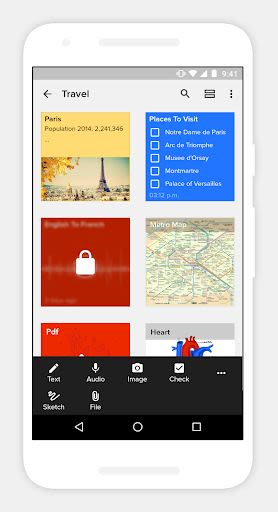
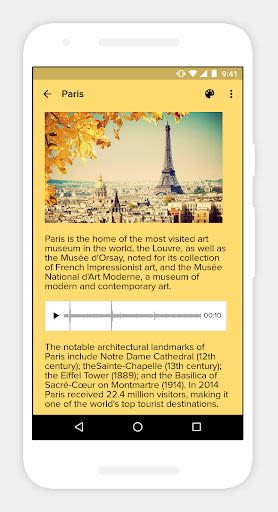
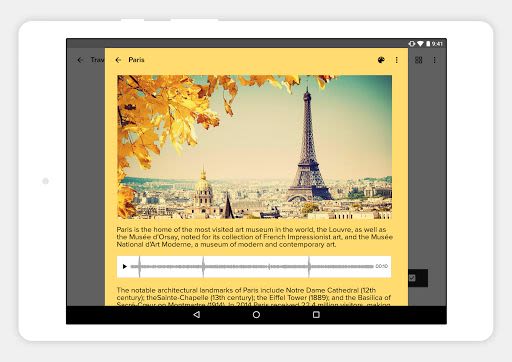
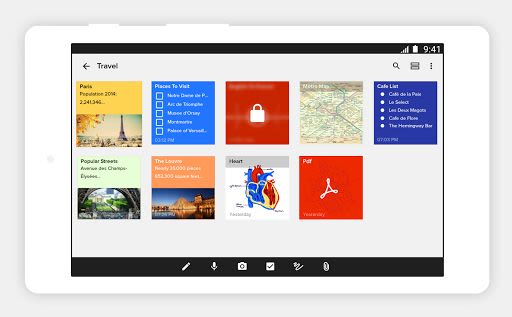
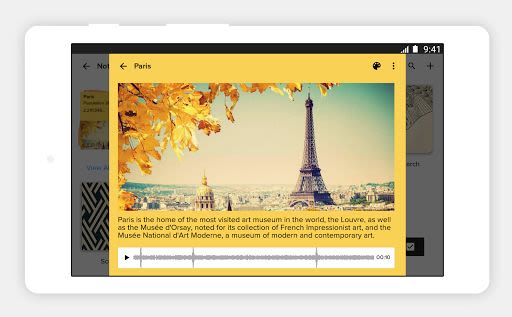
- Write notes with text, images, checklists, and audio all in one place.
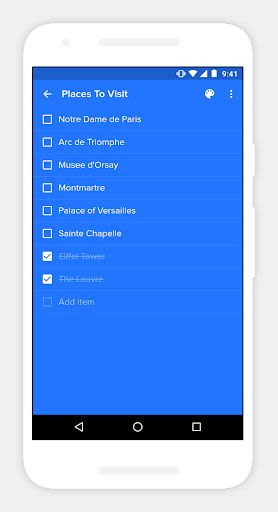
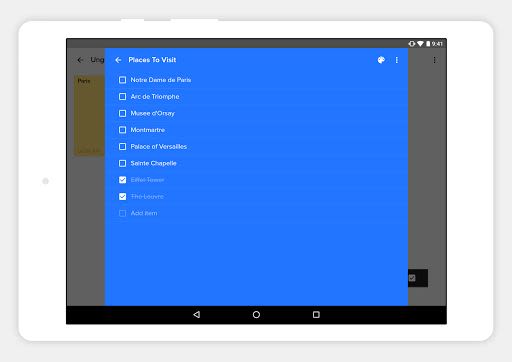
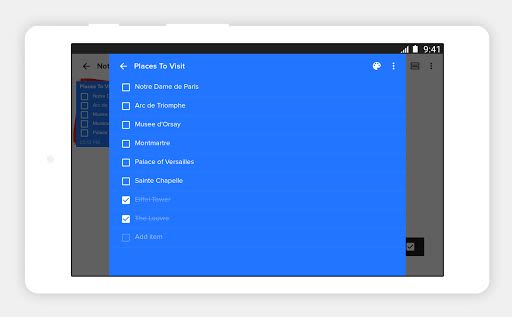
- Organize tasks with dedicated checklist notes.
- Record voice memos with the audio note feature.
- Preserve memories using photo notes.
- Scan documents directly into Notebook.
- Attach various file types like Microsoft documents and PDFs.
Organize Your Thoughts
Stay structured and focused with Notebook's organizational tools:
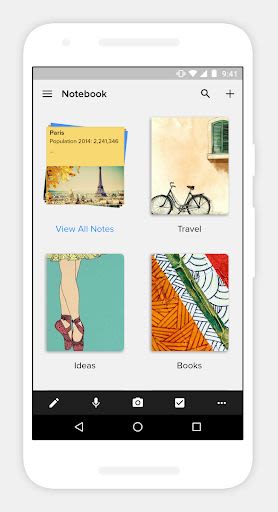
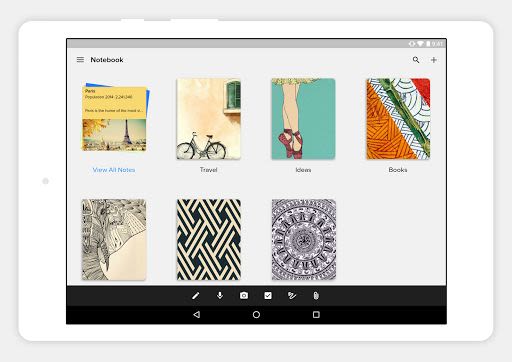
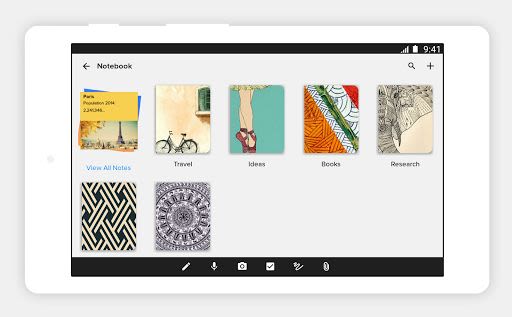
- Categorize notes into notebooks.
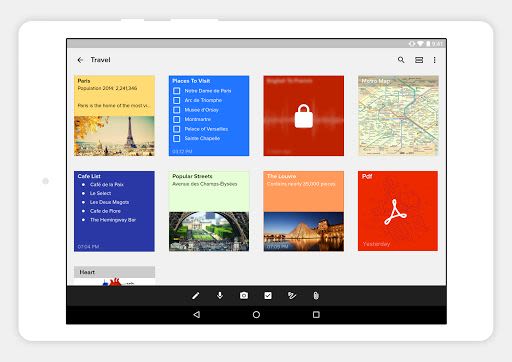
- Group related notes into notecard stacks.
- Easily reorder and move notes within notebooks.
- Efficiently search across all your notes.
- Secure sensitive notes with customizable passwords.
- Unlock notes seamlessly with Touch ID.
Sync Seamlessly
Never miss a beat with Notebook's cross-device synchronization:
- Access your notes on any device, tablet, or browser.
- Sync notes effortlessly across all your devices and to the cloud.
- Edit notes from any synced device in real-time.
Intuitive Gestures
Experience the joy of intuitive gestures exclusive to Notebook:
- Swipe for quick access to additional information.
- Pinch to group notes into stacks.
- Flick to find specific notes.
- Fold group notes like an accordion in landscape view.
Customize Your Experience
Tailor your Notebook to suit your style:
- Personalize note colors and covers.
- Choose between grid or landscape view.
- Continue recording audio across screens on Android devices.
Share and Collaborate
Share your ideas seamlessly with Notebook:
- Share notes via email and other apps.
- Export notes as PDF for easy sharing.
- Collaborate effortlessly with colleagues and friends.
Exclusive Android Features
Unlock unique features tailored for Android users:
- Utilize the Notebook Widget for quick access to recent notes.
- Benefit from Multi Window Support on Android 7.0 and above.
- Seamlessly create notes using Google Assistant Integration.
- Print notes using Google Cloud Print.
- Enjoy 'Launcher Shortcuts' for instant note creation.
Notebook Web Clipper
Enhance your browsing experience with Notebook Web Clipper:
- Customize Clean View for distraction-free reading.
- Save page links as Smart Cards.
- Crop and save images directly to Notebook.
For Students and Everyday Life
Whether you're a student or managing daily tasks, Notebook is your go-to app:
- Record lectures with Audio Card.
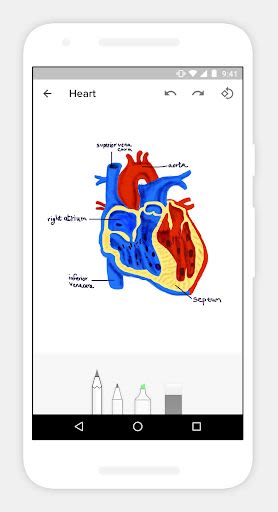
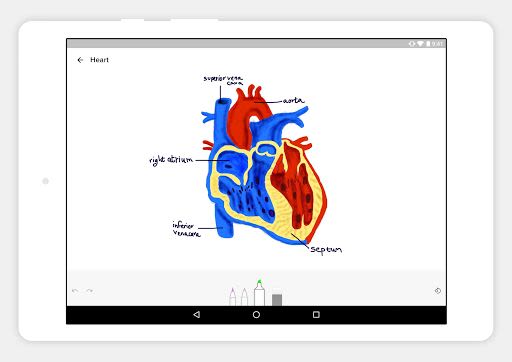
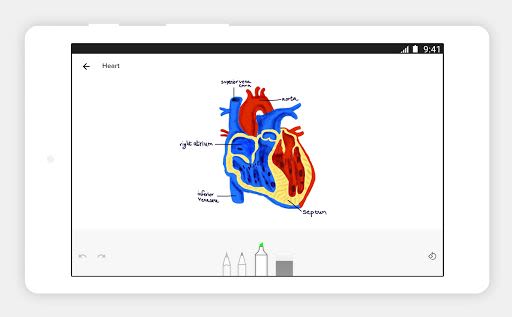
- Take handwritten notes with Sketch Card.
- Clip research content effortlessly.
- Stay organized in your daily life with Notebook.
Price and Availability
Notebook is 100% FREE with no ads or premium features. Boost your productivity effortlessly with Notebook today!
Download Notebook now and revolutionize the way you take notes!
Schermafbeeldingen
Video's
Similar

All Document Reader 2023
FunGear inc

QR Code Scanner for Android: QR Reader, QR Creator
Taymay - Simple & Effective.

ChatAI: AI Chatbot App
iKame Applications - Begamob Apps

App Lock - Applock Fingerprint
Trusted Tools

All Document Reader - One Read
Simple Design Ltd.

QR Scanner - Barcode Scanner
Leap Fitness Group

PDF Reader - PDF Viewer 2022
Simple Design Ltd.

FlyLadyPlus
FlyLadyPlus

BlackNote Notepad Notes
Notas Notepad

Free QR Code Reader & Barcode Scanner - QR Scanner
JonDev. Mobile

PDF Scanner APP - Scan to PDF
Simple Design Ltd.

Image to PDF Converter - JPG to PDF, PDF Maker
Simple Design Ltd.