
Black Classic Watch Face
4.30
-

Taal
English
-

OS
Android
-

Developer
HuskyDev
-

#Versie
1.64
App-beschrijving
Discover Black Classic Watch Face Directory Listing App
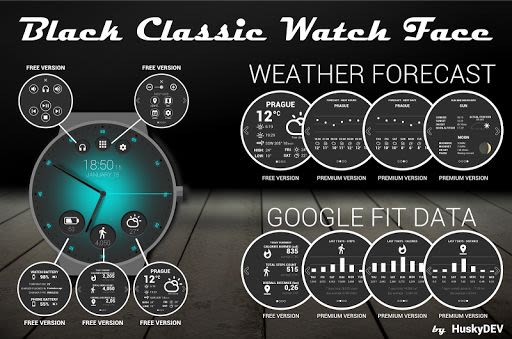
Welcome to Black Classic Watch Face, a sophisticated and versatile watch face designed for daily use. This directory listing app offers a seamless experience by simplifying various tasks, including launching programs, adjusting brightness, and controlling music playback.
Key Features:
-
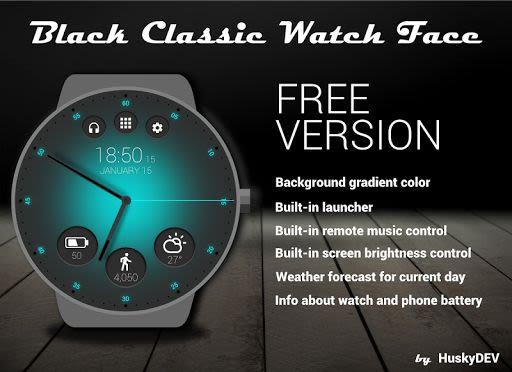
FREE Version:
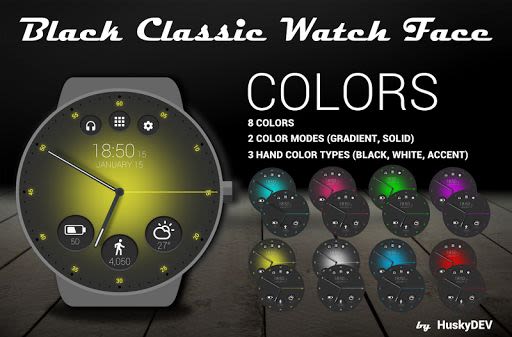
- Choose from solid or gradient background colors
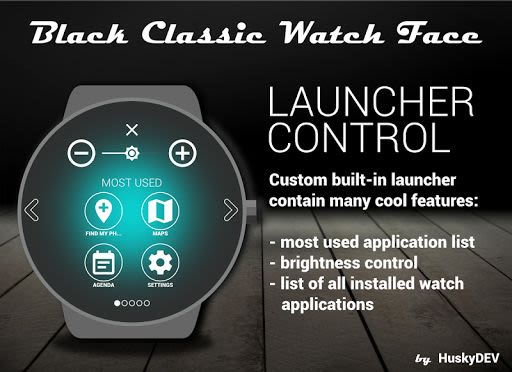
- Own launcher for easy navigation
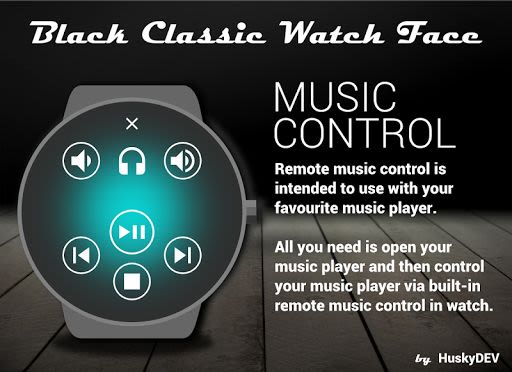
- Remote music control functionality
- Adjust screen brightness directly from the launcher
- View weather forecast for the current day
- Monitor detailed watch and phone battery information
- Access Google Fit data for the current day
-
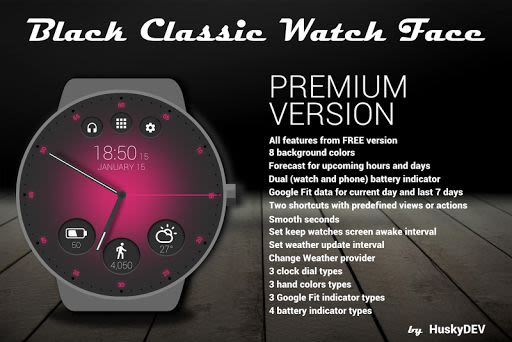
PREMIUM Version:
- Enjoy all features from the FREE version
- Select from 8 background color options
- Access extended weather forecasts
- Explore detailed Google Fit data for the current day and past 7 days
- Set two shortcuts with predefined views or actions
- Choose from various clock dial and hand color types
- Customize battery and Google Fit indicator types
- Enable smooth seconds and adjust screen awake intervals
- Fine-tune weather update intervals and providers
Benefits:
- Personalize your watch face with a range of customization options
- Stay informed with accurate weather forecasts and fitness data
- Enhance user experience with intuitive touch controls and feedback
- Optimize battery life and display settings for OLED screens
- Keep track of essential information at a glance
Why Choose This App:
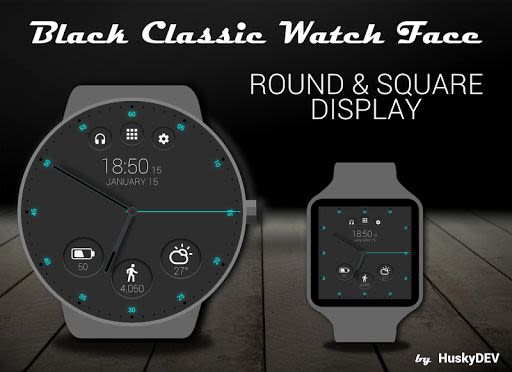
- Seamlessly integrates with squared and round watches
- Requires Android Wear System 5.0 or higher for optimal performance
- Compatible with popular smartwatch models such as Moto 360, LG G Watch, Sony Smartwatch, Samsung Gear Live, and more
- Easy setup process with the companion application for convenient configuration
Technical Details:
- Time and date format customization (12/24)
- Touch feedback settings
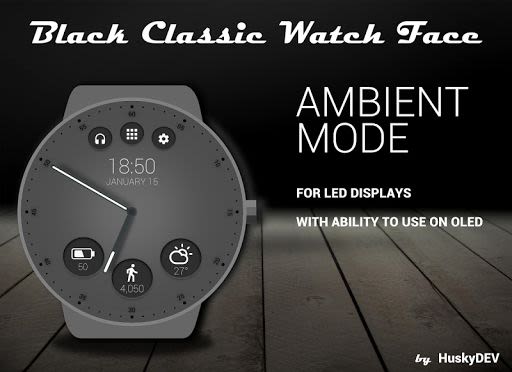
- Grayscale Ambient mode support for OLED displays
- Temperature and wind speed unit adjustments
- Real-time weather updates for accurate forecasts
- Google Fit data access for enhanced fitness tracking
Note: To utilize Google Fit data, ensure to grant necessary permissions during setup.
How to Resolve Common Issues:
If you encounter synchronization problems:
- Uninstall the face application from your phone
- Disconnect and restart your watch
- Reconnect your watch and phone
- Reinstall Black Classic Watch Face
Enhance your smartwatch experience with Black Classic Watch Face. Download now and elevate your daily routine with style and functionality.
Get the app and elevate your smartwatch experience!
Schermafbeeldingen
Video's
Similar

Analog Classic Watch Messa 100
Messa Watch

Color Phone - Nice Call Screen
Govo Tech by Volio

Arabic Wallpapers
Mahmoud Zadah

Concentric - Pixel Watch Face
WatchFace-Designs

Clean Digital
JH Watchfaces

Yoshion - Pic Collage Maker
Joseph Jenny

Minimal Basic 2 English
OQ Watchfaces

Beautiful wallpapers
Applications from a duck

Wear OS Watch Neon Shatte
GeorgKing

RE 03 - Digital Watch Face
RECREATIVE ® Watch Faces

Anime World Wallpapers
N.E.O.N STUDIO

Launcher iOS 16
LuuTinh