

Pixel pie - icon pack
4.70
-

Taal
English
-

OS
Android
-

Developer
iEvil Dev
-

#Versie
1.1.7
App-beschrijving
Pixel Pie - Icon Pack
Introduction:
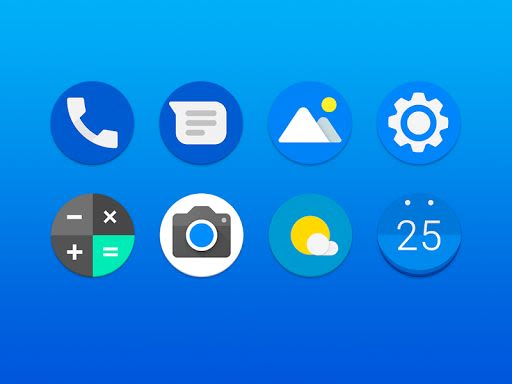
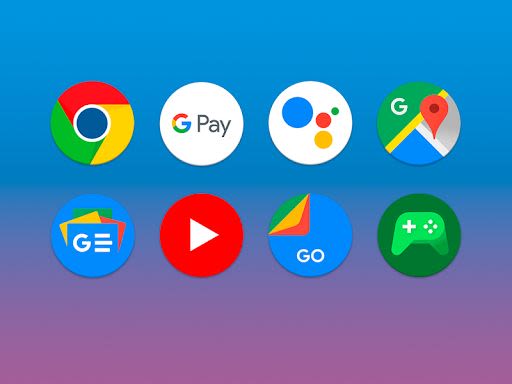
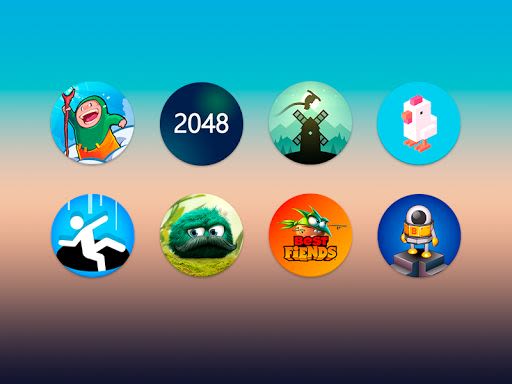
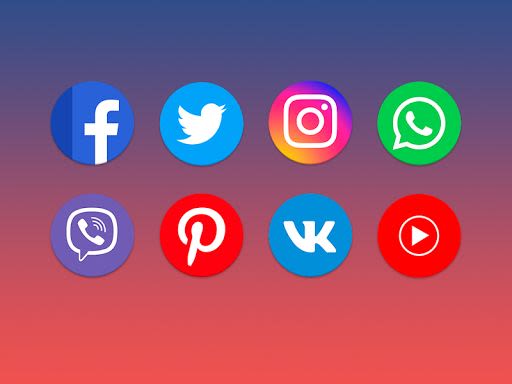
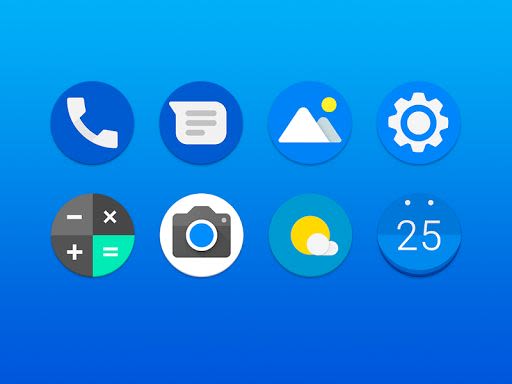
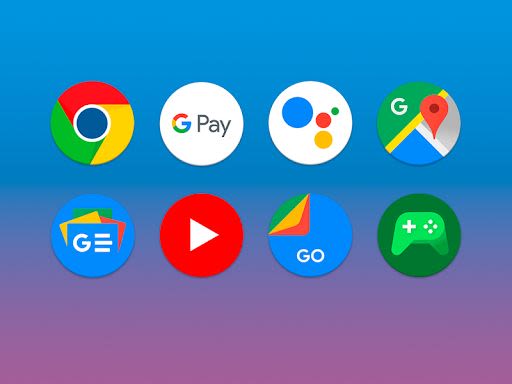
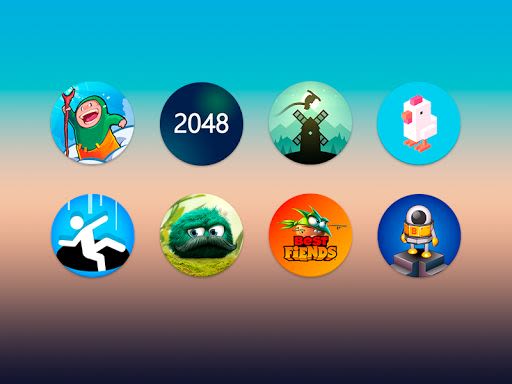
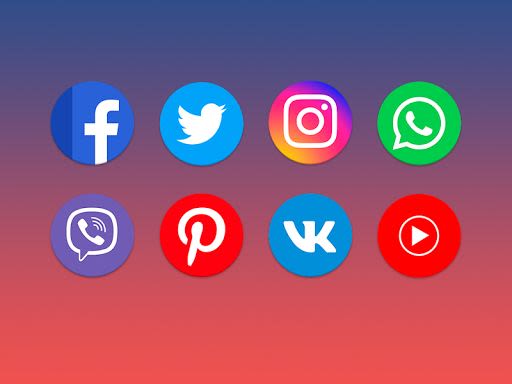
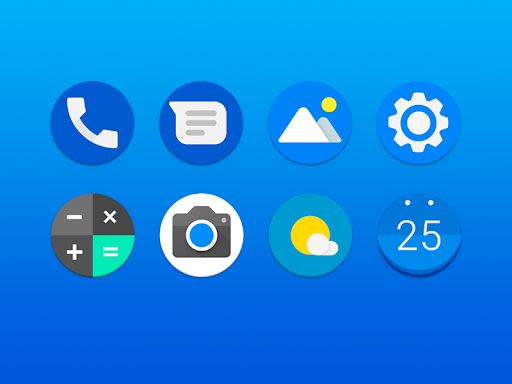
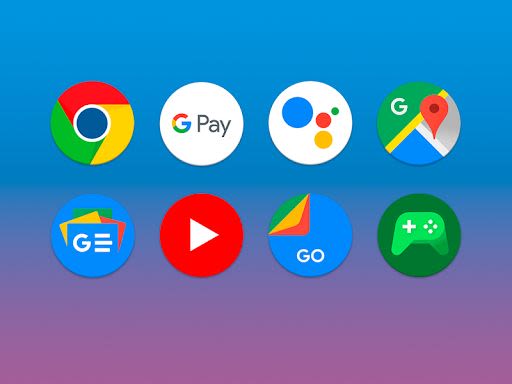
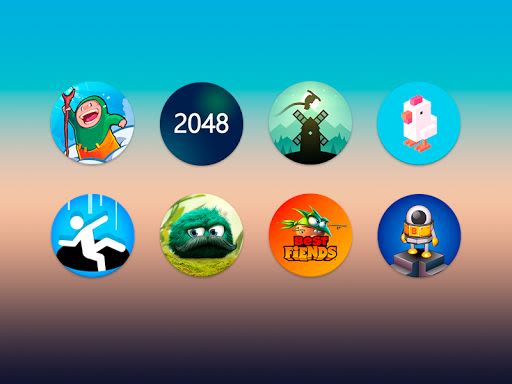
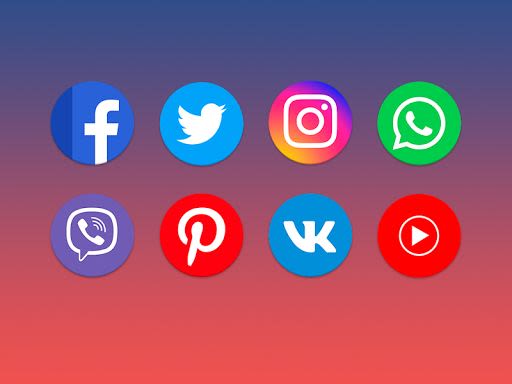
Pixel Pie - Icon Pack offers a vast collection of high-quality icons in the Pixel style, designed to enhance the look of your phone. This icon pack can be easily applied by using a supported launcher like Nova Launcher. Follow the simple steps below to customize your device with Pixel Pie icons.
How to Apply Pixel Pie Icons:
- Install Nova Launcher and ensure you are a Beta user.
- Configure Nova Launcher settings as follows:
Desktop:
- Desktop Grid: 7x5
- Icon Layout: Icon Size: 110%
- Field Width: Medium
- Search Bar: Style: First with rounded corners, Color: White with 10% transparency, Logo: Color G with a voice search icon
Application Menu:
- Application Menu Grid: 5x5
- Icon Layout: Icon Size: 110%
- Frequently Used Applications: Yes
- Application Menu Style: Vertical
- Background: Off
- Open With: On
- Opening Indicator: On
Favorites Panel:
- Icon Layout: Icon Size: 110%
- Shortcut: Off
- Width and Height Padding: Medium
- To search or find an alternate icon:
- Long press icon on homescreen > Icon options > Edit > Tap icon > Select Pixel Pie - Icon Pack > Press arrow on top right to open icons
- Swipe to access different categories or use the search bar to find an alternate icon, then tap to replace it
Key Features:
- Icon resolution of 192x192px (HD)
- Cloudy wallpapers
- Material style application
- Support for dynamic calendars
- MUZEI support
Compatibility:
- Requires a special launcher for Android, such as Apex or Nova Launcher
- Not compatible with Google Now Launcher, Pixel Launcher, or most OEM-supplied launchers
How to Apply Icons:
Simply install Nova Launcher and Pixel Pie - Icon Pack, then open the icon pack and click Apply!
Why Choose Pixel Pie - Icon Pack?
- Largest number of icons in Pixel style
- Free to use
- Regular updates for fresh content
Having Issues?
For any queries, suggestions, or concerns, feel free to contact us at [email protected]
Enhance your phone's appearance with Pixel Pie - Icon Pack and elevate your user experience with a wide range of meticulously designed icons. Don't settle for the standard look – personalize your device today!
Schermafbeeldingen
Similar

Analog Classic Watch Messa 100
Messa Watch

Color Phone - Nice Call Screen
Govo Tech by Volio

Arabic Wallpapers
Mahmoud Zadah

Concentric - Pixel Watch Face
WatchFace-Designs

Clean Digital
JH Watchfaces

Yoshion - Pic Collage Maker
Joseph Jenny

Minimal Basic 2 English
OQ Watchfaces

Beautiful wallpapers
Applications from a duck

Wear OS Watch Neon Shatte
GeorgKing

RE 03 - Digital Watch Face
RECREATIVE ® Watch Faces

Anime World Wallpapers
N.E.O.N STUDIO

Launcher iOS 16
LuuTinh