
Digitec Watch Face
4.10
-

Taal
English
-

OS
Android
-

Developer
RichFace
-

#Versie
1.0.7
App-beschrijving
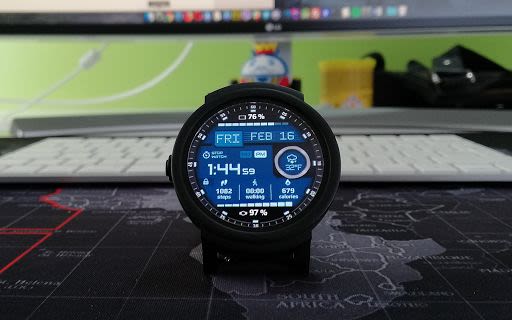
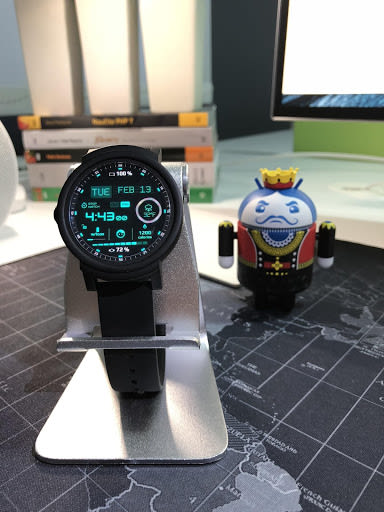
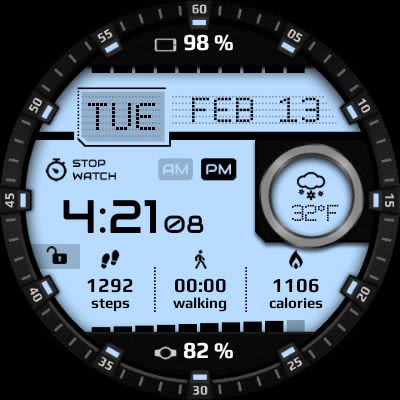
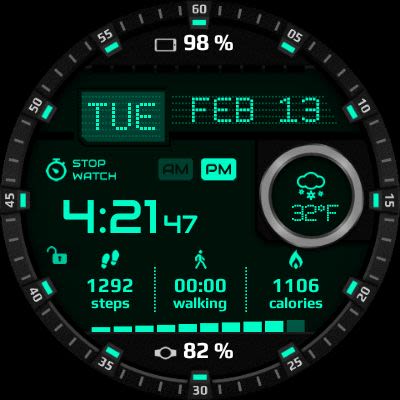
Watch Face Digitec for Android Wear: Your Ultimate Customizable Watch Face Directory
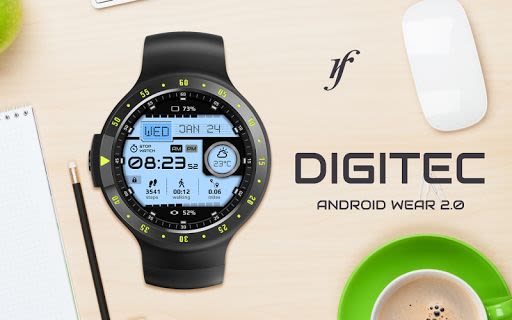
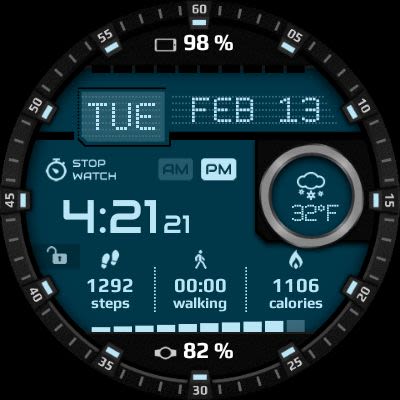
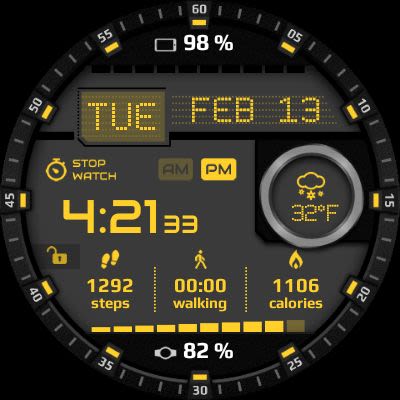
Watch Face Digitec for Android Wear is a must-have app that combines digital charm with interactive features, making it a true eye-catcher on your wrist. Packed with a plethora of user-friendly settings both on your watch and the companion phone app, this watch face stands out for its seamless integration with Android Wear 2.0 and external complications.
Key Features:
-
Android Wear 2.0 Integration:
- Fully standalone and compatible with both iPhone and Android devices.
- Supports external complication data for enhanced indicators.
-
Compatibility:
- Compatible with all Android Wear watches.
-
Free Version:
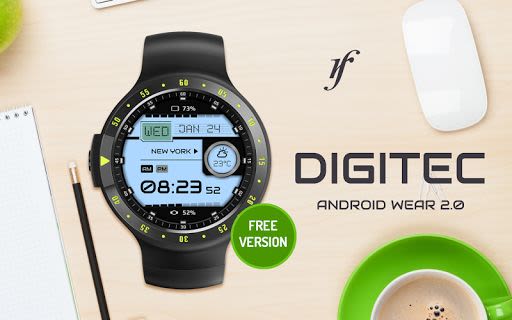
- Complications include phone battery and watch battery.
- Options such as color change, 24-hour format, and more.
-
Paid Version:
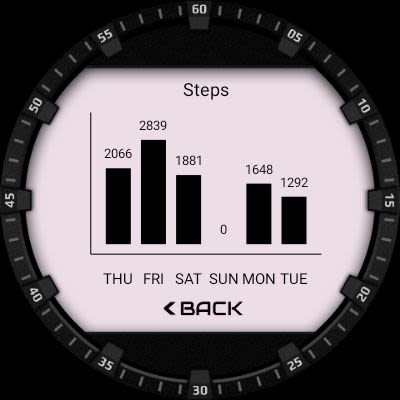
- Built-in complications for steps, distance, fitness activities, and more.
- Additional options like vibrate on every hour, external complications, and Google FIT integration.
Benefits:
- Personalize your watch face with a wide range of customization options.
- Stay informed with essential data at a glance, such as fitness stats and weather updates.
- Enjoy a seamless user experience with intuitive controls and smooth performance.
Why Choose This App:
- Elevate your Android Wear experience with a feature-rich and visually appealing watch face.
- Seamlessly integrate essential information into your daily routine with ease and style.
Technical Details:
- Compatibility: Android Wear 2.0 and above.
- Permissions Explained: Privacy Policy
Installation Guide:
Android Wear 2.0:
- Install from Google Play Wear Store on your watch.
- Download the companion app for extensive customization on Android phone devices.
Android Wear 1.0:
- Run 'Re-sync app' from the Android Wear app after installation.
- Long press your watch to select Digitec as your watch face or use the Android Wear app for customization.
For any queries or assistance, please contact us at [email protected]. Enhance your Android Wear experience today with Watch Face Digitec – the ultimate customizable watch face directory!
Schermafbeeldingen
Video's
Similar

Analog Classic Watch Messa 100
Messa Watch

Color Phone - Nice Call Screen
Govo Tech by Volio

Arabic Wallpapers
Mahmoud Zadah

Concentric - Pixel Watch Face
WatchFace-Designs

Clean Digital
JH Watchfaces

Yoshion - Pic Collage Maker
Joseph Jenny

Minimal Basic 2 English
OQ Watchfaces

Beautiful wallpapers
Applications from a duck

Wear OS Watch Neon Shatte
GeorgKing

RE 03 - Digital Watch Face
RECREATIVE ® Watch Faces

Anime World Wallpapers
N.E.O.N STUDIO

Launcher iOS 16
LuuTinh