
TV Remote for Ruku & Smart TV
4.10
-

Idioma
English
-

OS
Android
-

Developer
BoostVision
-

#Versão
1.7.3
Descrição do Aplicativo
TV Remote for Roku & Smart TV: Simplify Your Entertainment Control
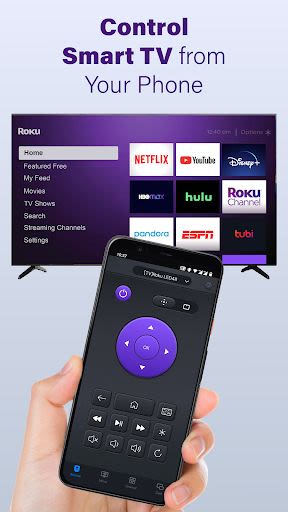
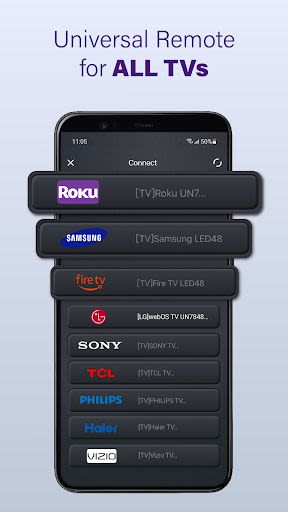
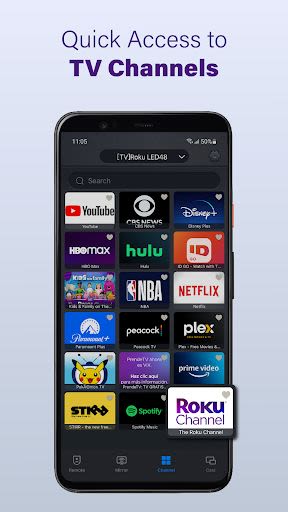
Are you tired of juggling multiple remote controls for your smart TVs? Say goodbye to the chaos with TV Remote for Roku & Smart TV, a convenient app designed to streamline your TV-watching experience. Whether you own Roku, Fire TV, LG, Samsung, TCL TV, or other smart TV brands, this multifunctional remote app is your ultimate solution. By simply connecting to the same WiFi network as your Smart TV, you can effortlessly manage your TV settings, channels, volume, and content playback with ease, just like using a physical remote control.
Key Features:
- Auto-detect Smart TVs: Effortlessly find all Smart TVs on your WiFi network.
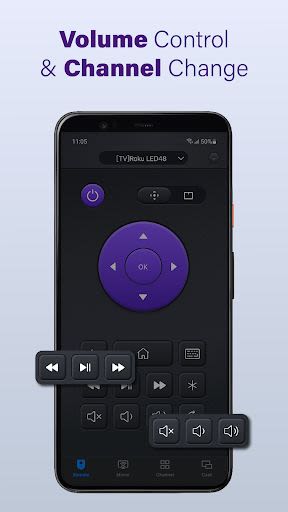
- Quick Remote Control: Control TV functions like Volume, Reverse, and Fast Forward seamlessly.
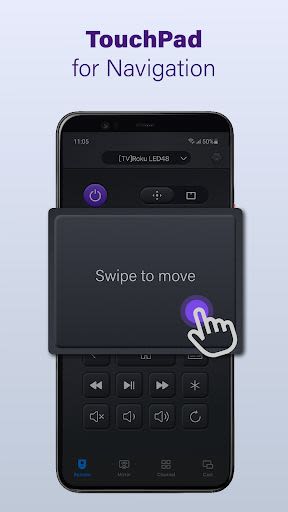
- Responsive Touchpad: Enhance your TV control experience with a responsive touchpad.
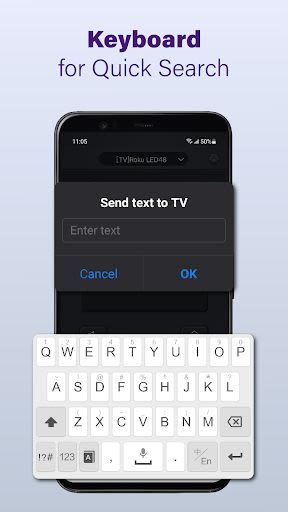
- Quick Text Input: Easily search for your favorite shows or movies with quick text input.
- Power On/Off: Conveniently turn your Smart TV on/off from your phone or tablet.
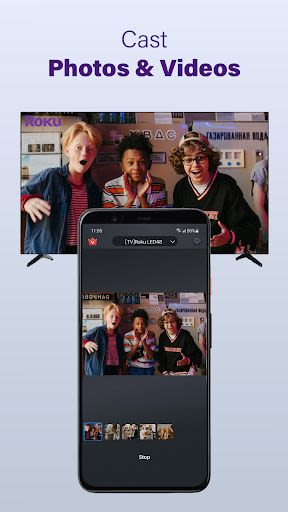
- Media Casting: Cast photos and videos from your device to your TV effortlessly.
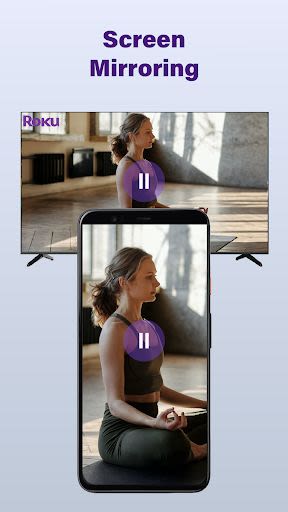
- Screen Mirroring: Mirror your phone screen to larger TVs with minimal latency.
Benefits:
- Simplify TV control with a single remote app.
- Enhance convenience by managing multiple smart TVs effortlessly.
- Enjoy seamless connectivity with your Smart TV and mobile device.
- Access advanced features for an immersive TV-watching experience.
How to Use TV Remote for Roku & Smart TV:
- Download and install the universal replacement remote app.
- Select your TV brand or device (e.g., Fire TV, Samsung, Roku).
- Connect the app to your Smart TV with a tap.
- Start using your TV remote control app seamlessly.
Troubleshooting Tips:
- Ensure both Smart TV and Android device are on the same network.
- Reinstall the app and reboot your Smart TV to resolve connection issues.
- Keep the TV remote control app updated for optimal performance.
Disclaimer: TV Remote for Roku & Smart TV is an independent application and not affiliated with any brands mentioned. Although extensively tested on various TV models, compatibility may vary. Terms of Use: Link Privacy Policy: Link
Enhance your TV control experience and simplify your entertainment setup with TV Remote for Roku & Smart TV. Download now and take control of your viewing experience like never before!
Capturas de Tela
Similar

Windows 11
Microsoft

Wear Flashlight
CodVerter

Grok
xAI

Cleaner Antivirus VPN Cleaner
Cleaner + Antivirus + VPN company

owoTrack
Finoki

تەختەکلیلی کوردی | Kurdish Keyboard
Goran Gharib

Icon Torch - Flashlight
Aleksandr Balaev

Secure VPN
Dream limited

VPN Proxy Master - Secure VPN
Share File Technologies by 090 Bravo

Give VPN
Speed Group dev

Super Antivirus - Clean Virus
SUPER ANTIVIRUS

Fly Browser-Search & Private
Readerland