
Screen Mirroring For All Tv
-

Idioma
English
-

OS
Android
-

Developer
Brown Berry
-

#Versão
1.0.4
Descrição do Aplicativo
Screen Mirroring for All TV: Connect & Stream Effortlessly
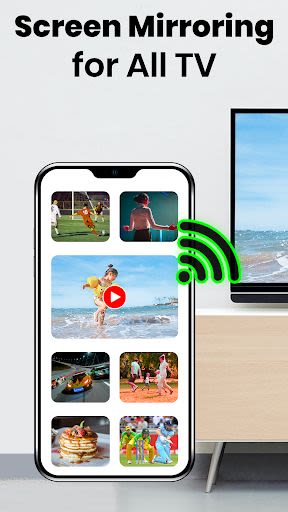
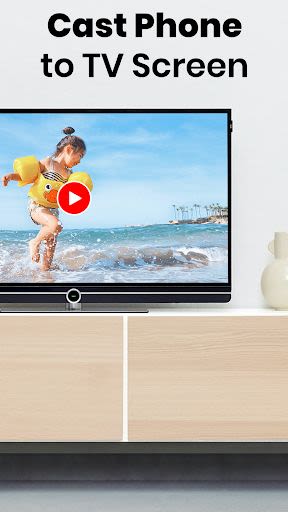
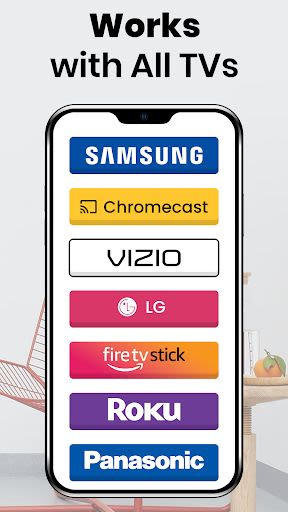
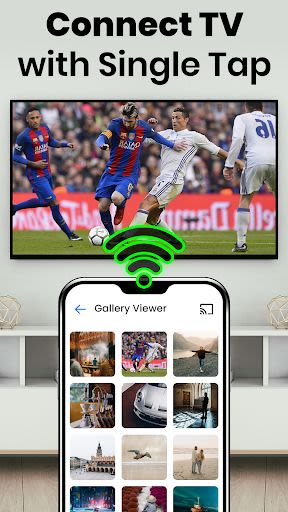
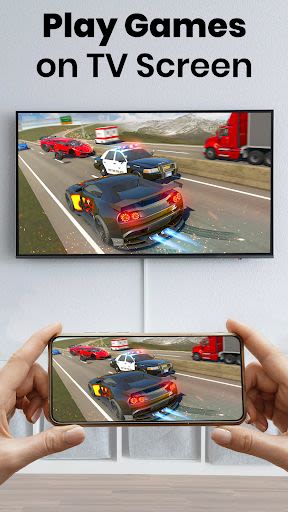
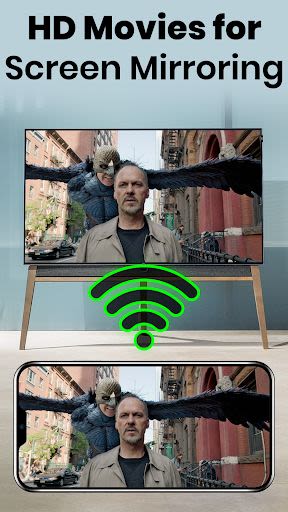
Unleash the power of your smartphone by casting its screen onto your big smart TV with the Screen Mirroring for All TV app. Experience high-quality, real-time screen mirroring with ease using this versatile tool compatible with various devices, including Chromecast, Firestick, Roku, and Anycast. Whether you want to share media files, deliver presentations, or enjoy mobile games on a larger screen, this app has you covered.
Key Features:
-
Seamless Connectivity: Connect your phone or tablet to a wide range of devices, from Smart TVs to gaming consoles, PC, Mac, and more.
-
Data Security: Safeguard your data, files, and applications while enjoying the convenience of screen mirroring.
-
Limitless Streaming: Stream movies, music, and photos from your phone to your TV without any restrictions.
-
Business Presentation: Showcase presentations, demos, and ideas in meetings using the screen mirroring feature.
-
Enhanced Viewing Experience: Enjoy a variety of screen orientations, live videos, and effortless sharing options.
Benefits:
-
User-Friendly Interface: Simple and fast app navigation for a seamless experience.
-
Free of Charge: Enjoy all the features without any cost.
-
Versatile Compatibility: Compatible with a wide range of devices and browsers.
-
Enhanced Entertainment: Transform your TV into a hub for gaming, streaming, and sharing content.
Why Choose This App:
-
Experience stable screen mirroring with fast and simple operation.
-
Enjoy offline viewing with the best image and video quality.
-
Play your favorite mobile games on the big screen effortlessly.
-
Securely cast any Android screen to your TV with ease.
Technical Information:
-
Compatibility: Compatible with all Android devices and versions.
-
Requirements: Ensure your TV and phone are connected to the same Wi-Fi network for optimal performance.
How to Use:
-
Connect your TV and phone to the same Wi-Fi network.
-
Enable Miracast Display on your TV and open the app.
-
Select your TV from the app to start screen mirroring.
Looking to mirror your smartphone screen on your TV securely and for free? Reach out to us at [email protected] for any support or inquiries.
Elevate your viewing experience with Screen Mirroring for All TV – download now and enjoy the big screen like never before!
Capturas de Tela
Similar

Dream Home & Garden Makeover
TERAs Games

Stud Finder App: Stud Detector
MKK Games

WAWR- Recover Deleted Messages
WhatSave Tech

Race CommandIQ
Race Communications

BMHBA Parade
Velocity Webworks

Grill Recipes Free
SM Info

Streem Pro
Streem Inc

Zego Resident App
Zego

California Pools & Landscape
Jacob S Carter

Rental Property App 🏡 (Rent T
Easy Loan & Cash Advance

Vacasa Homeowner
Vacasa

WLED
Aircoookie