
Remote Mouse
3.70
-

Idioma
English
-

OS
Android
-

Developer
Remote Mouse
-

#Versão
4.042
Descrição do Aplicativo
Remote Mouse™: Your Ultimate Computer Remote Control
Introduction
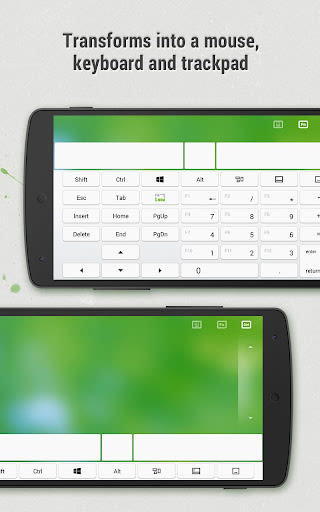
Transform your mobile phone or tablet into a powerful and intuitive remote control for your computer with Remote Mouse™. Seamlessly simulating wireless mouse, keyboard, and touchpad functions, this app offers a range of specialty control panels like Media Remote, Application Switcher, and Web Browsing Remote to streamline your tasks efficiently. Whether you are watching a movie, presenting, or managing your computer, Remote Mouse™ puts control right at your fingertips.
Key Features
-
Mouse Functionality:
- Fully simulated mouse functions
- Gyro mouse for cursor movement via gyro sensor
- Left-handed mode included
-
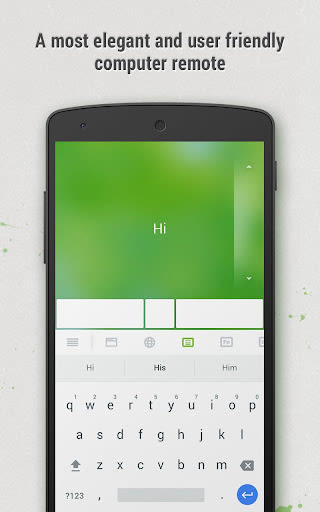
Keyboard Integration:
- Supports system and third-party keyboards for multi-language typing
- Voice typing feature with voice recognition support
- Shortcuts and keypads customization (in-app purchase)
-
Touchpad:
- Mimics Apple Magic Trackpad with multi-touch gestures
-
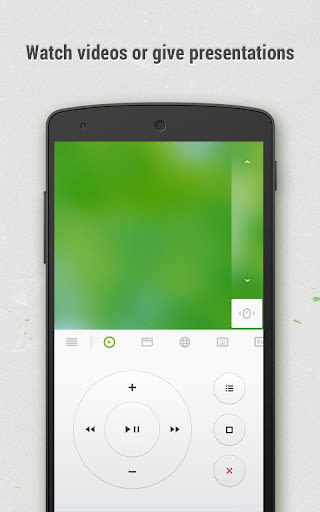
Specialty Control Panels:
- Media Remote (in-app purchase) for iTunes, VLC, and more
- Web Remote (in-app purchase) for Chrome, Firefox, and Opera
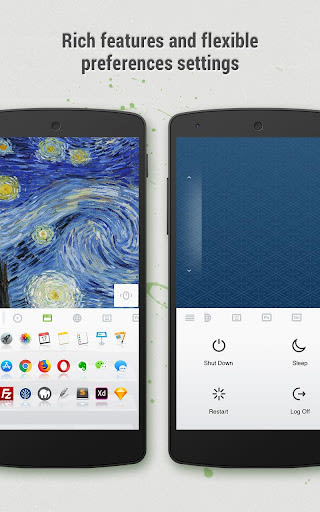
- Application Switcher for quick program launch
- Power Options for remote shutdown, sleep, restart, and logoff
-
Additional Features:
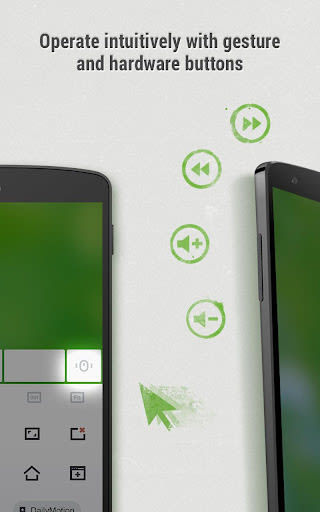
- Utilize mobile device volume buttons for control
- Secure connection with password protection
- Personalize wallpaper settings
Benefits
- Trusted by over 20 million users globally
- Featured on CNET, Mashable, and Product Hunt
- Designed for one-handed use and intuitive operation
- Compatible with Windows 10, 8, 7, Vista, Mac OSX 10.6+, and Linux
- Works via Wi-Fi or 3G/4G networks
Why Choose Remote Mouse™
- Elegant and user-friendly interface
- Versatile functionality for various tasks
- Convenient control with auto-connect and multiple connection methods
- Extensive language support with collaborative translation projects
Get Started
- Visit Remote Mouse website on your computer to download the Remote Mouse computer server.
- Install and run the computer server.
- Connect your mobile device to the same Wi-Fi or hotspot as your computer.
For macOS Mojave users, watch this video for essential access instructions to ensure proper functionality.
Help Us Translate
Join our collaborative translation project at Remote Mouse Translation if you are interested in translating Remote Mouse into your native language.
Take control of your computer effortlessly with Remote Mouse™ – the ultimate remote control solution!
Capturas de Tela
Vídeos
Similar

Windows 11
Microsoft

Wear Flashlight
CodVerter

Grok
xAI

Cleaner Antivirus VPN Cleaner
Cleaner + Antivirus + VPN company

owoTrack
Finoki

تەختەکلیلی کوردی | Kurdish Keyboard
Goran Gharib

Icon Torch - Flashlight
Aleksandr Balaev

Secure VPN
Dream limited

VPN Proxy Master - Secure VPN
Share File Technologies by 090 Bravo

Give VPN
Speed Group dev

Super Antivirus - Clean Virus
SUPER ANTIVIRUS

Fly Browser-Search & Private
Readerland