

Lock Screen & Notifications iOS 14
4.70
-

Idioma
English
-

OS
Android
-

Developer
LuuTinh
-

#Versão
1.5.0
Descrição do Aplicativo
Welcome to Lock Screen & Notifications iOS 14 Directory
In today's fast-paced world, staying updated is essential. Our directory listing website for Lock Screen & Notifications iOS 14 offers a seamless way to manage your notifications, all from your device's lock screen. Here's how you can make the most of this feature:
-
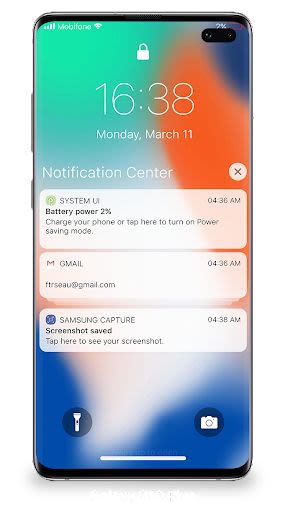
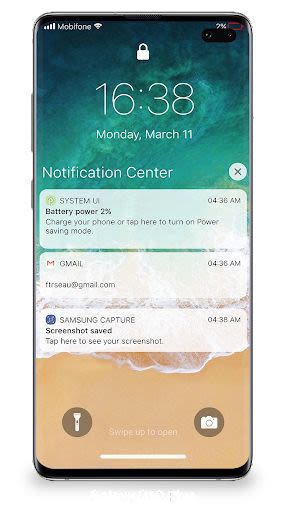
View Notifications Efficiently:
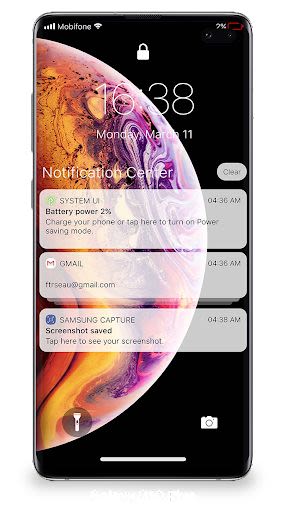
- Quickly access and view recent notifications directly from your lock screen.
- Tap on a single notification or a group to see all related notifications for that app.
- Swipe left to manage, view, or clear notifications effortlessly.
- Customize alerts for specific apps to streamline your notification experience.
-
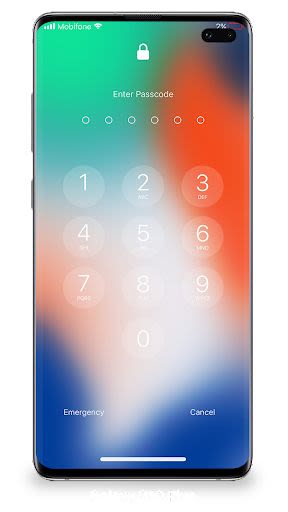
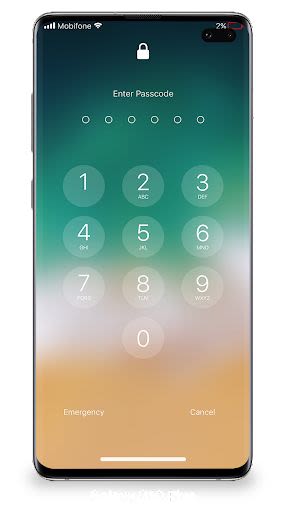
Enhance Security with Passcode Setup:
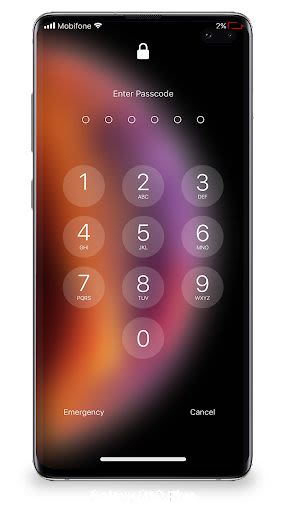
- Safeguard your data by setting up a passcode on your device.
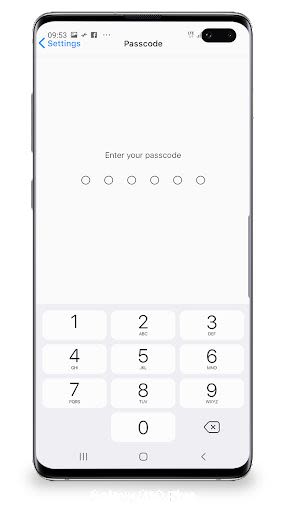
- Follow simple steps to create a strong six-digit passcode for added protection.
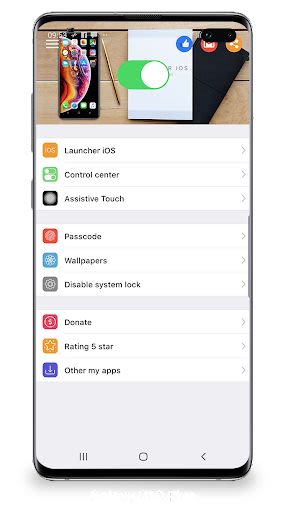
- Easily manage and change your passcode within the Lock Screen & Notification app.
-
Optimize Functionality:
- Grant special permissions for a seamless experience:
- CAMERA: Access the camera directly from your phone.
- READ_PHONE_STATE: Conveniently disable the lock screen during calls.
- NOTIFICATION ACCESS: Stay informed with notifications on your device.
- READ/WRITE_EXTERNAL_STORAGE: Download additional wallpapers effortlessly.
- DRAW OVER SCREEN: Seamlessly display Lock Screen & Notifications across all apps.
- Grant special permissions for a seamless experience:
-
Compatibility and Requirements:
- Compatibility: iOS 14 and above.
- Technical Requirements: Ensure permissions for camera, phone state, notifications, and storage access.
-
Unlock the Full Potential:
- Explore our tutorial on how to maximize Lock Screen & Notifications iOS 13 functionality: Watch Here
Discover a new level of convenience and security with our Lock Screen & Notifications iOS 14 directory. Stay informed, stay secure, and streamline your digital experience effortlessly.
Download now and take control of your notifications right from your lock screen!
Capturas de Tela
Similar

Analog Classic Watch Messa 100
Messa Watch

Color Phone - Nice Call Screen
Govo Tech by Volio

Arabic Wallpapers
Mahmoud Zadah

Concentric - Pixel Watch Face
WatchFace-Designs

Clean Digital
JH Watchfaces

Yoshion - Pic Collage Maker
Joseph Jenny

Minimal Basic 2 English
OQ Watchfaces

Beautiful wallpapers
Applications from a duck

Wear OS Watch Neon Shatte
GeorgKing

RE 03 - Digital Watch Face
RECREATIVE ® Watch Faces

Anime World Wallpapers
N.E.O.N STUDIO

Launcher iOS 16
LuuTinh