

WiFi Mouse(keyboard trackpad)-computer controller
3.60
-

Idioma
English
-

OS
Android
-

Developer
WiFi Mouse
-

#Versão
4.9.1
Descrição do Aplicativo
Turn Your Phone into a Multi-Functional Controller for Your Computer
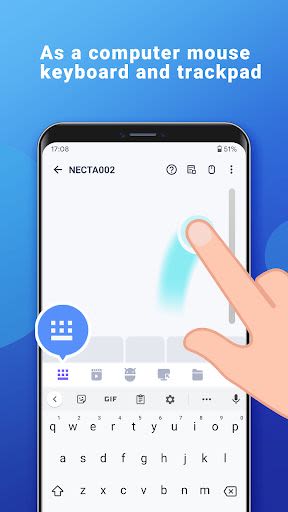
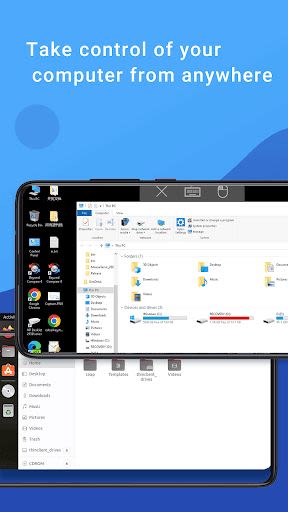
Are you tired of juggling between multiple devices to control your computer? Look no further! Our directory listing app transforms your phone into a wireless mouse, keyboard, and trackpad, providing seamless control over your PC, Mac, or Linux system through a local network connection. Say goodbye to the hassle of managing separate controllers and enjoy the convenience of a single, versatile solution in the palm of your hand.
Key Features:
- Fully Simulated Mouse
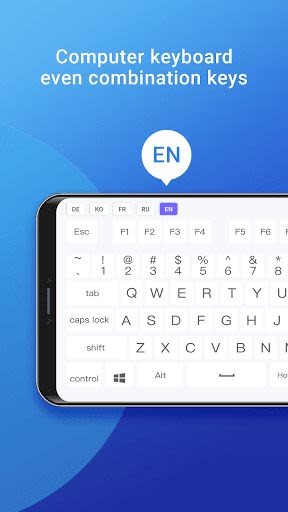
- Simulated Computer Keyboard & Number Pad
- Magic Trackpad
- Multi-Touch Gestures
- Shutdown / Sleep Computer Remotely
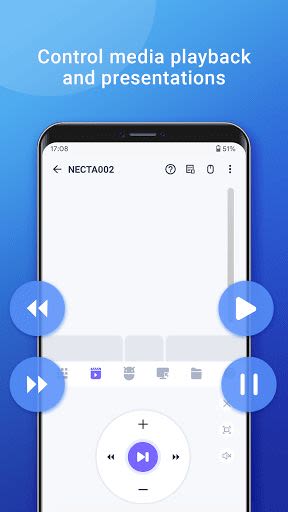
- Media Controller (supports YouTube, VLC, Spotify, and more)
- Voice Input Remotely
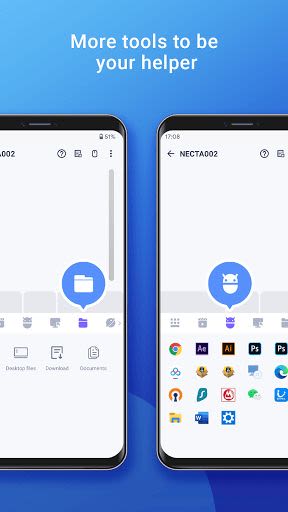
- Application Launcher
- Browse & Open Computer Files
- Password Protection
- Games Pad (Play computer games remotely)
- Screen Capture
- Control PPT / Keynote Presentation Remotely
- Support Bluetooth (Beta for Windows)
- Compatible with Windows 7/8/10, Mac OS X, Linux
Benefits:
- Effortlessly control your computer from the comfort of your sofa
- Replace malfunctioning mouse and keyboard with this all-in-one solution
- Enhance your media and gaming experience with remote control capabilities
- Securely access and manage your computer files with ease
- Streamline presentations and multimedia tasks with remote control features
- Enjoy the convenience of a quick and easy setup process
Why Choose This App:
- Versatile functionality for various tasks
- Intuitive user interface for seamless navigation
- Enhanced convenience and productivity for everyday use
- Reliable performance for uninterrupted control
Quick Setup:
- Download and install the mouse server from our website here
- Ensure your phone and computer are connected to the same network
- Launch the app to connect to your computer effortlessly
Don't miss out on the opportunity to simplify your computer control experience. Download our app now and take your productivity to the next level!
Capturas de Tela
Vídeos
Similar

Windows 11
Microsoft

Wear Flashlight
CodVerter

Grok
xAI

Cleaner Antivirus VPN Cleaner
Cleaner + Antivirus + VPN company

owoTrack
Finoki

تەختەکلیلی کوردی | Kurdish Keyboard
Goran Gharib

Icon Torch - Flashlight
Aleksandr Balaev

Secure VPN
Dream limited

VPN Proxy Master - Secure VPN
Share File Technologies by 090 Bravo

Give VPN
Speed Group dev

Super Antivirus - Clean Virus
SUPER ANTIVIRUS

Fly Browser-Search & Private
Readerland