

Okta Verify
4.80
-

Idioma
English
-

OS
Android
-

Developer
Okta Inc.
-

#Versão
7.3.0
Descrição do Aplicativo
Secure Access with Okta Verify
Okta Verify offers a seamless way to enhance the security of your app accounts through 2-step verification. By ensuring that only you can access your apps, it provides peace of mind and robust protection for your digital assets.
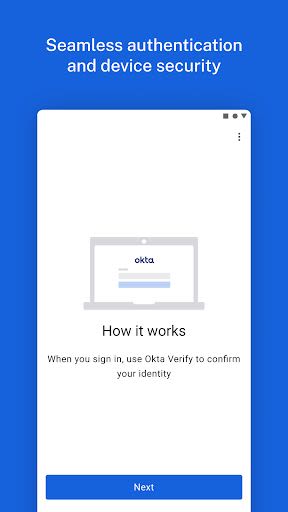
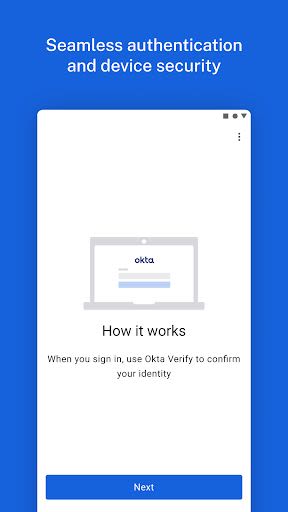
How It Works
- Choose from various 2-step verification methods provided by Okta Verify to complete the sign-in process securely.
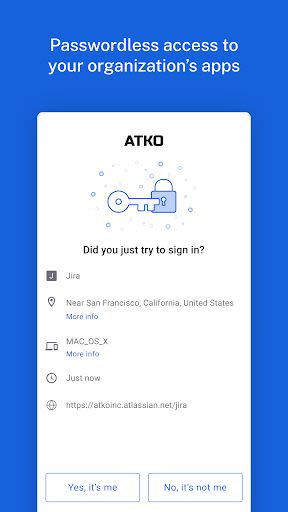
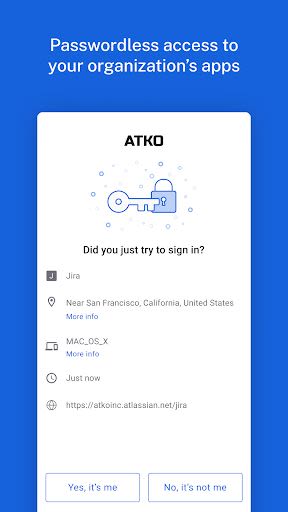
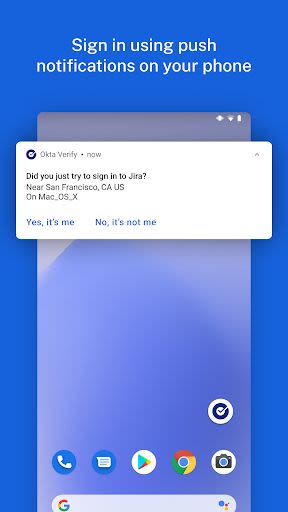
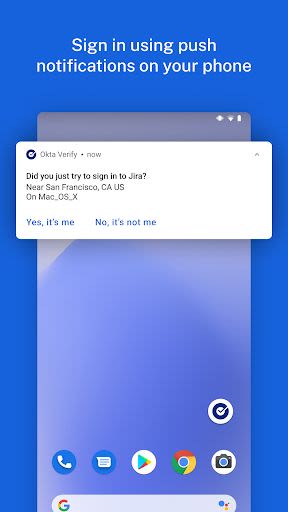
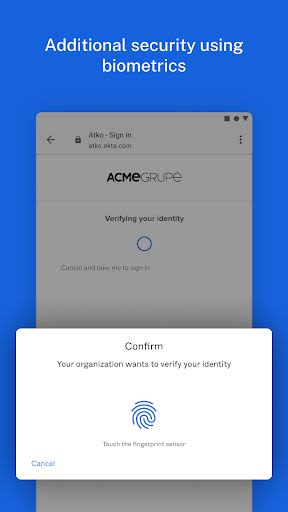
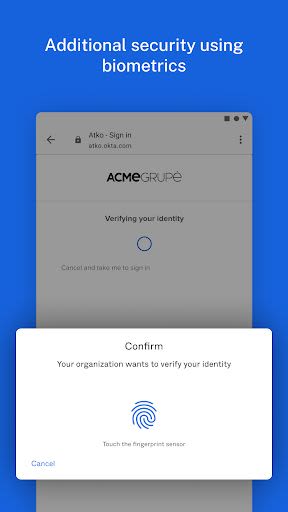
- Options include push notifications, temporary 6-digit codes, and biometrics (if enabled by your organization).
- Grant permission to use your device camera for convenient QR code scanning during device enrollment with Okta.
Key Features
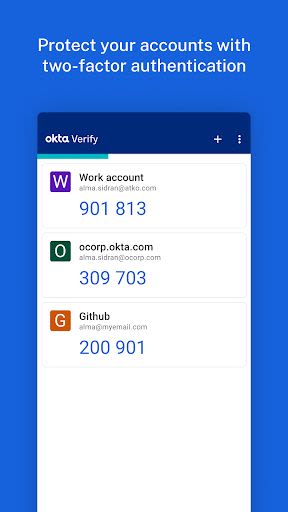
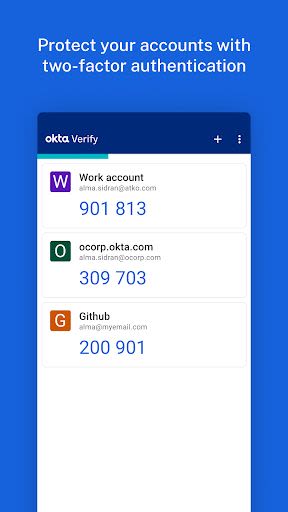
- Register your device with multiple Okta accounts requiring Okta Verify for verification.
- Enable 2-factor verification with 6-digit one-time passcodes.
- Utilize push notifications for 2-factor verification (if enabled by your organization).
- Securely sign in using on-device biometrics (if enabled by your organization).
- Add 2-factor verification to non-Okta apps supporting one-time passcodes.
Benefits
- Strengthened security for your app accounts.
- Flexible verification methods to suit your preferences.
- Enhanced protection through biometric authentication.
- Compatibility with various apps and systems requiring additional security measures.
Why Choose Okta Verify
Okta Verify offers a reliable and user-friendly solution for bolstering the security of your app accounts. With a range of verification options and seamless integration, it ensures a smooth and secure user experience.
For more detailed information and functionality specifics, refer to the Okta Verify documentation.
Stay in control of your digital security with Okta Verify – safeguarding your app accounts has never been easier.
Capturas de Tela
Similar

All Document Reader 2023
FunGear inc

QR Code Scanner for Android: QR Reader, QR Creator
Taymay - Simple & Effective.

ChatAI: AI Chatbot App
iKame Applications - Begamob Apps

App Lock - Applock Fingerprint
Trusted Tools

All Document Reader - One Read
Simple Design Ltd.

QR Scanner - Barcode Scanner
Leap Fitness Group

PDF Reader - PDF Viewer 2022
Simple Design Ltd.

FlyLadyPlus
FlyLadyPlus

BlackNote Notepad Notes
Notas Notepad

Free QR Code Reader & Barcode Scanner - QR Scanner
JonDev. Mobile

PDF Scanner APP - Scan to PDF
Simple Design Ltd.

Image to PDF Converter - JPG to PDF, PDF Maker
Simple Design Ltd.