

Chordana Play
3.50
-

Idioma
English
-

OS
Android
-

Developer
CASIO COMPUTER CO., LTD.
-

#Versão
2.0.3
Descrição do Aplicativo
Discover and Master Your Favorite Songs with Chordana Play
Introduction
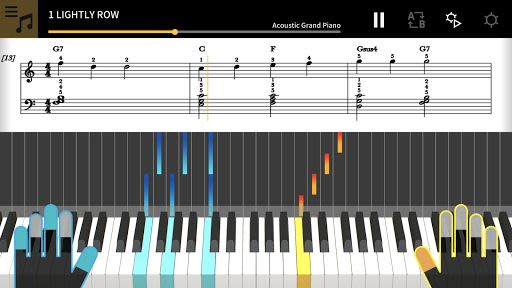
Chordana Play is your ultimate companion for learning and mastering music effortlessly. Whether you're a beginner or an experienced musician, this app offers a unique blend of music score and piano roll notation, making your learning experience fun and engaging.
Key Features
-
Interactive Learning:
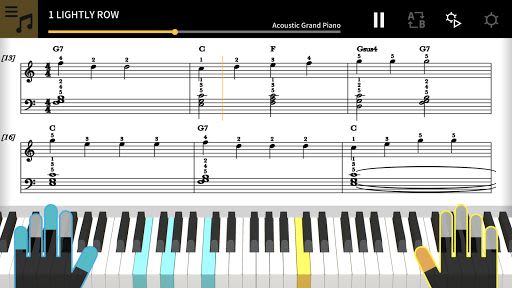
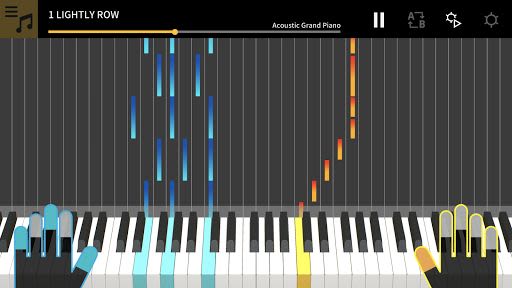
- View music score and piano roll notation for built-in songs and MIDI files.
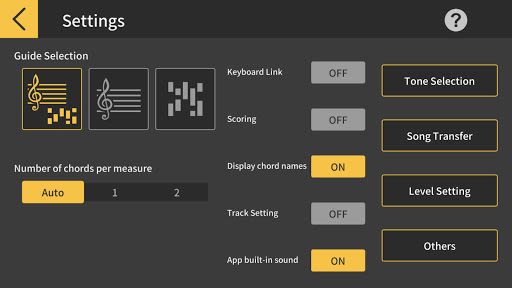
- Customize tracks for left and right hands or assign melody and chords separately.
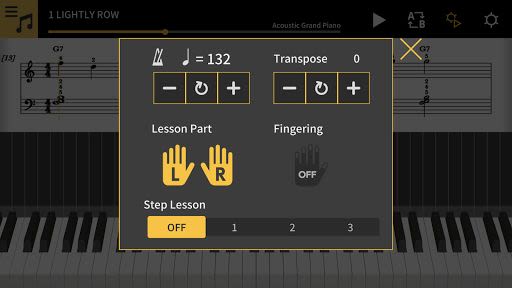
- Utilize features like tempo adjustment, key transposition, and AB repeat for personalized practice sessions.
-
Song Selection and Import:
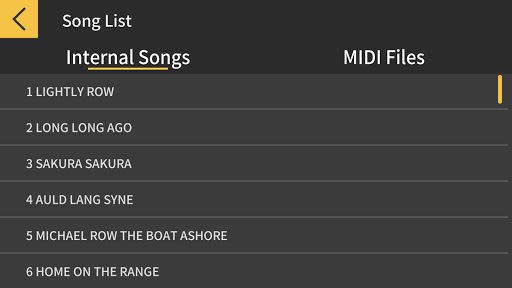
- Access 50 preloaded songs or import standard MIDI files.
- Automatically generate music scores and detect chords for easy two-handed piano practice.
- Seamlessly import MIDI files from various devices for a diverse learning experience.
-
Practice Anytime, Anywhere:
- Engage in three-step lessons using the virtual on-screen keyboard.
- Connect a USB-compatible musical instrument keyboard for enhanced learning.
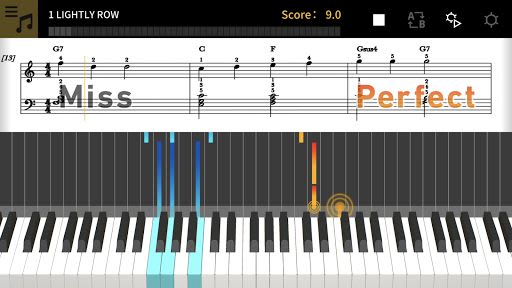
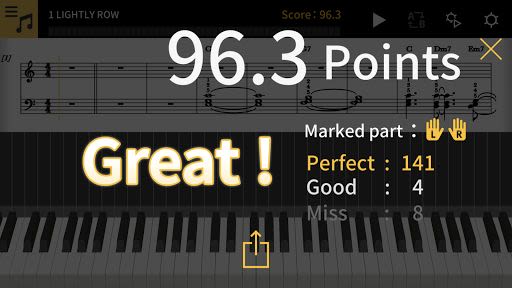
- Track your progress with the integrated scoring system for continuous improvement.
-
Instrument Connectivity:
- Compatible with CASIO Keyboard models like CT-S200, CT-S195, CT-S300, and LK-S250.
- Detailed guidelines for connectivity available for a smooth user experience.
-
Keyboard Link Functionality:
- Support for CASIO Keyboard models such as LK-265, LK-266, CTK-2500, CTK-2550, and CTK-3500.
- Practice with melody and chord data transmission using an audio cable directly on the keyboard.
Benefits
- Learn and play your favorite songs with ease.
- Enhance your piano skills through interactive lessons.
- Practice on-the-go using your smart device and a musical instrument keyboard.
- Stay motivated with progress tracking and scoring features.
Compatibility and Requirements
- System Requirements: Android 4.4 or later, recommended RAM of 2 GB or more.
- Supported Devices: Check the list of compatible smartphones and tablets for optimal performance.
- Connection: Requires an OTG-compatible Android device for CASIO keyboard connectivity.
Why Choose Chordana Play
- Comprehensive learning tools for all skill levels.
- Versatile song selection and import options.
- Seamless integration with musical instrument keyboards.
- Detailed support for connectivity and functionality.
Explore the world of music effortlessly with Chordana Play. Start your musical journey today!
Note: For detailed connection instructions and supported device information, refer to this document.
Capturas de Tela
Similar

DJ Music Mixer - DJ Remix 3D
Mobile_V5

Sound Memo Voice Recorder
Sunny cc inc

Mp3Juices Mp3 Juice Downloader
MyFreeMp3 Music

Volume & Bass Booster - EQ PRO
BGNmobi

Equalizer- Bass Booster&Volume
Litter Penguin

Voice Recorder & Voice Memos
Simple Design Ltd.

SikhNet Audio Stories for Kids
SikhNet.com

Music Downloader Mp3 Download
GO MUSIC PLAYER PLUS ZEE
Music Downloader Mp3 Download
Good Music Mp3 Downloader Apps

Fyzer Reprodutor de Músicas
Apps Snapdark

Extra Volume Booster, XBooster
Simple Design Ltd.

Mozart for Babies Brain Development Lullabies
Two B Soft