

LG smart TV Remote Control with LG ThinQ
1.50
-

Idioma
English
-

OS
Android
-

Developer
TV Cast
-

#Versão
1.12
Descrição do Aplicativo
LG Smart TV Remote Control with LG ThinQ
Lost your physical LG Remote? No worries! The LG Smart TV Remote Control with LG ThinQ app is here to make controlling your LG Smart TV seamless. With features like Smart Share, Screen Mirroring, and fast remote access, enhance your LG Smart TV experience effortlessly.
Main Features
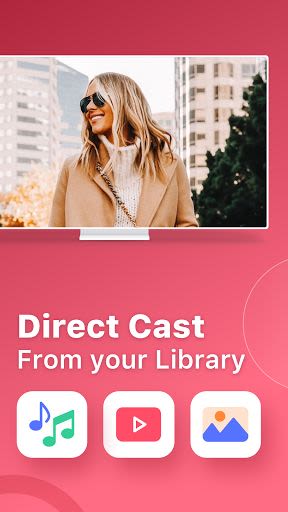
- Smart Share content from your mobile devices to your LG TV ThinQ
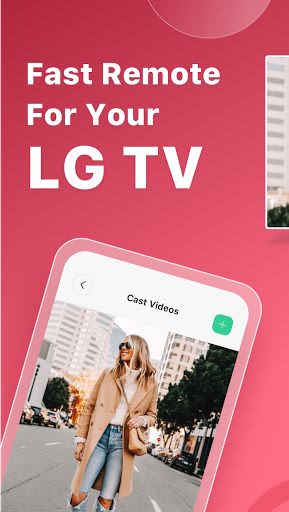
- Fast remote control for your LG Smart TV
- Screen Mirroring for photos and videos in HD quality
- Easy connection setup for your LG Smart TV
- Volume control similar to your physical LG TV Remote
- Automatic connection to previously paired devices
- Compatibility with all Android devices
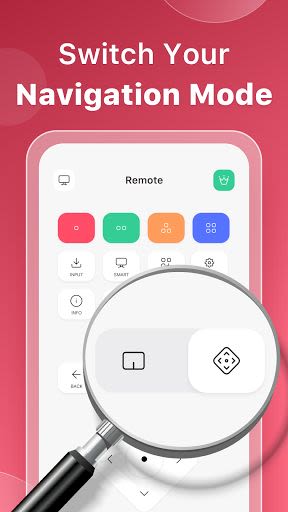
- Flexible navigation Control Panel
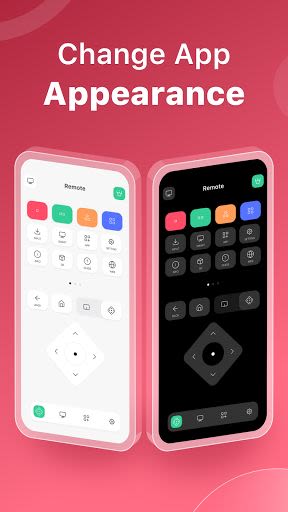
- Customizable app appearance with light and dark modes
Benefits
- Enjoy sharing photos, videos, slides, films, YouTube, Netflix, and audio seamlessly on a bigger screen
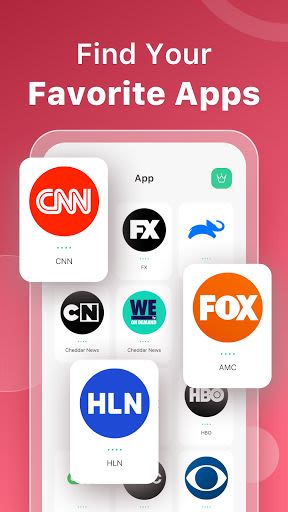
- Effortlessly find and access your favorite apps
- Enhance your viewing experience with HD quality content
- Convenient volume control and navigation features
Why Choose This App
- Simple setup process via wifi connection and PIN code entry
- Streamlined interface for easy navigation and control
- Reliable connectivity with LG Smart TV devices
- Light and dark mode options for personalized app experience
How to Setup:
- Connect the app and your LG TV Plus to the same wifi network.
- Enter the PIN code displayed on your TV screen into the app.
DISCLAIMER: TV Cast's app is not an official LG product or endorsed by LG.
Download the LG Smart TV Remote Control with LG ThinQ app now to elevate your LG Smart TV usage to the next level!
Capturas de Tela
Similar

Windows 11
Microsoft

Wear Flashlight
CodVerter

Grok
xAI

Cleaner Antivirus VPN Cleaner
Cleaner + Antivirus + VPN company

owoTrack
Finoki

تەختەکلیلی کوردی | Kurdish Keyboard
Goran Gharib

Icon Torch - Flashlight
Aleksandr Balaev

Secure VPN
Dream limited

VPN Proxy Master - Secure VPN
Share File Technologies by 090 Bravo

Give VPN
Speed Group dev

Super Antivirus - Clean Virus
SUPER ANTIVIRUS

Fly Browser-Search & Private
Readerland