

Photoczip - compress resize
4.40
-

Idioma
English
-

OS
Android
-

Developer
Eson Yu
-

#Versão
6.8
Descrição do Aplicativo
Photoczip - Compress Resize: Your Ultimate Photo Management Companion
In today's fast-paced digital world, managing photos efficiently is a necessity. With Photoczip, you can compress, resize, and zip all your images in a single, seamless process. This powerful app is designed to simplify your photo management tasks, ensuring that your images are ready for sharing via Email, social media platforms like Facebook and Twitter, cloud services such as Dropbox and Google Drive, and more.
Key Features:
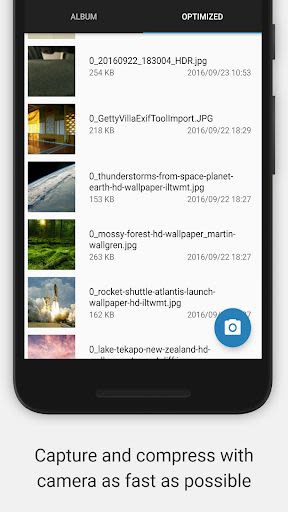
- Customized Camera widget for one-click compression
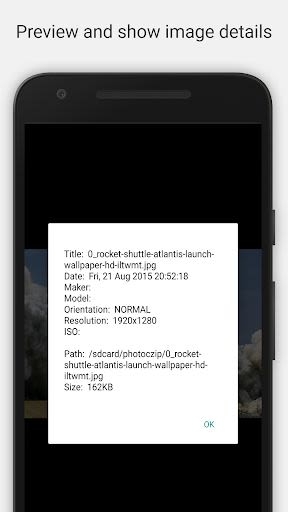
- Edit JPG image metadata
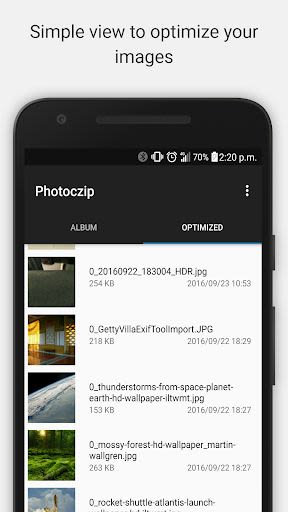
- Preview compressed images in gallery view
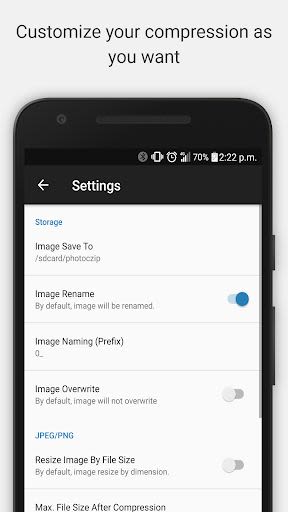
- Support for JPG/PNG compression and resizing
- Option to keep or remove Exif/GPS/xmp tags of original photos
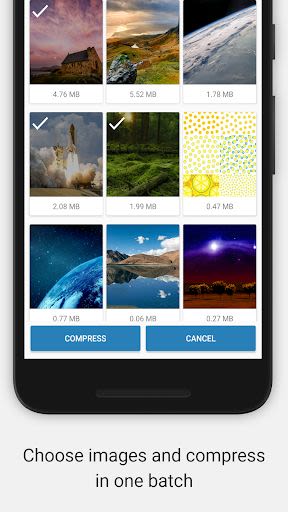
- Batch compression for multiple photos
- Gallery View for convenient photo browsing
- Reduce photo size to save storage space
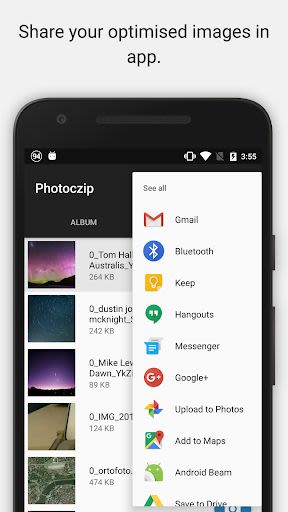
- Zip all images together for easy sharing
- Convert PNG to JPG format
- Add watermarks to images
- Rotate images using gesture controls
- Manage compressed and resized photos effortlessly
- Language support - German Translation by Robert Köhler
Benefits:
- Say goodbye to bulky photo files and save valuable storage space on your device
- Share photos with ease, whether via messaging apps or social media
- Maintain image quality while reducing file sizes for faster sharing and uploading
- Enjoy an ad-free experience with Photoczip
Why Choose This App:
Photoczip stands out as a user-friendly and efficient tool for compressing large photos on your smartphone or tablet. Whether you need to resize images for online sharing or to free up space on your device, this app streamlines the process with its intuitive features and straightforward interface.
How to Compress Photos:
- Select an image from your Gallery
- Choose the "Compress" option
- Done!
One-Click Compression via Camera Widget:
- Add the Photoczip camera widget to your device
- Click on the "Photoczip" camera
- Capture the image
- Done!
Photoczip empowers you to compress photos to sizes below 100KB effortlessly, making it an essential tool for anyone dealing with large image files.
Don't let photo management overwhelm you. Download Photoczip now and experience the convenience of efficient photo compression and resizing on the go!
Capturas de Tela
Similar

Becoco: Selfie Camera & Editor
changpeng

Time Warp Scan - Face Scanner
Voice Text
Time Warp Scan: Face Scanner
9appstech

PhotoFix: Enhance Photo Editor
vyro.ai

Time Warp Scan - Face Scan
Photo Collage & Grid - Foto Grid

Cartoon Face: AI Photo Editor
Photo Editor Perfect Corp.

Happy New Year Photo Frame2023
Appwallet Technologies

Photo frame, Photo collage
lsla smart tool

Fantasy - AI Art Generator
NFT Art Marker Studio

Cartoon Yourself, Toon Face
TikiP Studio

Foto Grid: Photo Collage &Grid
HARDSTONE PTE. LTD

Beauty Camera X - Selfie Camera, Photo Editor
Beauty Apps Studio