
Cyber Watch Face
3.90
-

Idioma
English
-

OS
Android
-

Developer
RichFace
-

#Versão
1.0.25
Descrição do Aplicativo
Discover Cyber Watch Face - Your Ultimate Wear OS Directory Listing App
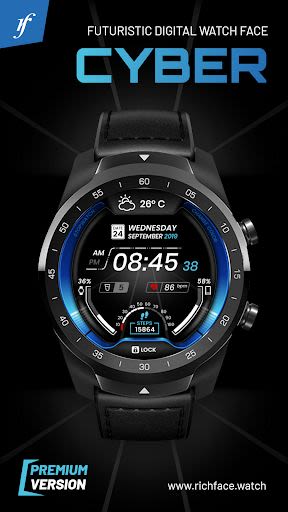
Are you ready to elevate your Wear OS experience to the next level? Introducing Cyber Watch Face, a cutting-edge directory listing app packed with digital interactive features designed for Wear OS 2.0. Whether you're a tech-savvy enthusiast or a fitness fanatic, this app is your gateway to a world of customization and convenience.
Key Features
- Interactive Functionality: Explore endless user-friendly settings on both your watch and companion phone app.
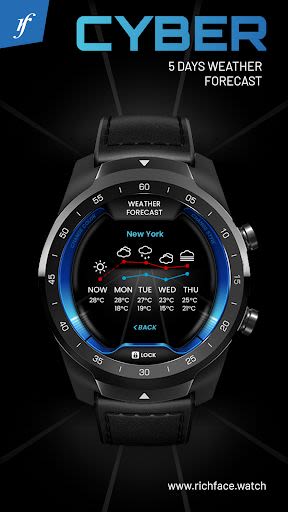
- Customizable Tap Targets: Personalize up to 3 tap targets on your screen with a wealth of data options like battery levels, FIT data, and real-time weather updates.
- External Complication Support: Seamlessly integrate with Wear OS 2.0's external complication feature for enhanced functionality.
- Free and Premium Features: Enjoy a mix of free and premium features, with premium options unlocking a realm of advanced capabilities.
Benefits
- Wear OS 2.0 Integration: Fully standalone app compatible with both iPhone and Android devices.
- External Complication Data: Access real-time indicators at a glance for a seamless user experience.
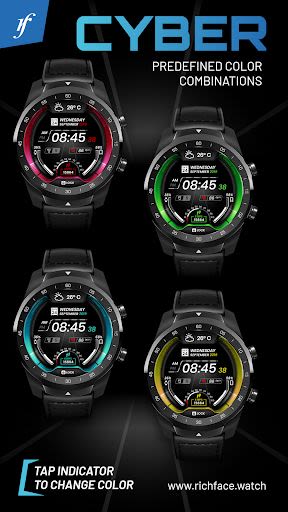
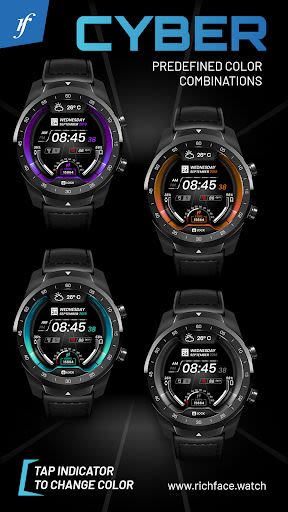
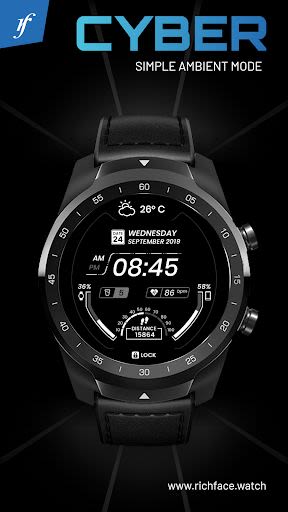
- Customization Galore: Modify color schemes, time formats, ambient mode settings, and more to suit your style.
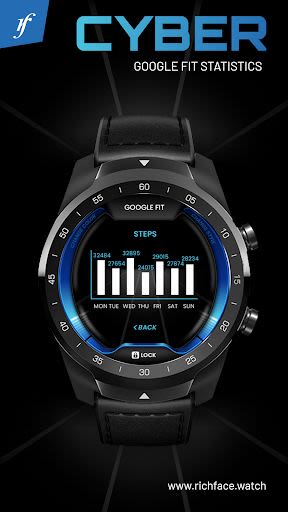
- Google FIT Integration: Get in-depth fitness tracking with premium features like Fit statistics and activity monitoring.
Why Choose Cyber Watch Face
- Wide Compatibility: Compatible with all Android Wear watches for universal access.
- Built-In Complications: From weather forecasts to fitness stats, stay informed with built-in complications.
- Hourly Vibration Alert: Stay on track throughout the day with hourly vibration reminders.
Technical Information
- Permissions: Find detailed explanations of app permissions here.
- Compatibility: Not compatible with smartwatches running TizenOS or other operating systems aside from WearOS.
Installation Guide
-
For Android Wear 2.0:
- Download from Google Play Wear Store on your watch.
- Install the companion app on your Android phone for full customization.
FAQ
- Troubleshooting: Contact us at [email protected] for any app-related queries.
- Connect with Google Fit: To view fitness data in complications, connect the app with Google Fit via settings on the companion app.
Join the Cyber Watch Face community today and revolutionize your Wear OS experience!
Capturas de Tela
Similar

All Document Reader 2023
FunGear inc

QR Code Scanner for Android: QR Reader, QR Creator
Taymay - Simple & Effective.

ChatAI: AI Chatbot App
iKame Applications - Begamob Apps

App Lock - Applock Fingerprint
Trusted Tools

All Document Reader - One Read
Simple Design Ltd.

QR Scanner - Barcode Scanner
Leap Fitness Group

PDF Reader - PDF Viewer 2022
Simple Design Ltd.

FlyLadyPlus
FlyLadyPlus

BlackNote Notepad Notes
Notas Notepad

Free QR Code Reader & Barcode Scanner - QR Scanner
JonDev. Mobile

PDF Scanner APP - Scan to PDF
Simple Design Ltd.

Image to PDF Converter - JPG to PDF, PDF Maker
Simple Design Ltd.