
Digital Vision Watch Face
4.00
-

Idioma
English
-

OS
Android
-

Developer
RichFace
-

#Versão
1.1.3
Descrição do Aplicativo
Digital Vision Watch Face for Android Wear
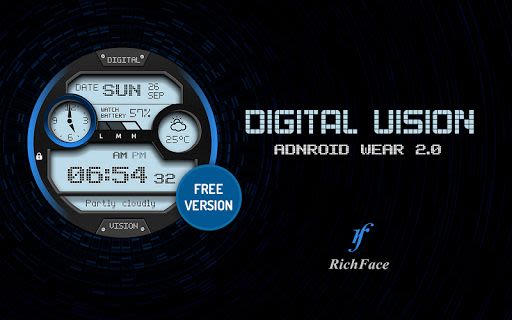
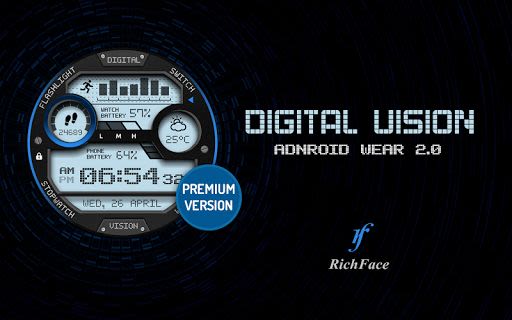
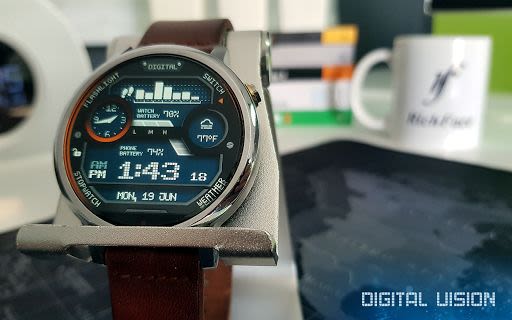
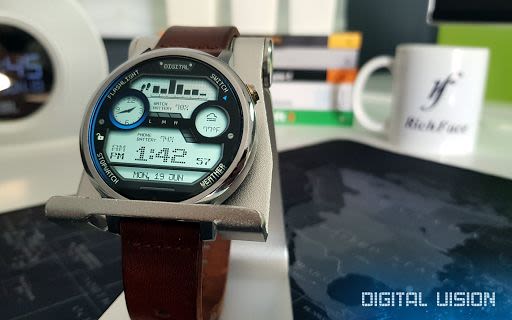
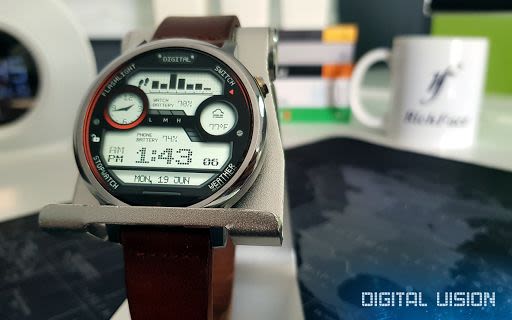
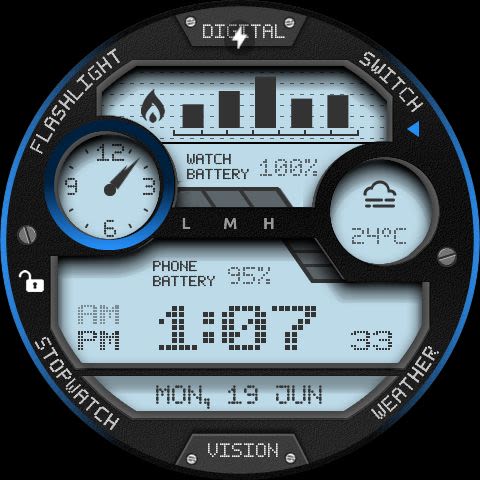
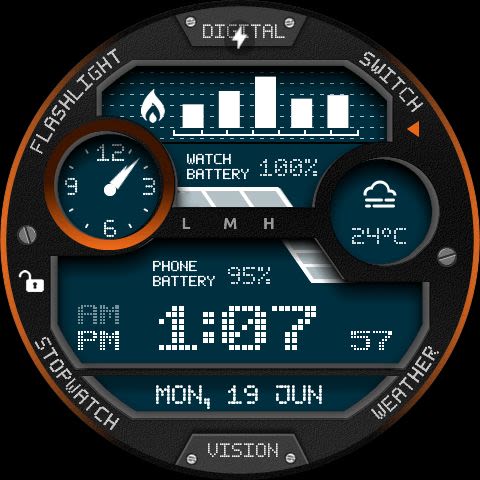
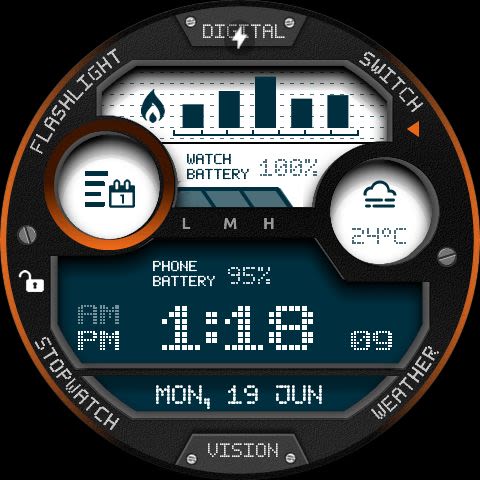
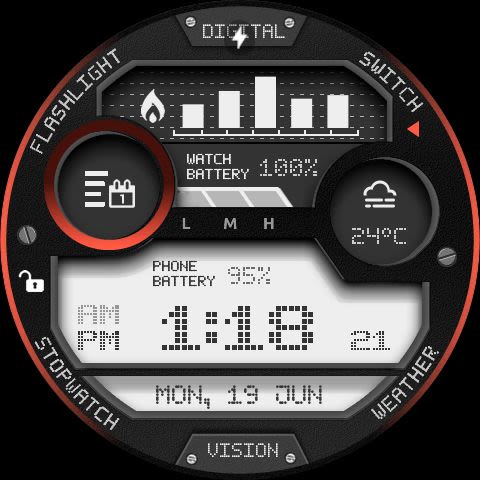
Enhance your Android Wear experience with the Digital Vision watch face, offering a perfect blend of style and functionality. This digital watch face boasts interactive features and a unique invert color setting, providing users with a customizable and informative display directly on their wrist.
Key Features:
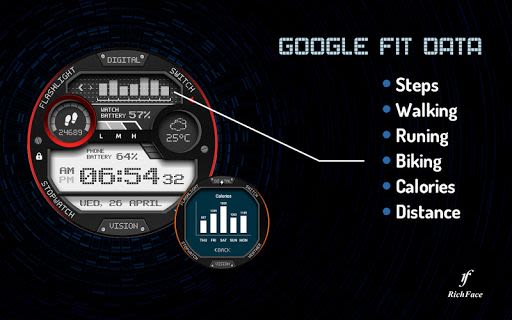
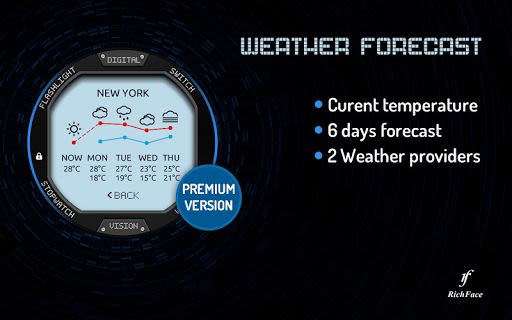
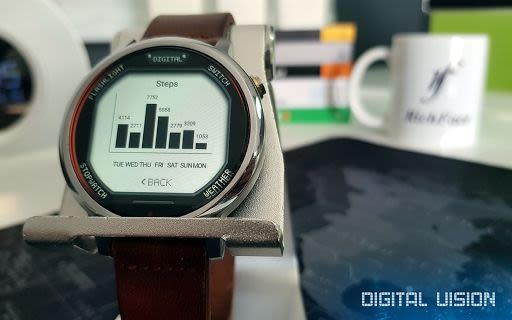
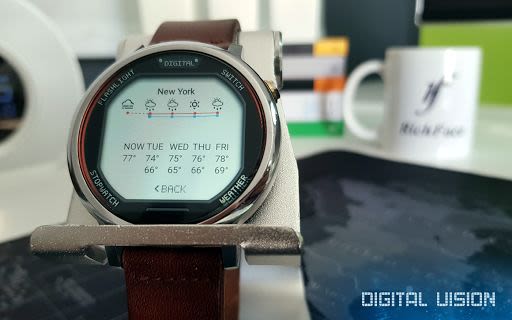
- Interactive Functions: Tap targets allow for customization and easy access to various data points such as battery level, FIT data, and weather information.
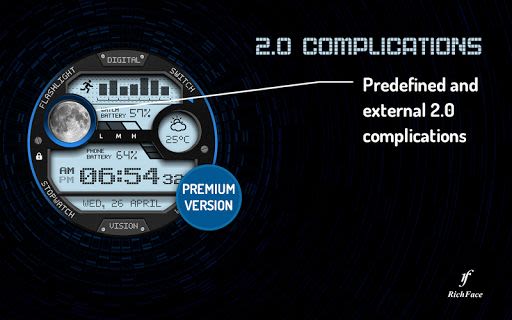
- Android Wear 2.0 Compatibility: Seamlessly integrates with the latest Android Wear platform, including external complication support.
- User-Friendly Settings: Enjoy a plethora of settings both on the watch itself and the companion app for enhanced personalization.
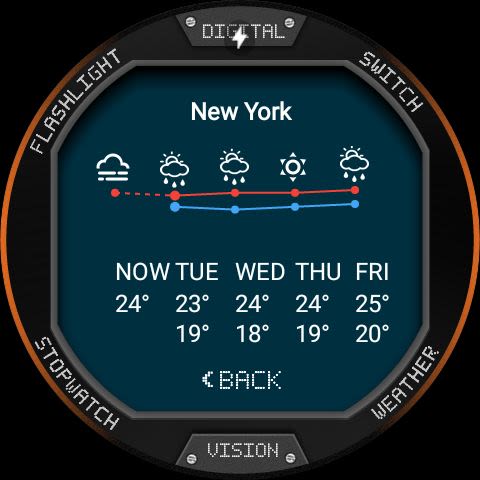
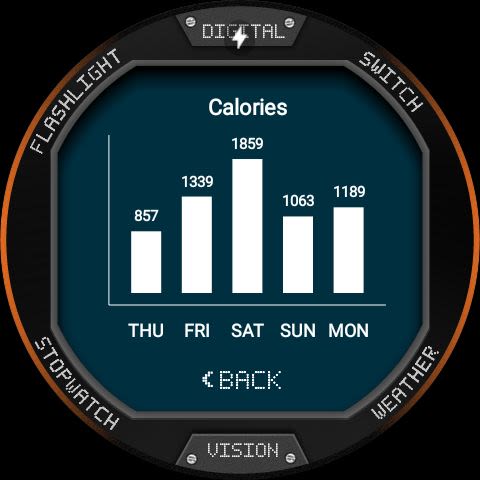
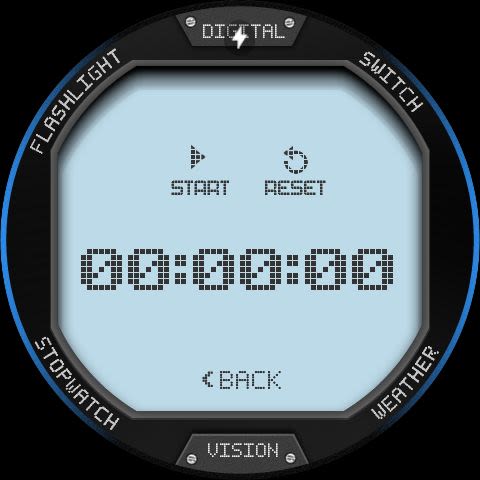
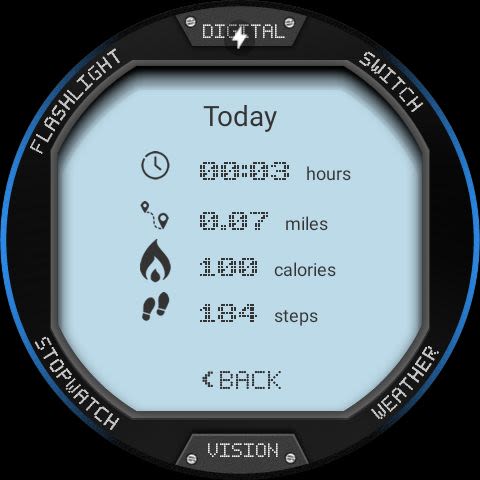
- Built-in Complications: Access real-time information at a glance, including weather updates, fitness stats, stopwatch, and more.
Benefits:
- Fully supports Android Wear 2.0 features
- Compatible with all Android Wear watches
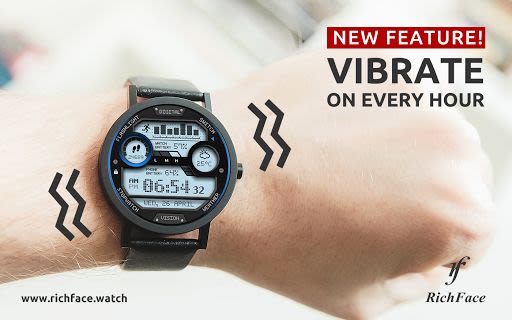
- Stay informed with vibrate alerts every hour
- Effortlessly install and customize the watch face
Why Choose This App:
- Enhances functionality and aesthetics of your Android Wear device
- Offers extensive customization options for a personalized experience
- Reliable customer support for any troubleshooting needs
Technical Details:
- Compatibility: Android Wear 1.0 and Android Wear 2.0
- Installation: Easily download from the Google Play Wear Store and companion app for full customization on Android phones.
FAQ:
For any inquiries or assistance, contact us at [email protected]
Installation Instructions:
Android Wear 1.0:
- Install the watch face and run 'Re-sync app' from the Android Wear app.
- Select Digital Vision as your watch face via the Android Wear app.
Android Wear 2.0:
- Download from the Google Play Wear Store on your watch.
- Install the companion app on your Android phone for complete customization.
Permissions:
For detailed information on permissions, visit Privacy Policy.
Upgrade your Android Wear experience with Digital Vision watch face – the perfect blend of style, functionality, and customization. Enhance your everyday interactions with your wearable device. Try it now!
Capturas de Tela
Vídeos
Similar

Analog Classic Watch Messa 100
Messa Watch

Color Phone - Nice Call Screen
Govo Tech by Volio

Arabic Wallpapers
Mahmoud Zadah

Concentric - Pixel Watch Face
WatchFace-Designs

Clean Digital
JH Watchfaces

Yoshion - Pic Collage Maker
Joseph Jenny

Minimal Basic 2 English
OQ Watchfaces

Beautiful wallpapers
Applications from a duck

Wear OS Watch Neon Shatte
GeorgKing

RE 03 - Digital Watch Face
RECREATIVE ® Watch Faces

Anime World Wallpapers
N.E.O.N STUDIO

Launcher iOS 16
LuuTinh