
Scanner App- Scan PDF Document
4.70
-

Dil
English
-

OS
iOS, Android
-

Developer
Office Lens: Android Tool, Translate, Scanner, PDF
-

#Sürüm
2.7.3
Uygulama Açıklaması
PDF Scanner App: Your Ultimate Portable Scanning Solution
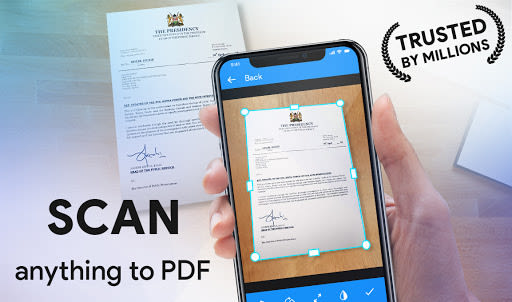
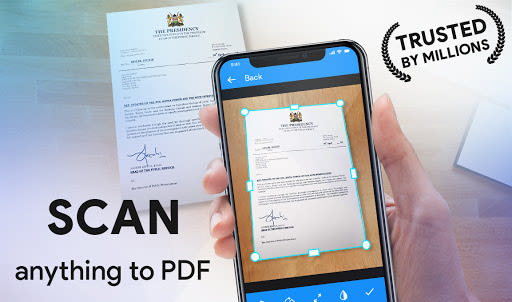
In today's fast-paced world, having a reliable and efficient PDF scanning app can streamline your daily tasks. Look no further than PDF Scanner - the all-in-one solution that transforms your smartphone into a powerful PDF scanner, ensuring you can digitize documents on the go with ease.
Key Features:
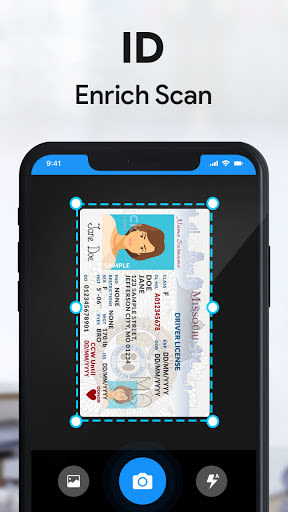
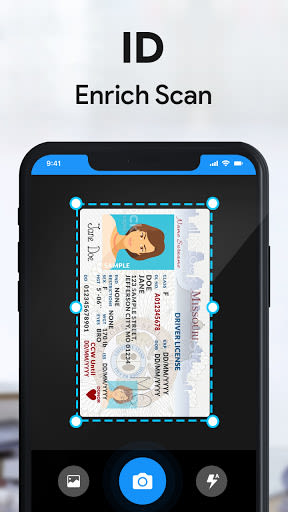
- Versatile PDF Scanning: Effortlessly scan any type of document or image and convert it into a PDF file.
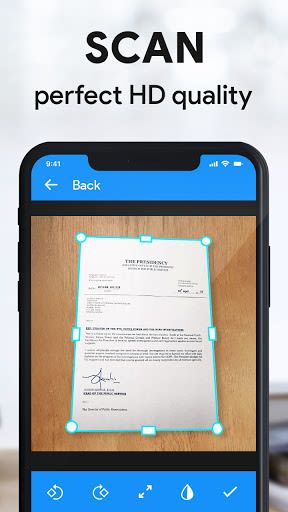
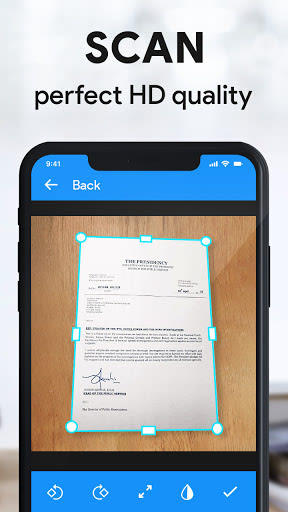
- Enhanced Document Editing: Preview, crop, resize, rearrange, rotate, and apply various effects to your scanned PDFs for professional-quality results.
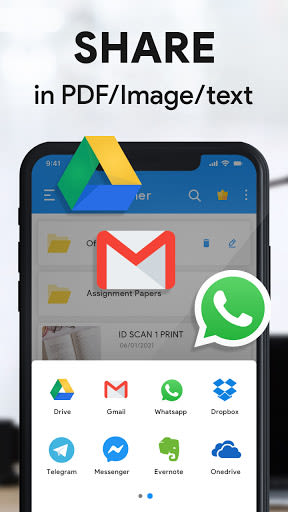
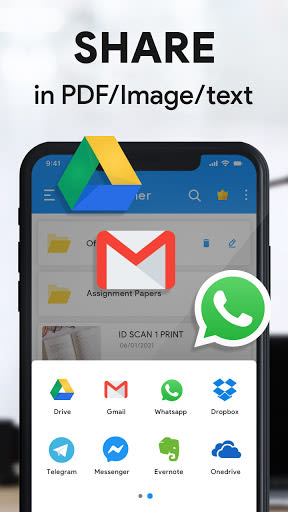
- Convenient Sharing: Share your scanned PDFs across multiple platforms quickly and efficiently.
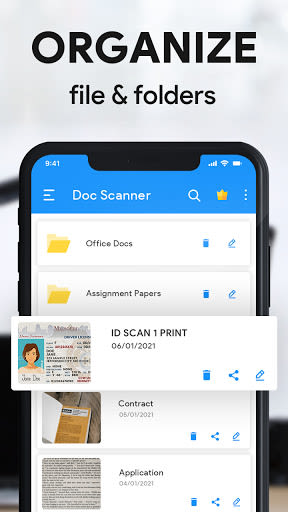
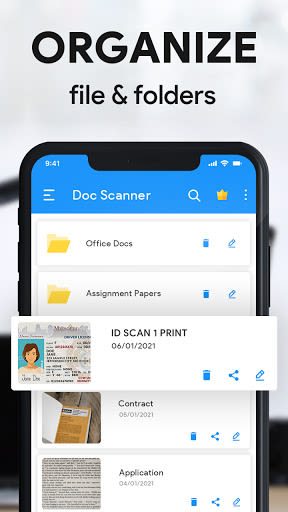
- Efficient Search Functionality: Easily locate and sort your scanned documents for seamless access.
- Offline Capabilities: Enjoy uninterrupted scanning even without an internet connection.
- User-Friendly Interface: Intuitive design for easy navigation and a hassle-free scanning experience.
Benefits:
- Speed up your scanning tasks with the fast scan feature.
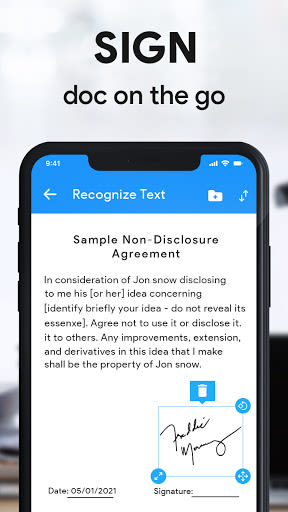
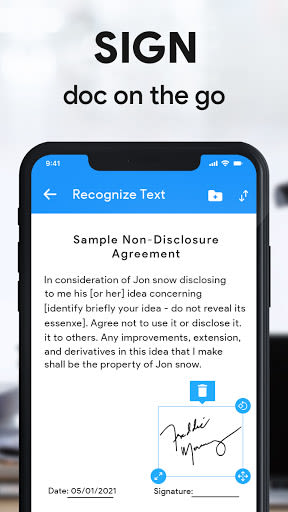
- Ideal for business purposes, including signing and scanning important documents.
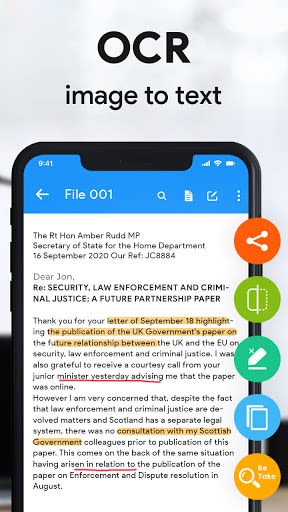
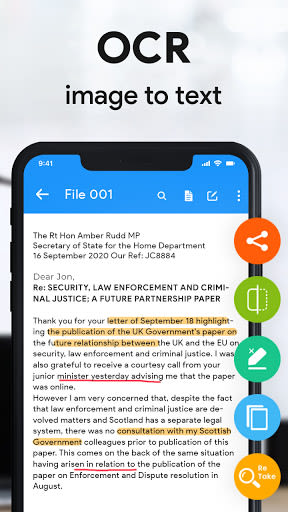
- Utilize the latest OCR technology for accurate scanning results.
- Enhance document quality with multiple editing options.
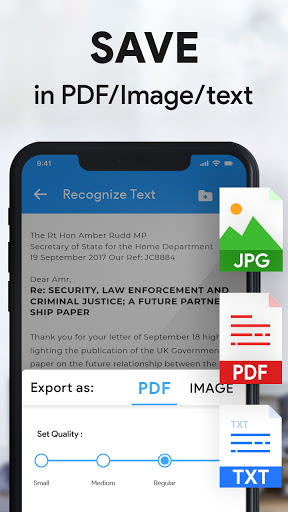
- Save, share, rename, and print your scanned PDF files effortlessly.
Why Choose This App:
- Portability: Scan documents anytime, anywhere, whether you're in the office, at home, or on the go.
- Professional Results: Achieve high-quality scans comparable to those produced by dedicated PDF scanners.
- Time-Saving: Streamline your document management process with efficient scanning and editing features.
Technical Information:
- Compatibility: Android, iOS
- Requirements: Requires [specific requirements]
How to Use:
- Open the Scanner App Lite.
- Access the main screen of the Camera Scanner.
- Use the Paper Scanner search icon or sorting options to locate your desired document.
- Select a picture from your gallery or capture one with the camera for scanning.
- Utilize PDF Scanner's editing features for further enhancements.
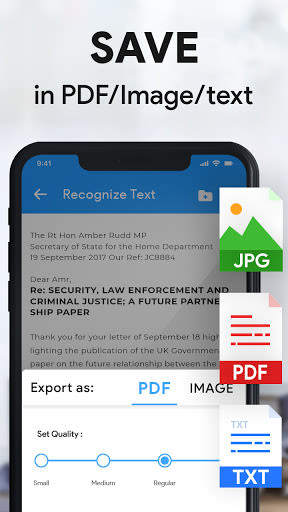
- Save your edited scan document with a single tap.
- Manage your saved files for sharing, renaming, or printing your PDF files.
Experience the ultimate convenience of mobile scanning with PDF Scanner. Digitize your documents with precision and efficiency wherever you are. Make scanning a breeze - download PDF Scanner now!
[CTA: Download PDF Scanner and simplify your document management today!]
Ekran Görüntüleri
Similar

Work from Home
Online Jobs & Startups

Acres: Land Data & Parcel Maps
Acres.co

Secure Gateway
ALSCO

ALSCO!
ALSCO

Hirect: Chat Based Job Search
Download now

PACK EXPO/Healthcare Packaging EXPO 2018
Map Your Show

Heritage Parts
Heritage Parts

Stripe Dashboard
Stripe, Inc.

TruckSmarter Load Board & Fuel
TruckSmarter

DScanner - Camera Scanner
CamSoft Information

JOB TODAY: Hire in 24 Hours
JOB TODAY S.A.

Blinq - Digital Business Cards
Blinq Technologies