

AutoSOS - Automatic SOS SMS Alarms and Phone Calls
-

Dil
English
-

OS
Android
-

Developer
andblu
-

#Sürüm
3.11
Uygulama Açıklaması
Stay Safe with AutoSOS: Your Ultimate Emergency Companion
In times of need, having a reliable tool for alerting loved ones or authorities is crucial. AutoSOS is here to provide you with a comprehensive set of features designed to keep you safe and secure in various emergency situations.
Key Features
-
Alarming Functionality: Receive emergency alerts via phone call and SMS with a direct link to Google Maps.
- No internet connection required, eliminating the need to purchase data packages for alerting, both domestically and internationally.
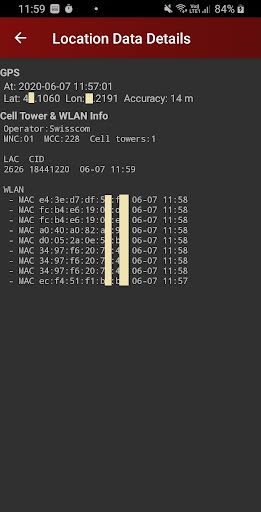
- Track your phone's location even without GPS, albeit with slightly less accuracy.
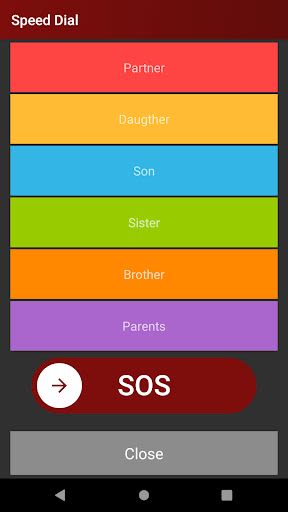
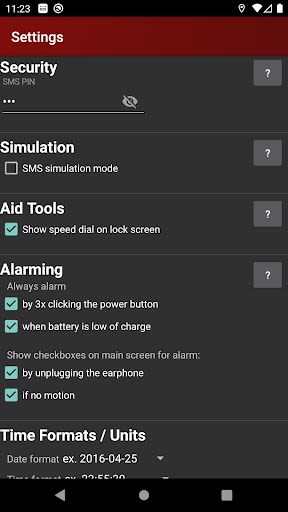
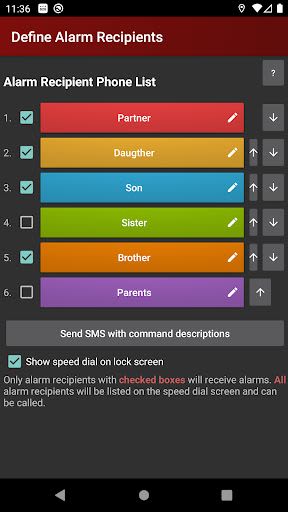
- Speed Dial and Lock Screen Alarming: Quickly raise alarms from your device's lock screen.
- Silent Mode Alerting: Get notified of incoming alarm SMS even when your phone is in silent mode.
- Find My Phone: Easily locate your phone nearby by making it ring through an SMS command, even in silent mode.
-
Theft Assistance: Report your phone's current position in case of theft:
- Respond to an SMS command.
- Receive location updates when the SIM card is changed.
Benefits
- Enhanced Security: Feel secure knowing you can alert others with just a few clicks, even in challenging situations.
- Convenience: Effortlessly find your phone or report its location when needed.
- Peace of Mind: AutoSOS acts as your silent guardian, ready to assist in emergencies.
Why Choose AutoSOS
- User-Friendly: Simple and intuitive interface for quick access during emergencies.
- Privacy-Focused: Check our Privacy Policy for transparency on how your data is handled.
Compatibility
- Android: Requires Android with Location enabled. Works with Android versions below 10.
Raising Alarms
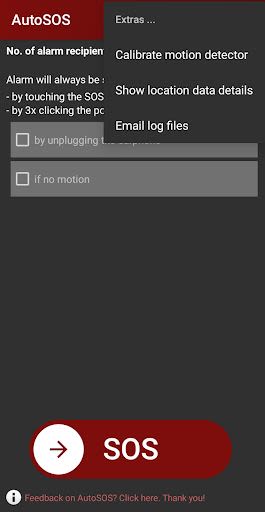
Raise alarms in various ways:
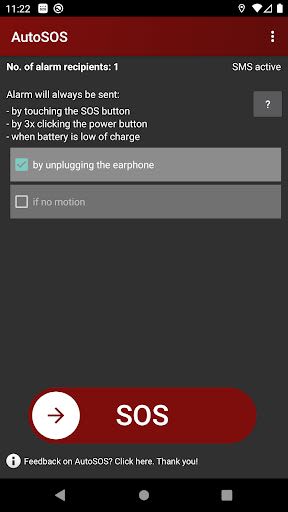
- Clicking on the SOS button.
- Pulling the earphone plug.
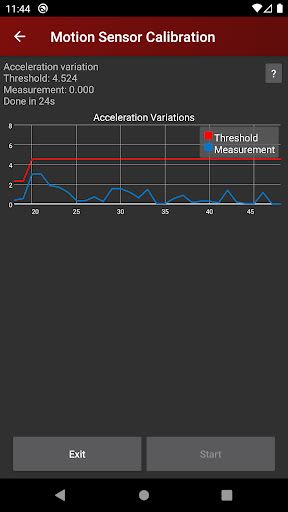
- Absence of significant motion.
- Pressing the power button multiple times.
- Using a Flic button (sold separately).
- Low battery alert (Flic 1 button supported; Flic 2 support in progress).
For more details, visit AutoSOS - The Android Alarming App.
Privacy Policy: Learn more about how we handle your data in our Privacy Policy.
Stay safe and secure with AutoSOS – your reliable emergency companion. Take control of your safety today.
Download AutoSOS now and be prepared for any situation!
Ekran Görüntüleri
Similar

ChatGPT
OpenAI

Whats Web - Whatscan for Web
Secure Soft Inc

Traductor de idiomas
Dinanyelis Rodriguez becosme

Email for Outlook
Utility Apps by XSDev

Cuballama
Cuballama

Sticker Maker for WhatsApp
Trusted Tools

Quick SMS Launcher - Messenger
Share File Technologies by 090 Bravo

Messages - SMS, Chat Messaging
Phase Zero Apps

Walkie Talkie, Talk Now, Push to Talk
Find Friends, Play Games among us, Live Voice Chat

CastChat - Match & Voice Chat
Guru AI Lab

ClanPlay: Community and Tools for Gamers
ClanPlay

Boost Mobile
DISH Wireless L.L.C.