

Assistive Touch for Android
4.60
-

Dil
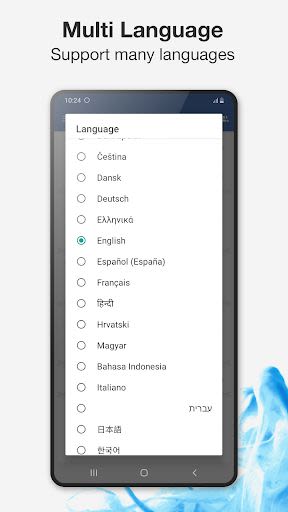
English
-

OS
Android
-

Developer
Assistive Touch Team
-

#Sürüm
3705
Uygulama Açıklaması
Welcome to Assistive Touch - Your Ultimate Android Companion
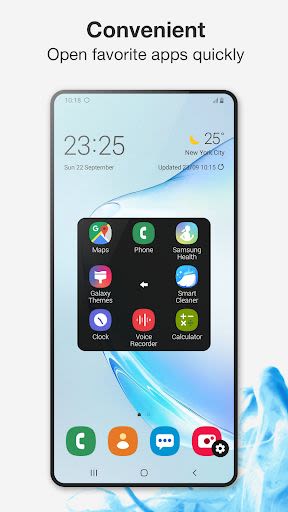
Assistive Touch is your go-to tool for Android devices, offering a seamless and efficient user experience – and it's completely FREE. With a floating panel right on your screen, you can effortlessly navigate your Android smartphone. Whether it's accessing your favorite apps, games, settings, or quick toggles, Assistive Touch simplifies it all. Say goodbye to physical button concerns on large-screen smartphones – this app has got you covered.
Key Features:
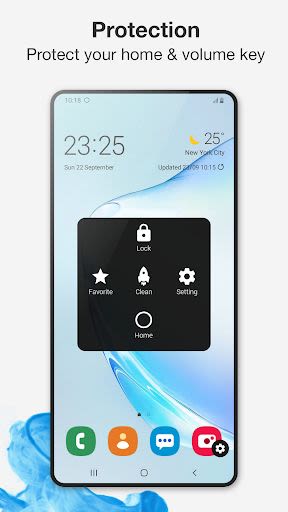
- Virtual Home, Volume, and Back buttons for easy navigation
- RAM Booster to optimize performance and save battery
- Screen Recorder for hassle-free recording
- Dark Mode for reduced eye strain and improved battery life
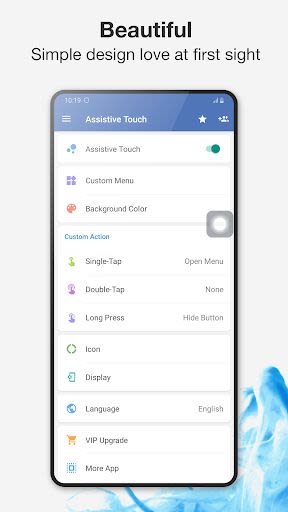
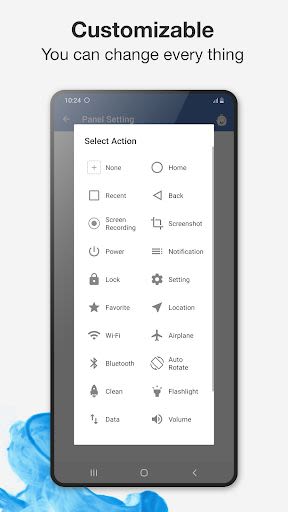
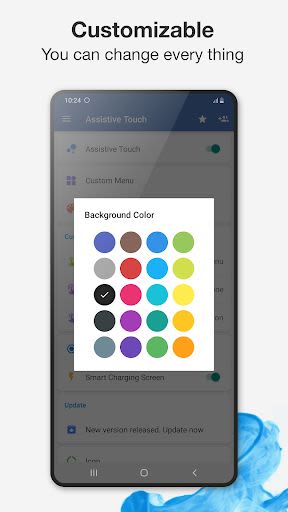
- Customization options to personalize your experience
Benefits:
- Quick access to essential functions like screenshot capture and power popup
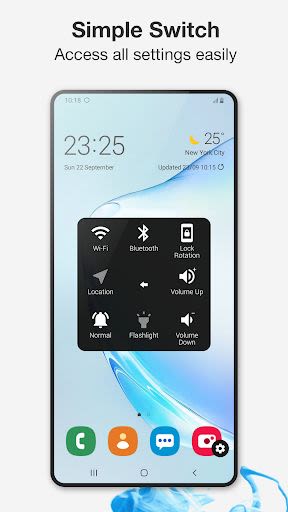
- Efficiently manage settings like WiFi, Bluetooth, and more
- Boost device speed and clear RAM with a single tap
- Record HD videos with audio, perfect for tutorials and gameplay
- Enhance readability and battery life with Dark Mode
Why Choose This App:
- Easy customization with color and icon options
- Intuitive gesture settings for the floating button
- Dedicated customer support and feedback mechanism
Technical Information:
- Compatibility: Android 5.0 and above
- Permissions: Device Administrator, Accessibility services
How to Uninstall:
- Watch the uninstallation tutorial video here
- To uninstall Assistive Touch, open the app, go to settings, and click on the uninstall button
FAQs:
-
How to uninstall the app?
- Simply follow the steps in the provided video tutorial.
-
Why is the Screenshot Capture function missing on my phone?
- This feature is available on Android 5.0 and higher devices.
Experience the convenience and efficiency of Assistive Touch. Leave your feedback, and let us know how we can further enhance your experience. Thank you for choosing Assistive Touch – your Android companion!
Ekran Görüntüleri
Videolar
Similar

Windows 11
Microsoft

Wear Flashlight
CodVerter

Grok
xAI

Cleaner Antivirus VPN Cleaner
Cleaner + Antivirus + VPN company

owoTrack
Finoki

تەختەکلیلی کوردی | Kurdish Keyboard
Goran Gharib

Icon Torch - Flashlight
Aleksandr Balaev

Secure VPN
Dream limited

VPN Proxy Master - Secure VPN
Share File Technologies by 090 Bravo

Give VPN
Speed Group dev

Super Antivirus - Clean Virus
SUPER ANTIVIRUS

Fly Browser-Search & Private
Readerland