
Battery Widget Charge Level %
4.40
-

Dil
English
-

OS
Android
-

Developer
M2Catalyst, LLC.
-

#Sürüm
7.2.10
Uygulama Açıklaması
Discover Battery Widget - Your Ultimate Battery Monitoring Companion
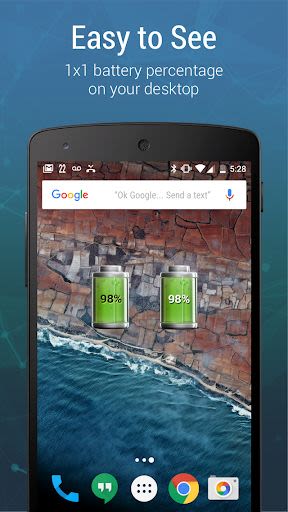
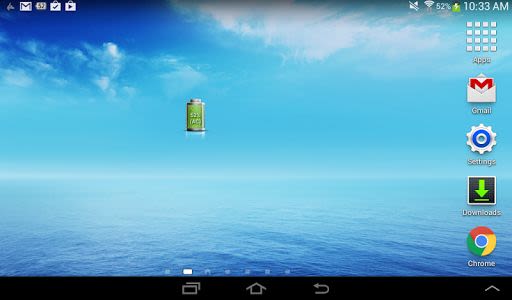
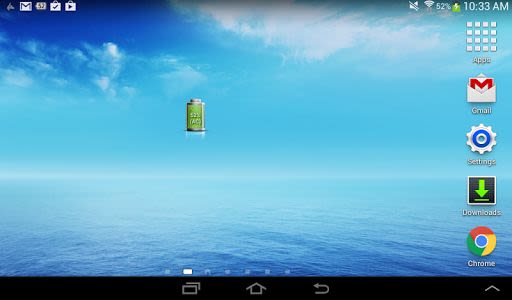
Battery Widget is a sleek 1x1 widget designed to keep you informed about your battery status while optimizing app battery usage. Here's how this handy tool can enhance your device experience:
Key Features
- Battery Percentage Monitor: Enjoy a visually appealing widget displaying animated battery charge levels right on your home screen.
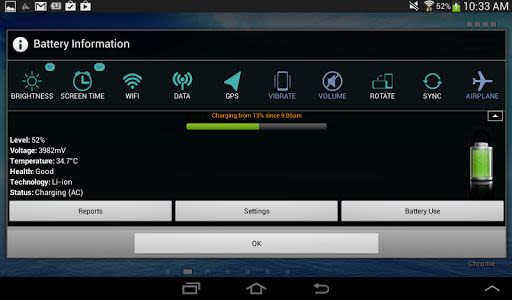
- Battery Level Status Bar: Easily access battery information and track current battery level and percentage directly from the status bar.
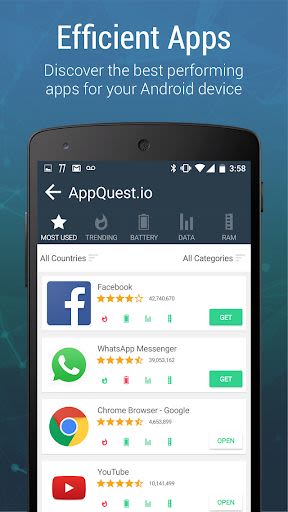
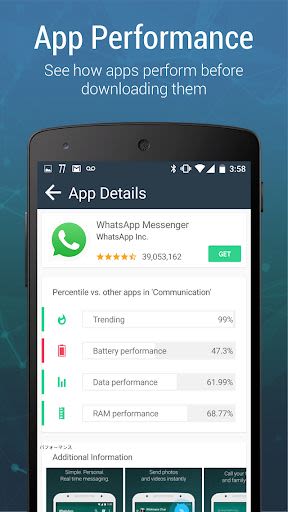
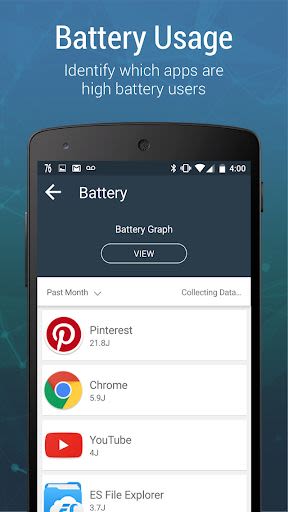
- Track App Battery Usage: Identify and manage battery-draining apps to improve overall battery life.
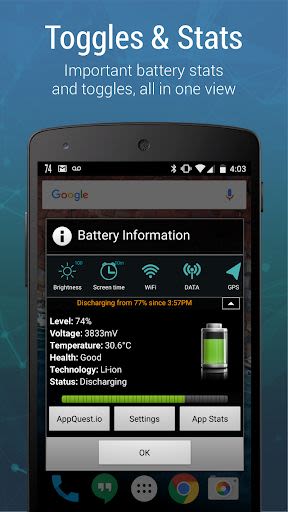
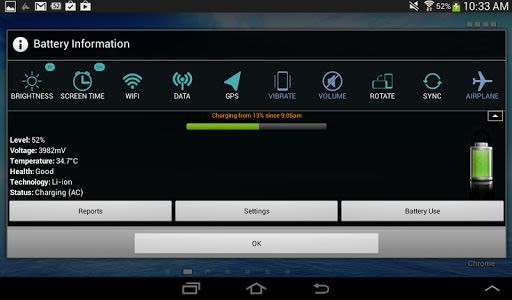
- System Toggle Controller: Quickly adjust device settings like WiFi, screen brightness, GPS, and more to extend battery life.
- Automatic Battery Status Alert: Receive timely notifications when your battery is low, ensuring you never run out of power unexpectedly.
Benefits
- Monitor battery level at a glance on the status bar.
- Customize battery level indicator colors for high/medium/low battery levels (for Android 4.4 and below).
- Access quick toggles for screen brightness, WiFi, data, and more.
- Stay informed with battery status alerts and time information.
- Enjoy various indicator icon styles and temperature display options.
Why Choose This App
- Available in multiple languages for global accessibility.
- Receive community-powered battery reports for enhanced analysis.
- Contribute to improving Android battery performance by using the app.
Compatibility & Technical Details
- Compatible with Android devices.
- Available in English, Chinese, Japanese, Korean, Spanish, and many more languages.
- Email for localization support: [email protected].
Important Notes
- Exclude Battery Widget from task killer programs for optimal performance.
- Avoid moving Battery Widget to SD card to ensure proper functionality.
- Note device-specific battery level indications and Android 4.0 system limitations.
Instructions
To add Battery Widget to your home screen:
- Method 1: Press Home button followed by Menu button. Select Add → Widgets → Battery Widget.
- Method 2: Press Home button, tap and hold on any available space, then select Widgets → Battery Widget.
Enhance your device's battery monitoring and optimization with Battery Widget. Stay powered up and in control effortlessly.
Ekran Görüntüleri
Videolar
Similar

Windows 11
Microsoft

Wear Flashlight
CodVerter

Grok
xAI

Cleaner Antivirus VPN Cleaner
Cleaner + Antivirus + VPN company

owoTrack
Finoki

تەختەکلیلی کوردی | Kurdish Keyboard
Goran Gharib

Icon Torch - Flashlight
Aleksandr Balaev

Secure VPN
Dream limited

VPN Proxy Master - Secure VPN
Share File Technologies by 090 Bravo

Give VPN
Speed Group dev

Super Antivirus - Clean Virus
SUPER ANTIVIRUS

Fly Browser-Search & Private
Readerland