
Google Calendar
4.50
-

Dil
English
-

OS
Android
-

Developer
Google LLC
-

#Sürüm
2022.14.0-439152615-release
Uygulama Açıklaması
Discover the Ultimate Calendar Companion: Google Calendar
Enhance your scheduling efficiency with the official Google Calendar app, a vital component of Google Workspace, tailored for Android devices. Seamlessly organize your time and seize each day's potential with these standout features:
Key Features:
-
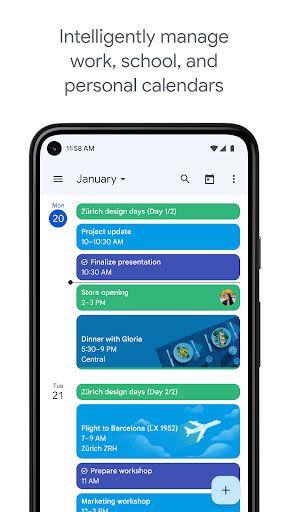
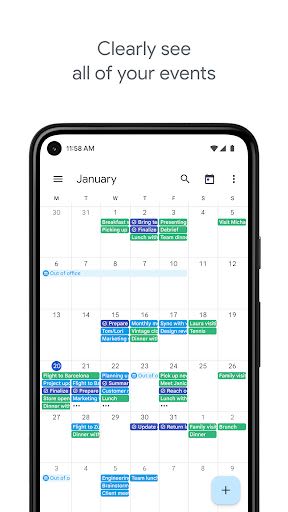
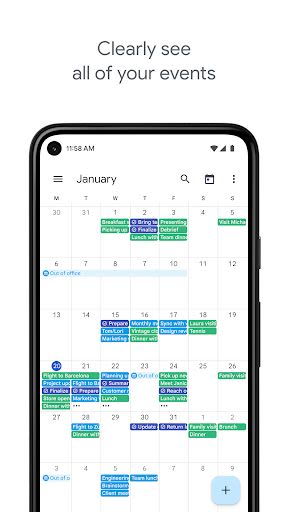
Versatile Viewing Options: Effortlessly toggle between month, week, and day views for a comprehensive outlook on your schedule.
-
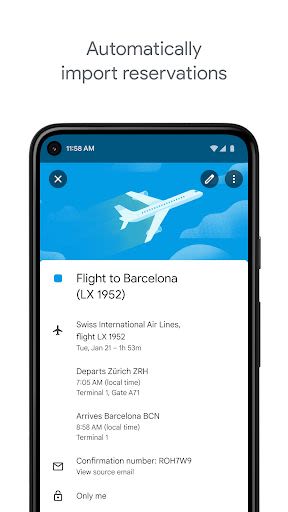
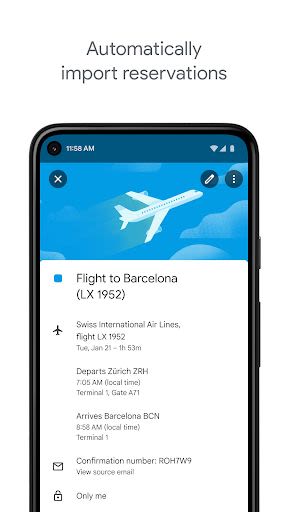
Automated Event Integration: Sync events from Gmail such as flights, hotel bookings, concerts, and dining reservations directly into your calendar, ensuring you never miss a beat.
-
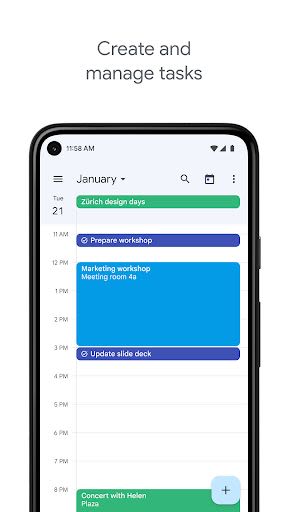
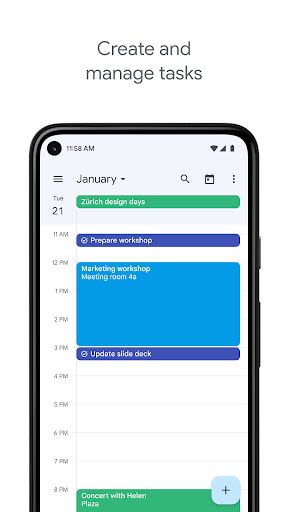
Task Management: Stay on top of your tasks by creating, organizing, and monitoring them alongside your calendar events.
-
Unified Calendar Hub: Google Calendar harmonizes with all calendars on your device, including Exchange, consolidating your schedules in one convenient location.
Benefits:
-
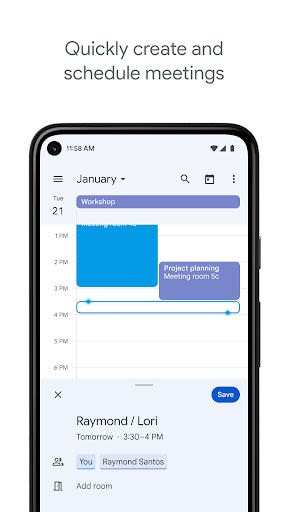
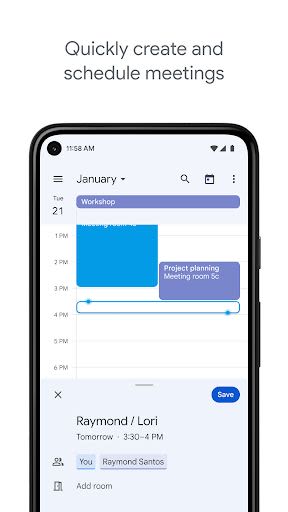
Streamlined Meeting Scheduling: Check colleagues' availability, overlay multiple calendars, and schedule meetings swiftly within a single interface.
-
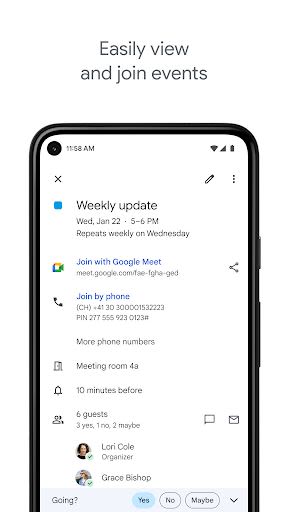
Resource Management: Easily identify available meeting rooms and shared resources to optimize your planning process.
-
Enhanced Collaboration: Share calendars to provide comprehensive event details or just display your availability to streamline team coordination.
-
Cross-Platform Accessibility: Access your calendar seamlessly across laptops, tablets, and smartphones for uninterrupted productivity.
-
Web Calendar Publishing: Share your calendars online to facilitate broader access and visibility.
Why Choose This App:
Google Calendar, as part of Google Workspace, empowers you and your team to elevate productivity and collaboration to new heights. Harness the power of Google Workspace to:
-
Efficiently Schedule Meetings: Utilize shared calendar views to expedite meeting planning.
-
Optimize Resource Allocation: Quickly identify available meeting rooms and resources.
-
Seamless Collaboration: Share calendars for enhanced team coordination and visibility.
-
Multi-Device Access: Enjoy calendar access across various devices for enhanced flexibility.
Technical Information:
- Compatibility: Android devices
- Access: Available on laptops, tablets, and smartphones
- Web Integration: Publish calendars online for broader accessibility
Explore the possibilities with Google Workspace: Learn More
Stay connected for updates:
- Twitter: Google Workspace Twitter
- Linkedin: Google Workspace Linkedin
- Facebook: Google Workspace Facebook
Unlock the full potential of your calendar management with Google Calendar – your ultimate scheduling ally!
Ekran Görüntüleri
Videolar
Similar

All Document Reader 2023
FunGear inc

QR Code Scanner for Android: QR Reader, QR Creator
Taymay - Simple & Effective.

ChatAI: AI Chatbot App
iKame Applications - Begamob Apps

App Lock - Applock Fingerprint
Trusted Tools

All Document Reader - One Read
Simple Design Ltd.

QR Scanner - Barcode Scanner
Leap Fitness Group

PDF Reader - PDF Viewer 2022
Simple Design Ltd.

FlyLadyPlus
FlyLadyPlus

BlackNote Notepad Notes
Notas Notepad

Free QR Code Reader & Barcode Scanner - QR Scanner
JonDev. Mobile

PDF Scanner APP - Scan to PDF
Simple Design Ltd.

Image to PDF Converter - JPG to PDF, PDF Maker
Simple Design Ltd.