

U Launcher Lite-Hide apps
4.40
-

Dil
English
-

OS
Android
-

Developer
Moboapps Dev Team
-

#Sürüm
2.2.44
Uygulama Açıklaması
Discover the Ultimate Directory Listing Platform: U Launcher Lite 2020 New Version
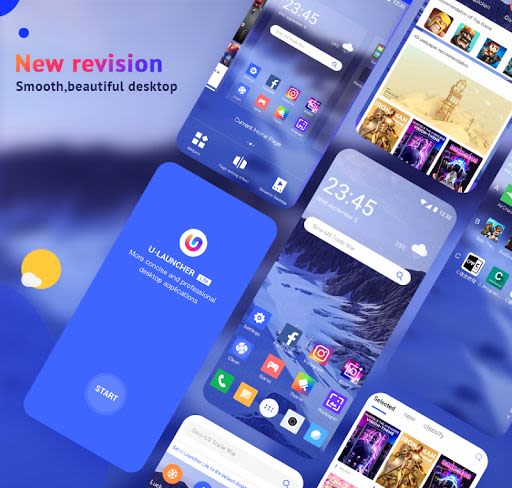
Are you seeking a top-tier launcher app that elevates your Android experience to new heights? Look no further than U Launcher Lite 2020 New Version! This cutting-edge launcher is designed to optimize your device's speed, functionality, and aesthetics, offering a seamless user experience unlike any other.
Why Choose U Launcher Lite 2020 New Version?
Unleash the power of your Android device with U Launcher Lite, a feature-packed app that combines performance, style, and customization in one sleek package. Here's why U Launcher Lite stands out in the crowded app market:
- Enhanced Performance: Experience lightning-fast speed and responsiveness with U Launcher Lite.
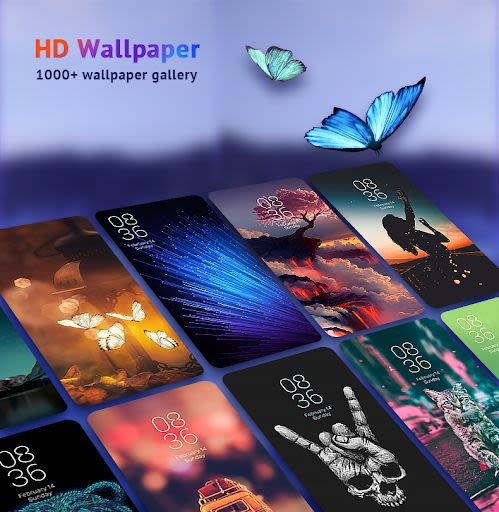
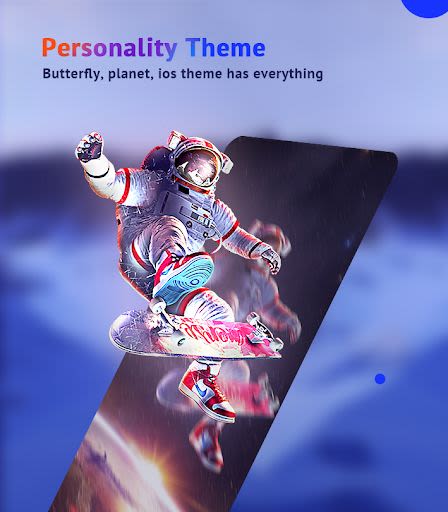
- Personalization: Customize your device with a vast selection of HD themes, wallpapers, and 4D effects.
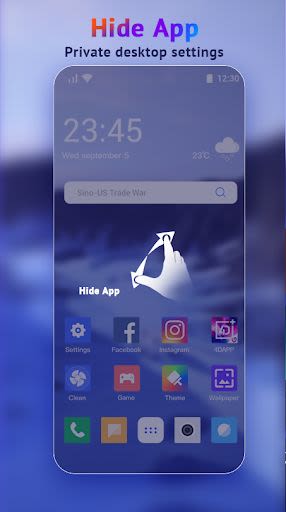
- App Privacy: Secure your sensitive apps with the hide apps feature for added privacy.
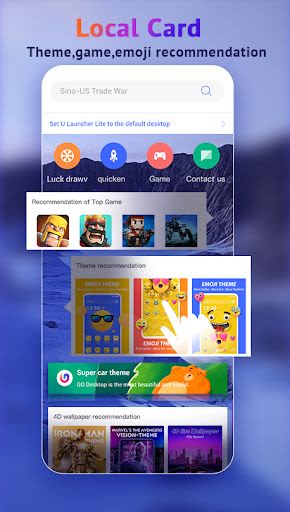
- Emoji and Themes: Express yourself with a wide range of emojis, GIFs, and customizable themes.
- Smart Management: Enjoy efficient device management with speed boosters and one-click cleaning tools.
Key Features of U Launcher Lite:
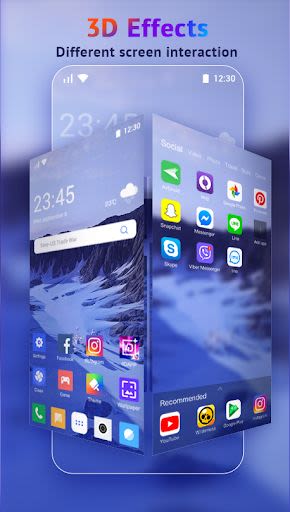
- 3D launcher themes for Android free
- 4K HD Live Wallpapers and 4D animation interface
- Hide apps and fastest launcher search
- Private launcher and personalization options
- Emoji, GIFs, Love Stickers, Smiley faces, and emoji themes
- Speed booster and one-click cleaning
- Smart management tools
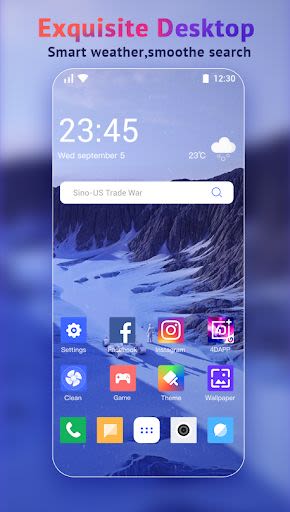
- Customized Home screen
New Features:
- Over 10,000 HD wallpapers, 3D and 4D live wallpapers, and icon packs
- 5,000+ Stylish Android Phone Launcher themes for Android free
- Daily updates with cool launcher 2020 themes
- Convenient widgets for a smarter user experience
Ready to elevate your Android experience? Try U Launcher Lite 2020 New Version today and immerse yourself in a world of hidden apps, fashion-forward wallpapers, and playful emojis!
Helpful Tips for Using U Launcher Lite:
- Find Hidden Apps: Easily locate hidden apps by pinching slightly on the screen or apps drawer.
- Access Widget Bar: Long press on the home screen to add useful widgets and shortcuts.
- Screen Manager Menus: Pinch in or swipe up to access the quick setting page.
🔔 Attention: U Launcher Lite is compatible with Android 4.4 and above.
Thank you for choosing U Launcher Lite! For any inquiries or feedback, feel free to reach out to us via Instagram, Facebook, email, or our website. Your satisfaction is our priority. Experience the best launcher for Android – U Launcher Lite 2020 New Version!
Ekran Görüntüleri
Videolar
Similar

Logo Maker And Logo Creator 3D
Splaish Studio

AI Photo
toolsmeta

Photo AI
Brilliant Games Private Ltd.

Interior Design AI Home Decor
Identifier Studio

T Shirt Design-Custom T Shirts
Custom Design Apps

Logo Maker: Logo Creator App
Dzine Media Apps

Mehndi Designs Offline
Blue Brain Technologies

😜 FLORK sticker for whatsapp - WAStickerApps
Devmias Studio

Gaming Logo Maker: Esport Logo
AZ Mobile Software

SVG Design Space For Cricut
CA Publishing

Maskot - Gaming Logo Maker
Artico Apps

Loogy - Graphic Design Pro
Artoon Games