
Cast to TV, Screen Mirroring
3.30
-

Dil
English
-

OS
Android
-

Developer
Begamob Global
-

#Sürüm
3.2
Uygulama Açıklaması
TV Cast for Android TV - Cast For Chromecast, Screen Mirroring
Introduction:
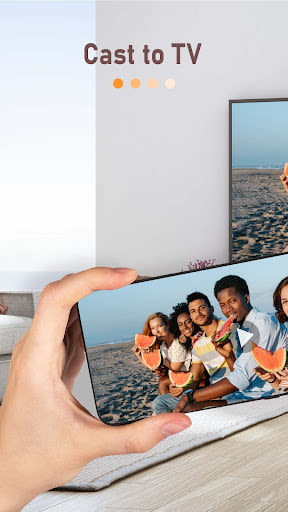
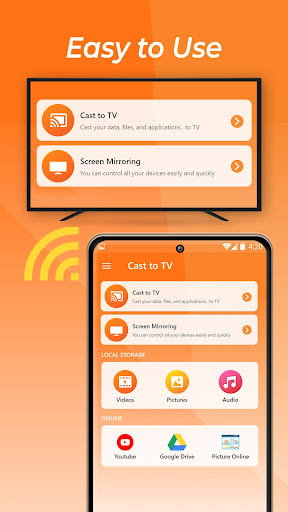
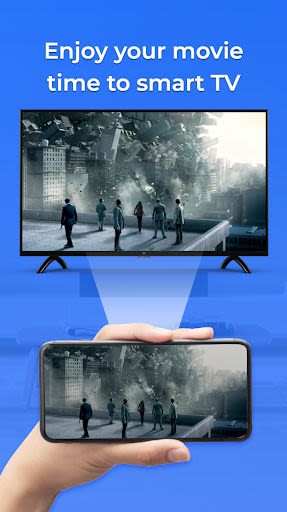
Welcome to TV Cast for Android TV - the ultimate app for streaming your Android screen and audio seamlessly in real-time. Whether you want to enjoy movies, videos, photos, or apps on a bigger screen, this app has got you covered with its powerful casting and mirroring capabilities.
Key Features:
-
Cast For Chromecast:
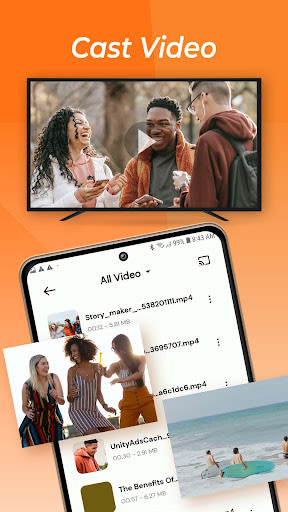
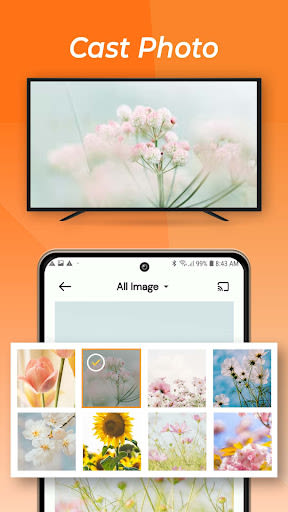
- Stream movies, videos, photos, and apps on your TV screen effortlessly.
- Share content with friends and family on a larger display for an enhanced viewing experience.
-
Screen Mirroring:
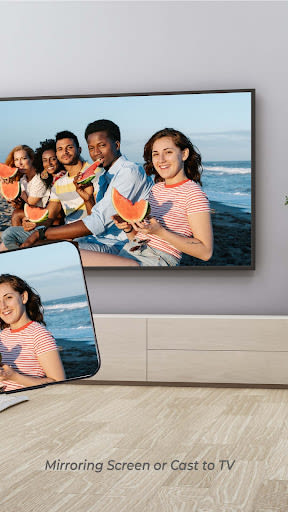
- Mirror your smartphone screen on your TV to access games, photos, videos, and apps easily.
- Enjoy a powerful tool for screen sharing in a fast and convenient way.
-
Media Player:
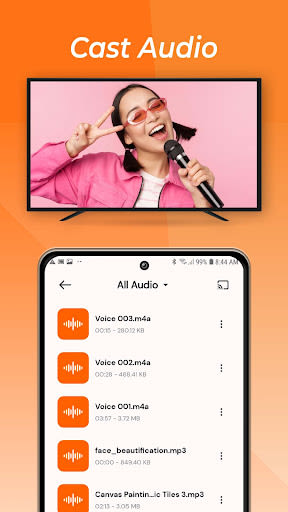
- Play videos, music, and photos on any device with the built-in video and audio player.
- Transform your space into a private theater with TV Speaker support.
Benefits:
-
Smart View & Screen Share:
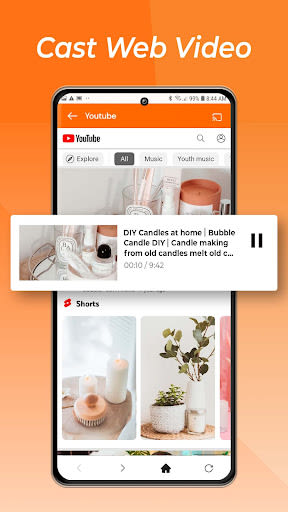
- Browse the web and cast your favorite videos with a single tap to your Chromecast.
- Effortlessly stream sports games, web movies, and more on your Cast Player.
-
Easy Connection:
- Seamlessly connect your smartphone to your TV wirelessly using Google Chromecast or Google Cast.
- Enjoy an intuitive interface designed for easy navigation and usage.
-
Smooth Content Slideshows:
- Display smartphone content on a large TV screen with stable transmission for a seamless viewing experience.
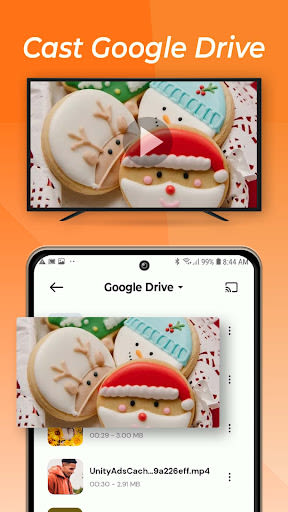
- Support for all media files, including photos, movies, ebooks, and audio.
-
Unique Accessibility with Screen Mirror/Chromecast:
- Access the application from outside the home screen at any time with the accessibility button.
- Ensure optimal transmission with wifi network signal checking feature.
Why Choose This App:
- Enjoy free and stable screen mirroring for casting your screen onto a larger display effortlessly.
- Benefit from detailed instructions and multi-country language support for a user-friendly experience.
Compatibility:
- Compatible with Android TV devices, Google Chromecast, and screen mirroring functionality.
How to Use:
Follow these simple steps to Miracast your mobile screen on your TV:
- Ensure both your TV and phone are on the same Wifi network.
- Enable Miracast Display on your TV and Wireless Display on your phone.
- Select and connect your TV for seamless screen mirroring.
- Enjoy your favorite content on the big screen!
Limitations & Disclosures:
- TV Cast to Chromecast is independent of web media providers and does not control their content.
- Smart View & Screen Share does not support tab casting like the Chromecast extension for PC web browsers.
- For Miracast for Android to TV, server-side issues such as playback failures are beyond the app's control.
Thank you for choosing Cast to TV - Screen Mirroring, Cast For Chromecast, Miracast. Elevate your viewing experience today!
Ekran Görüntüleri
Similar

Windows 11
Microsoft

Wear Flashlight
CodVerter

Grok
xAI

Cleaner Antivirus VPN Cleaner
Cleaner + Antivirus + VPN company

owoTrack
Finoki

تەختەکلیلی کوردی | Kurdish Keyboard
Goran Gharib

Icon Torch - Flashlight
Aleksandr Balaev

Secure VPN
Dream limited

VPN Proxy Master - Secure VPN
Share File Technologies by 090 Bravo

Give VPN
Speed Group dev

Super Antivirus - Clean Virus
SUPER ANTIVIRUS

Fly Browser-Search & Private
Readerland