

Bluetooth File Transfer
4.10
-

Dil
English
-

OS
Android
-

Developer
Medieval Software
-

#Sürüm
5.65
Uygulama Açıklaması
Discover and Manage Files Seamlessly with Bluetooth File Transfer
Bluetooth File Transfer is your go-to solution for effortlessly browsing, exploring, and managing files across Bluetooth-enabled devices. With support for File Transfer Profile (FTP) and Object Push Profile (OPP), this app empowers you to not only transfer files but also send contacts with ease.
Key Features:
- Custom security manager for secure BT connections
- Legacy and AES encryption for Zip files
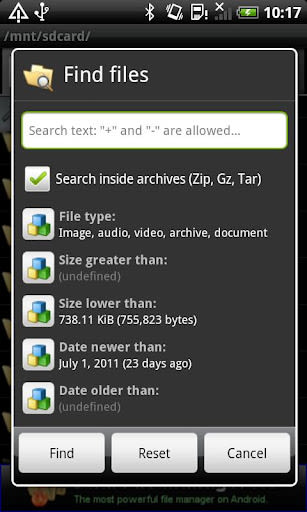
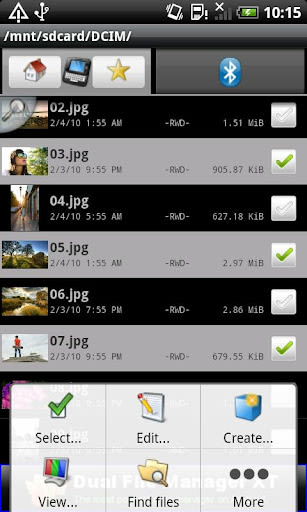
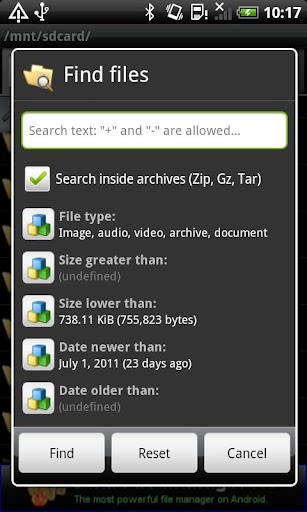
- Fastest file browser with customizable UI
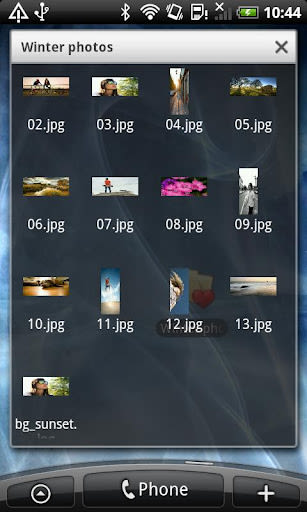
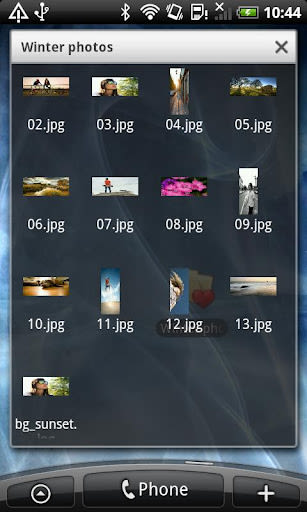
- Thumbnails for various file types
- Enhanced contact send function for VCF files
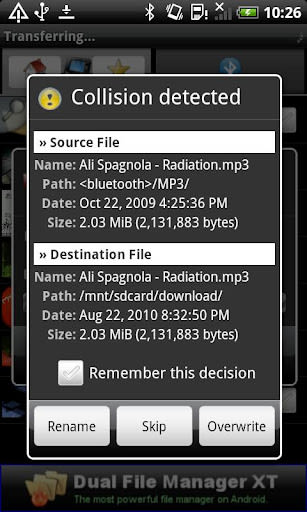
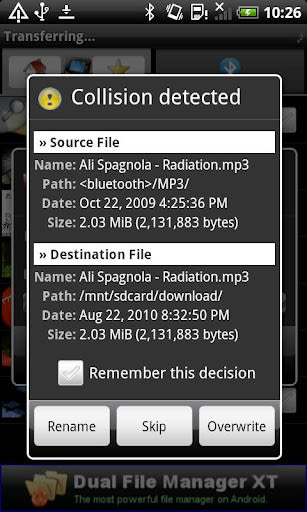
- Cut, copy, move, paste, delete multiple items
- Unhide or hide hidden media
- Compress, uncompress, and extract Zip, GZip, Tar files
- Powerful bookmark feature and contact groups support
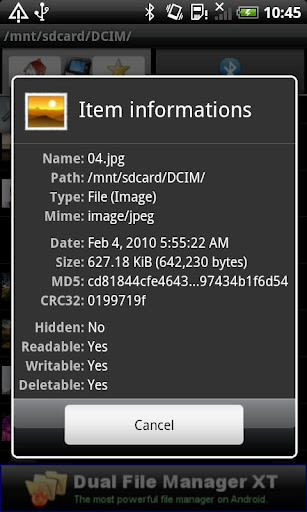
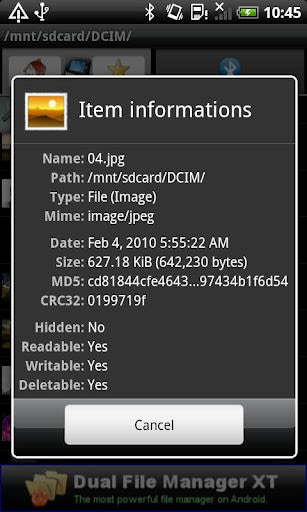
- Calculate MD5 and CRC32
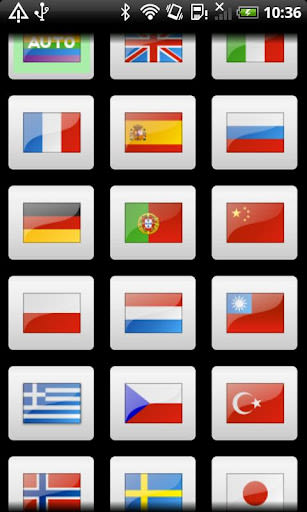
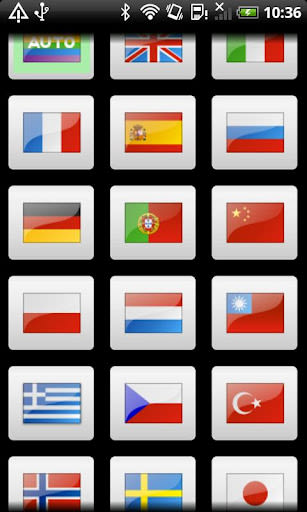
- Multi-language support
Benefits:
- Secure data transfer with encryption
- Intuitive and customizable user interface
- Efficient file management tools
- Streamlined sharing options
- Power-saving management for prolonged usage
Why Choose Bluetooth File Transfer:
- Versatile compatibility with new and old cellphones
- OBEX layer entirely developed by Medieval Software
- Freeware with AD support, option to remove ads with "Medieval Licensing System"
- Multi-language support for global users
Compatibility:
- Works with Android devices
- No root access required
Technical Information:
- No support for Android versions 1.5 and 1.6 for SDPD (uuid port route)
- FAQ: Explains the need for contact read permissions for Bluetooth contact sharing
Explore the convenience and security of Bluetooth File Transfer today. Effortlessly manage your files, enhance data privacy, and enjoy seamless connectivity across devices. Visit our guide for more information. Test it now and streamline your file management experience!
Note: Please be aware that SDPD (uuid port route) may not function on Android 1.5 and 1.6, limiting external device connectivity.
Ekran Görüntüleri
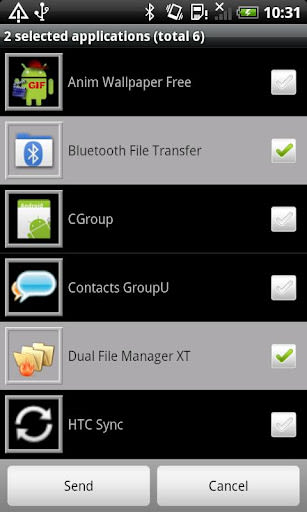
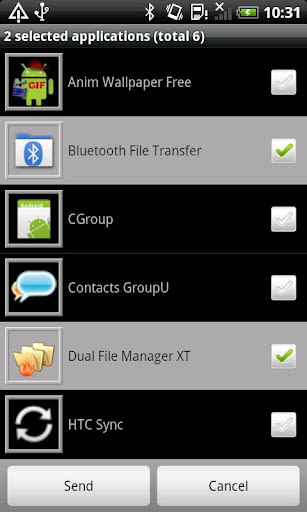
Videolar
Similar

ChatGPT
OpenAI

Whats Web - Whatscan for Web
Secure Soft Inc

Traductor de idiomas
Dinanyelis Rodriguez becosme

Email for Outlook
Utility Apps by XSDev

Cuballama
Cuballama

Sticker Maker for WhatsApp
Trusted Tools

Quick SMS Launcher - Messenger
Share File Technologies by 090 Bravo

Messages - SMS, Chat Messaging
Phase Zero Apps

Walkie Talkie, Talk Now, Push to Talk
Find Friends, Play Games among us, Live Voice Chat

CastChat - Match & Voice Chat
Guru AI Lab

ClanPlay: Community and Tools for Gamers
ClanPlay

Boost Mobile
DISH Wireless L.L.C.